Purchase details and receipts together
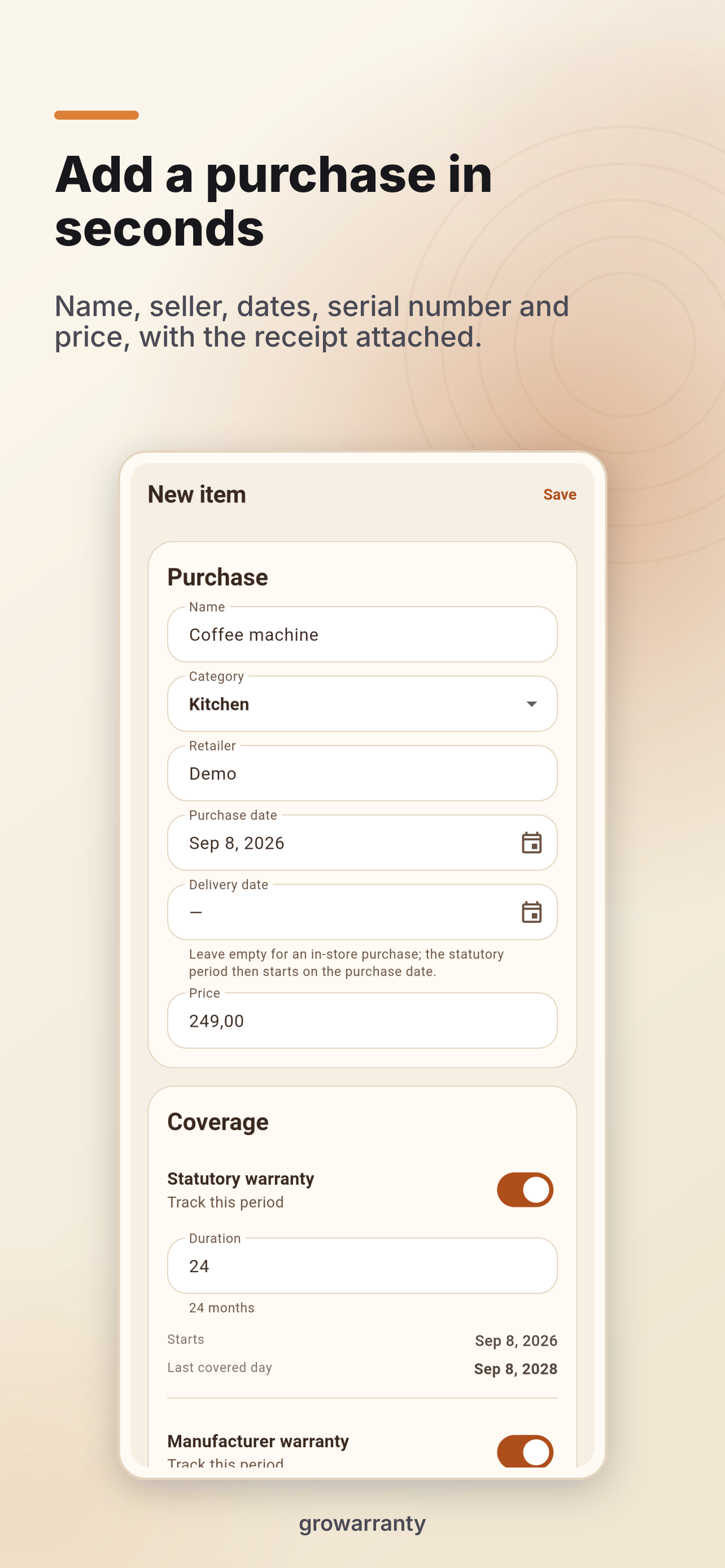
Record the item, retailer, purchase and delivery dates, with optional price, serial number and notes. Photos and PDF receipts stay linked to the item. Use the camera on mobile or drop files on desktop.
Track two separate periods
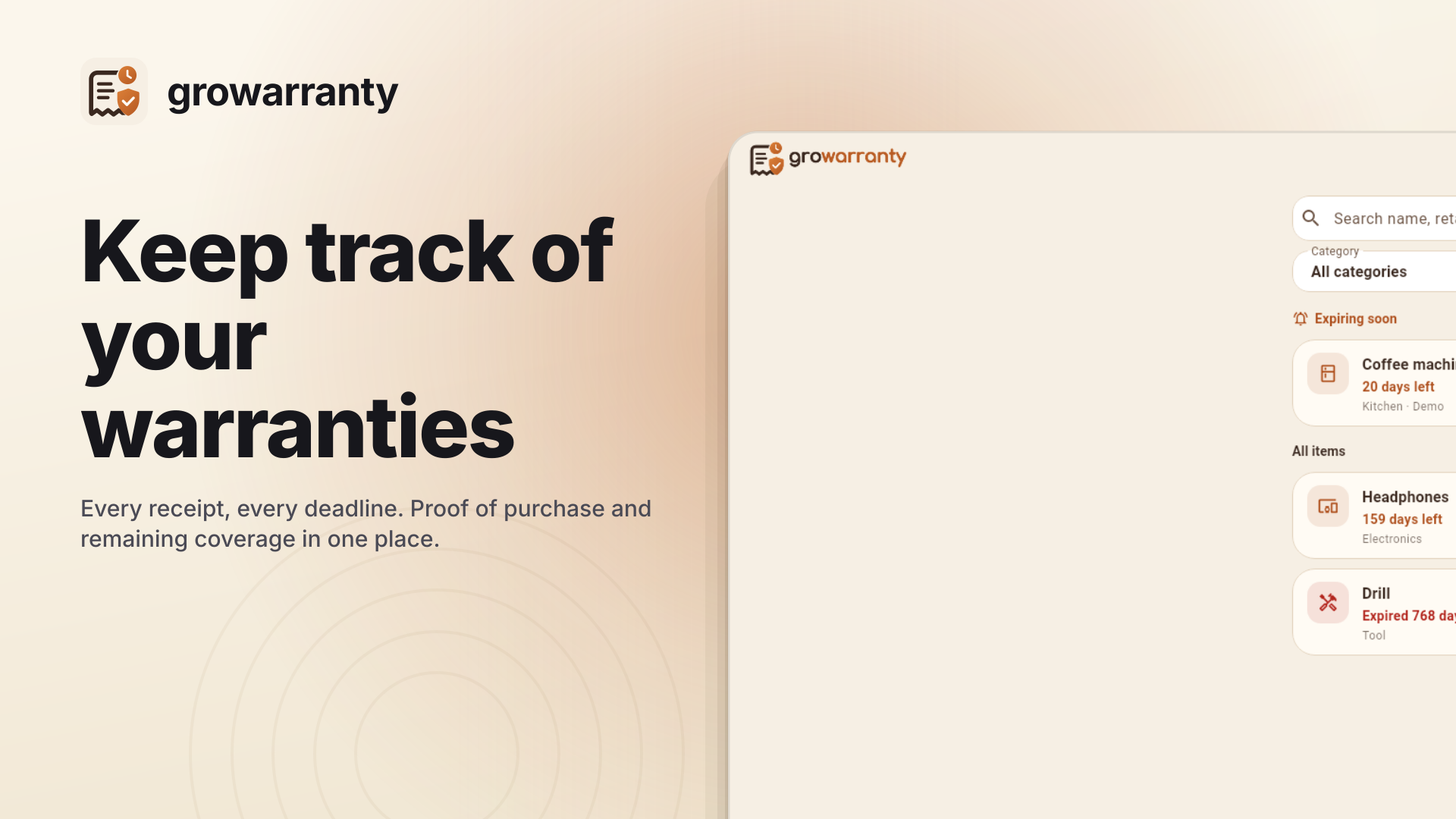
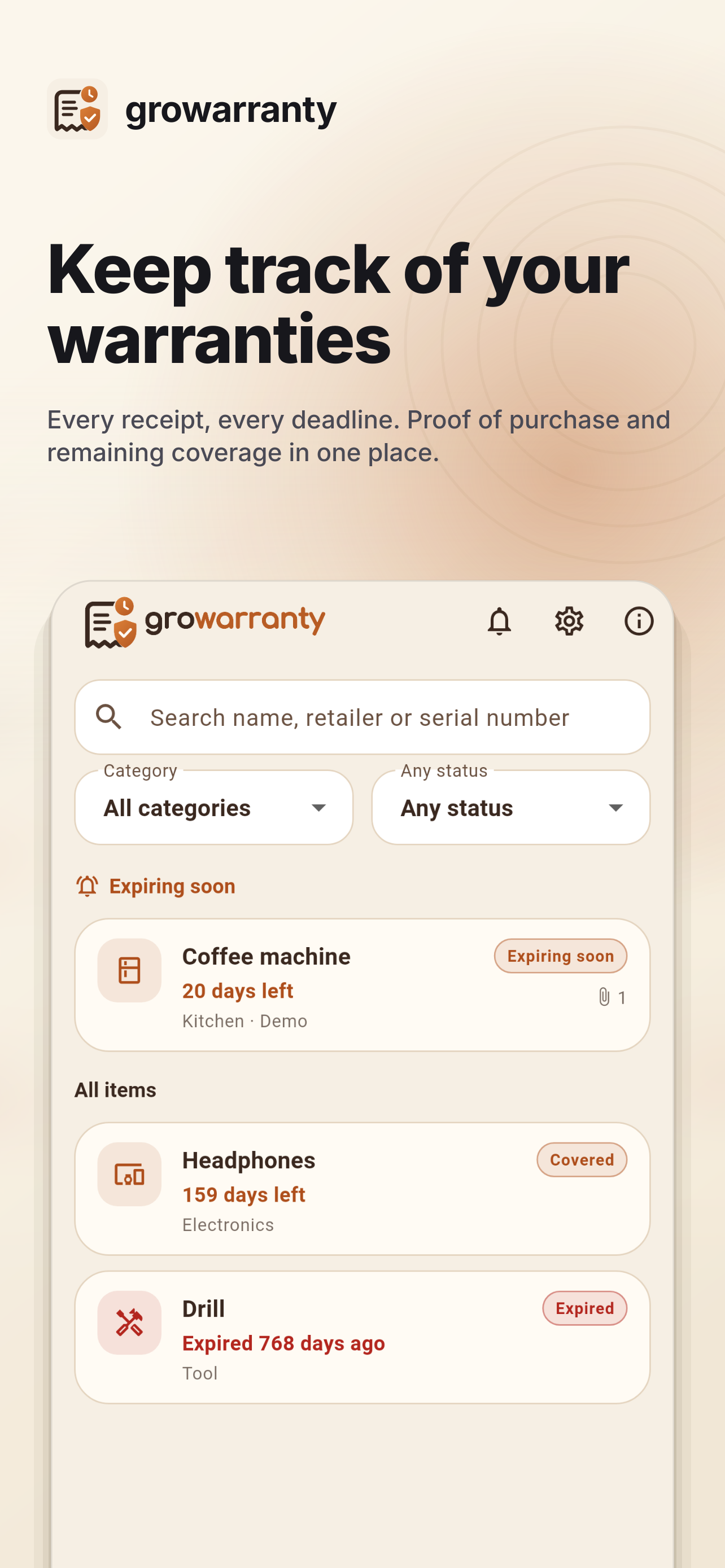
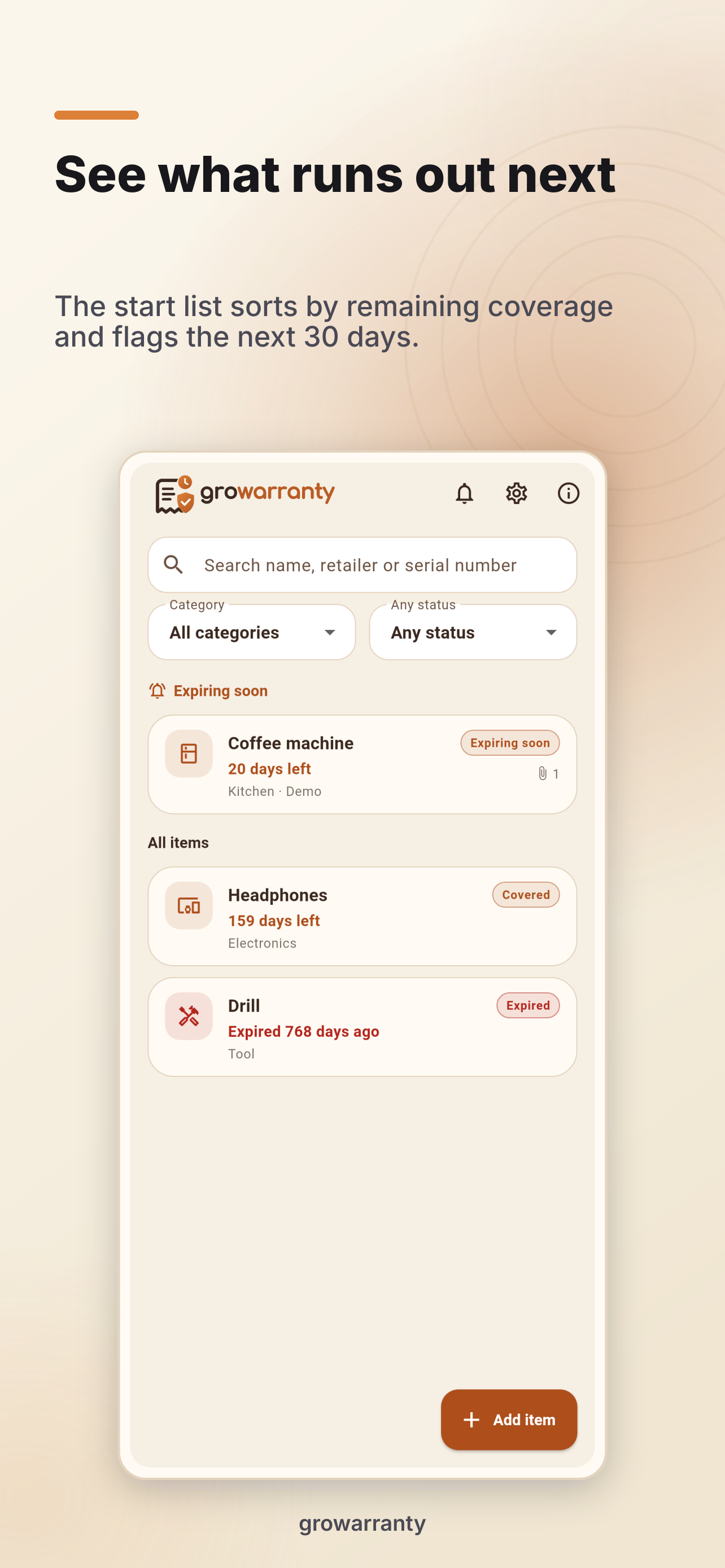
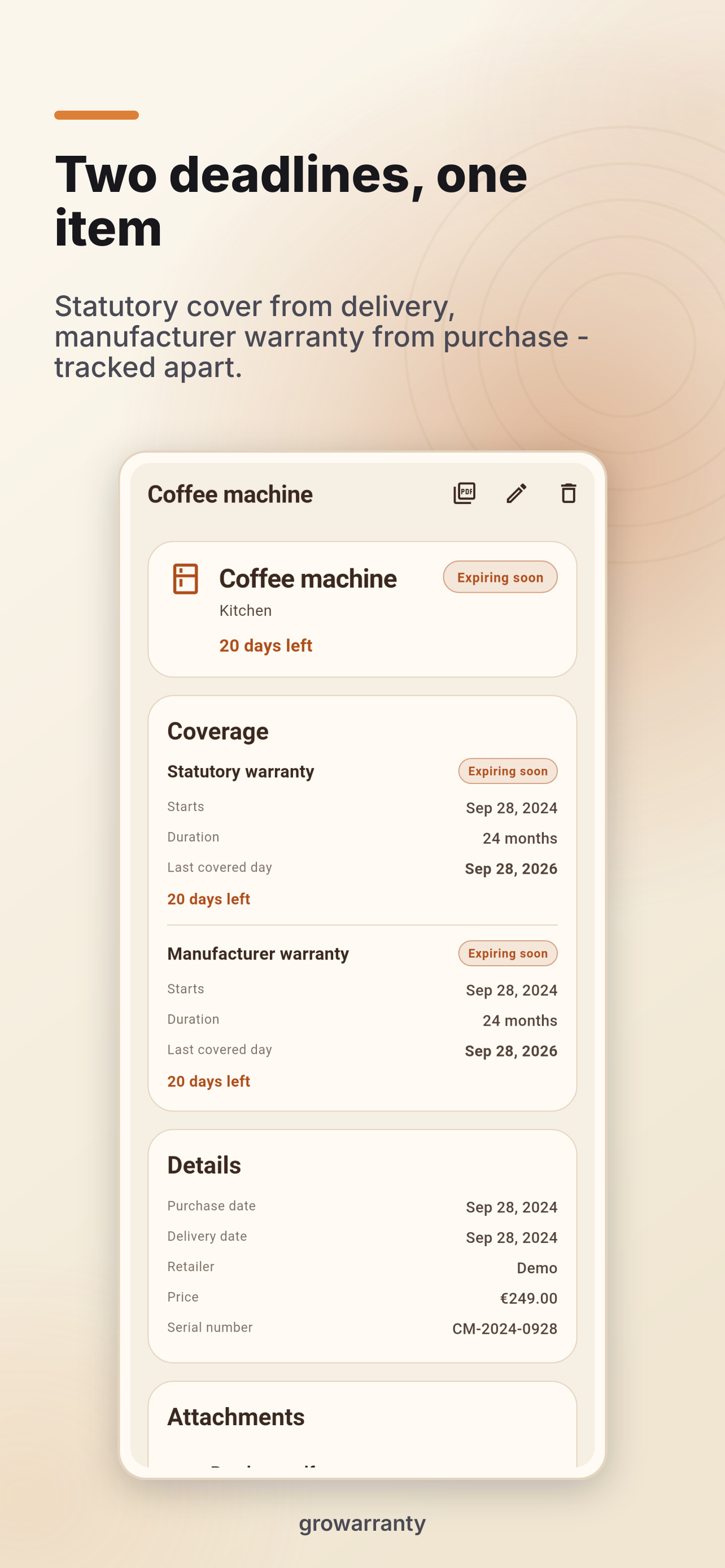
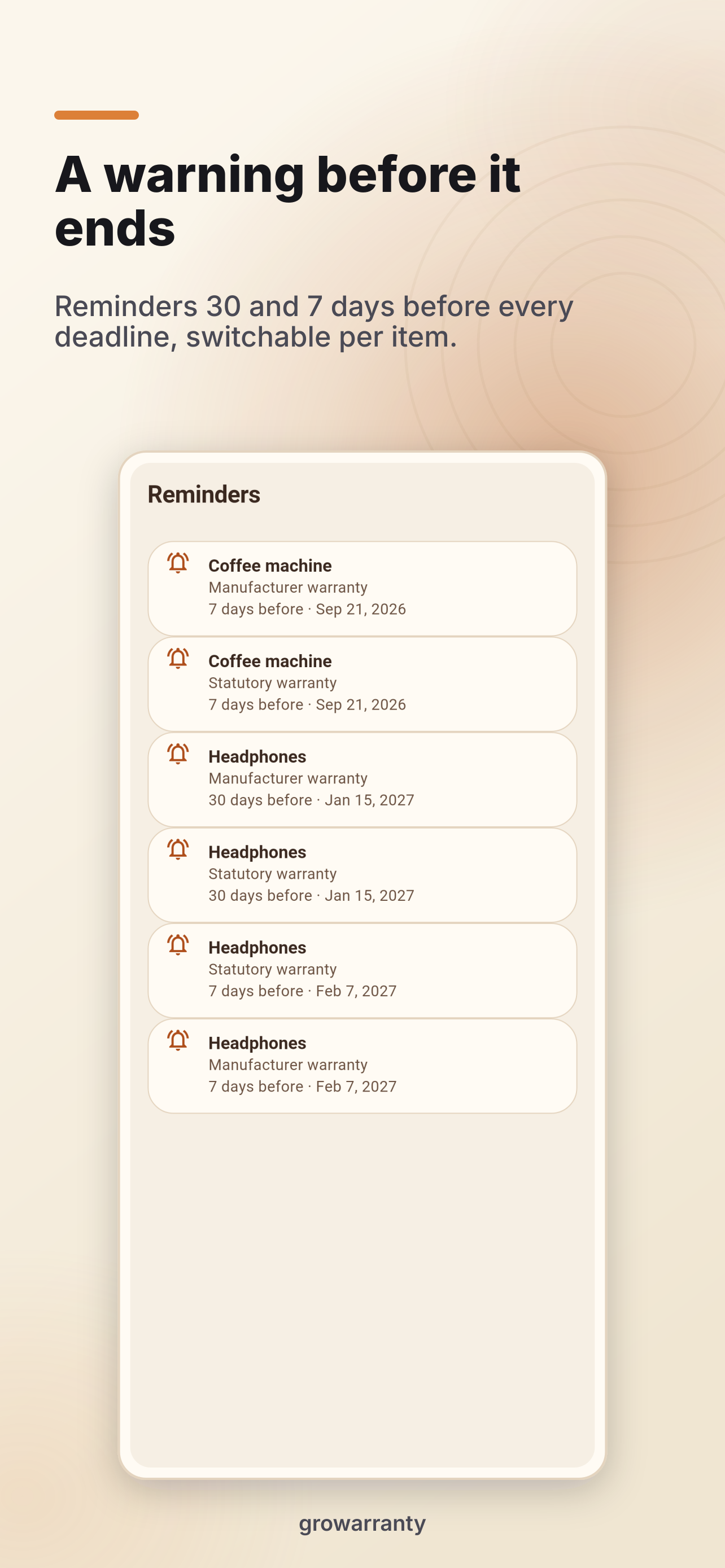
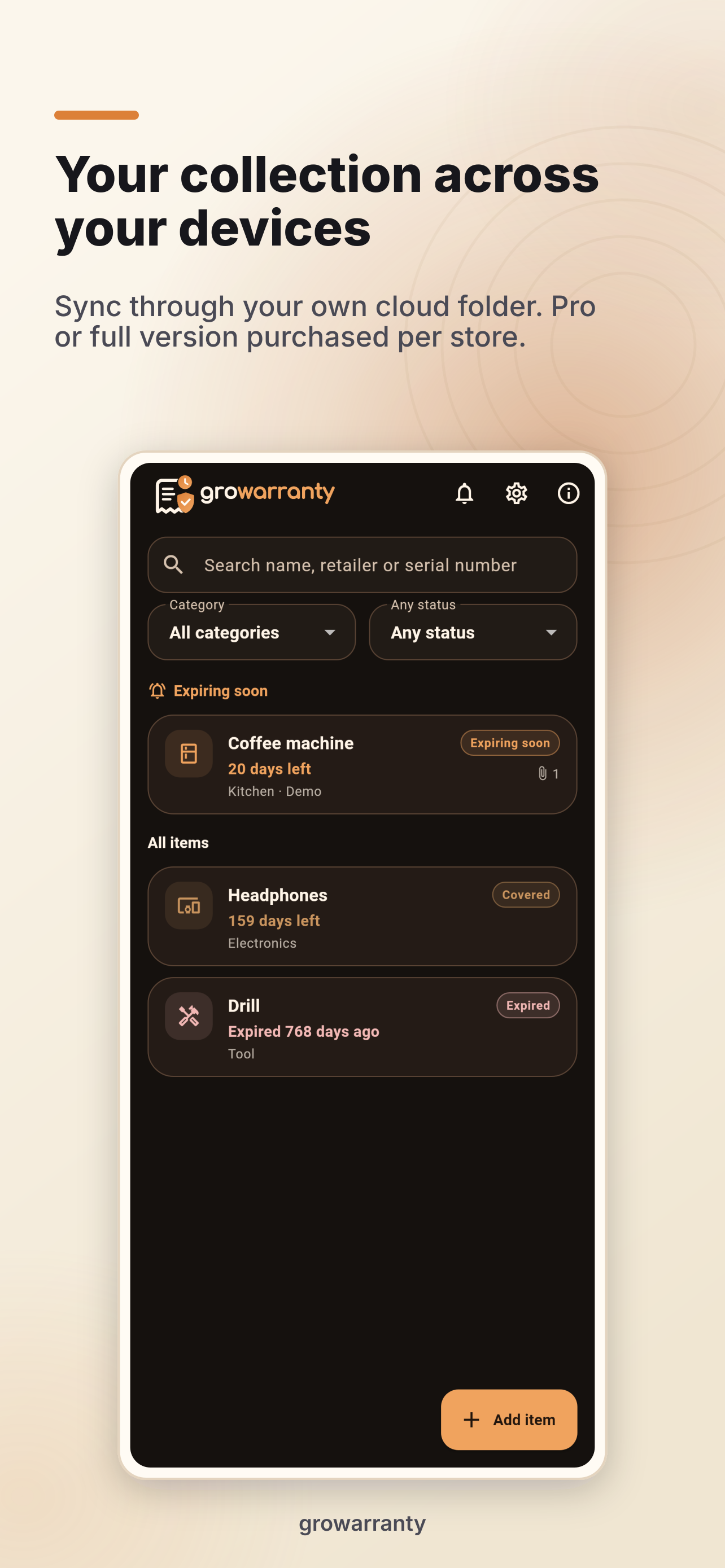
Track statutory coverage from delivery and manufacturer warranty from purchase separately. The collection shows remaining time and filters by category and status. Local reminders you enable help before the expiry dates you enter.
Start free, unlock Pro once
On Android, iOS and macOS, up to three items with one attachment each are free. Pro adds unlimited items and attachments, custom categories, PDF dossiers, ZIP backups and a household folder. The respective store supplies the price; there is no subscription.
Existing items and custom categories remain accessible after a downgrade. The Windows version is planned as a paid app with a trial through the Microsoft Store.
Your categories and a dossier for the retailer
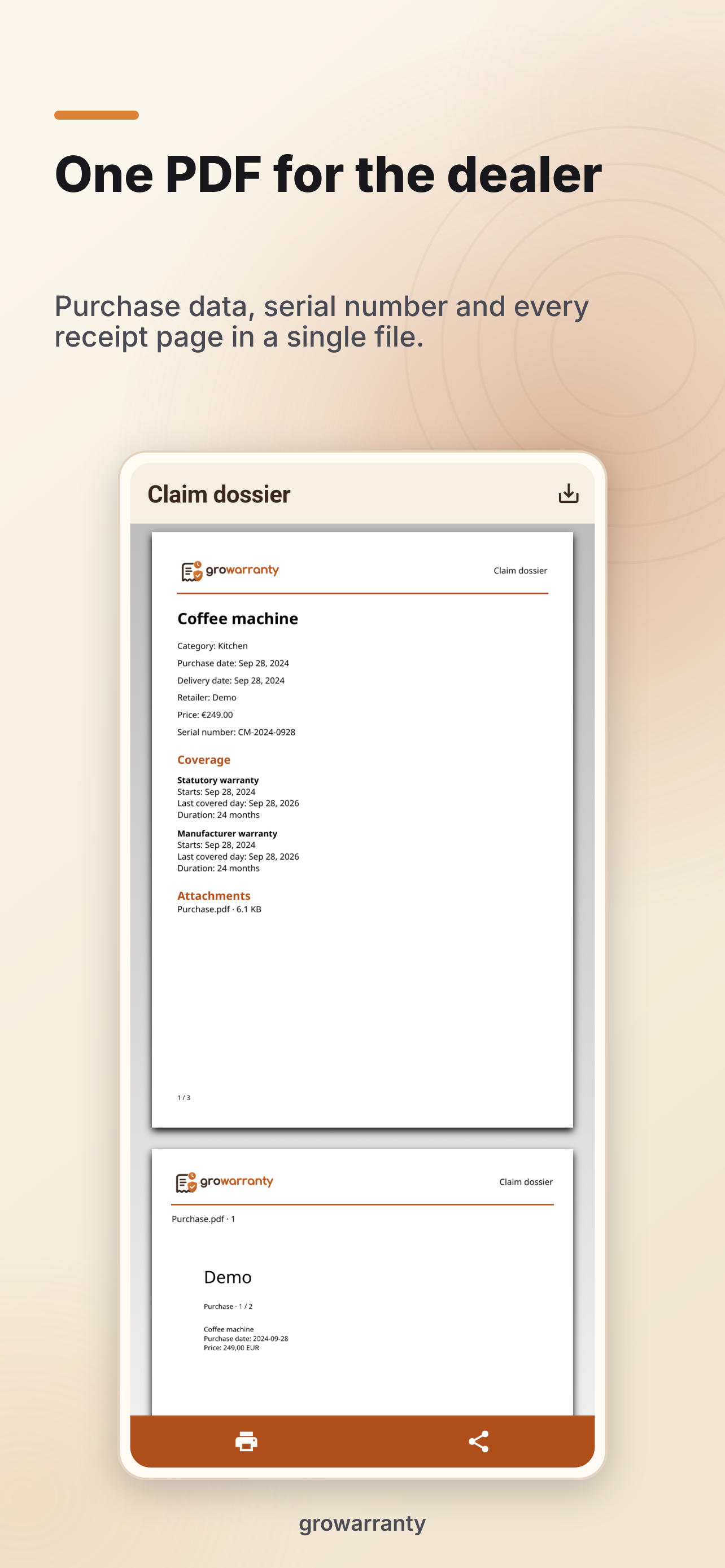
With Pro, create and rename your categories. Removing a category requires choosing a destination for its items. A PDF dossier brings together purchase details, both coverage tracks and every page of your PDF receipts.
Back up and share a household folder
Use the same folder from your own compatible cloud file provider on each device. The provider must allow folder access on every device. growarranty reconciles when opened, after local changes or through Sync folder. Wait for file sync to finish before editing on another device.
Connecting requires Pro or a valid app license on the participating devices. A cloud service is not included. Your collection remains usable locally; ZIP backups can also be transferred manually.
Screenshots
Product views with example data from growarranty 0.1.0.
Frequently asked questions
Does the collection work offline?
Yes. Purchase details and receipts are stored locally. Store purchases, license checks and a cloud file provider you select may need a connection.
Where can I get purchase help?
Open About in growarranty for Pro and purchase restoration. For further help, use growarranty support.
What data does growarranty use?
You enter purchase details and choose receipts and storage locations. See privacy information for local data, file providers and store checks.
Does one purchase cover phone and desktop?
Purchases apply to the respective store and do not transfer between stores. Android Pro and the Windows full version therefore require separate purchases. Whether a purchase covers multiple Apple platforms must be confirmed by the respective store offering. Sharing a data folder does not transfer a license.
Is a cloud service included?
No. For automatic file transfer between devices, set up your own compatible provider and select the same synchronized folder in both apps. Not every mobile file provider supports the required folder access. The local collection does not require a cloud service.