
 grotimer
iOS
grotimer
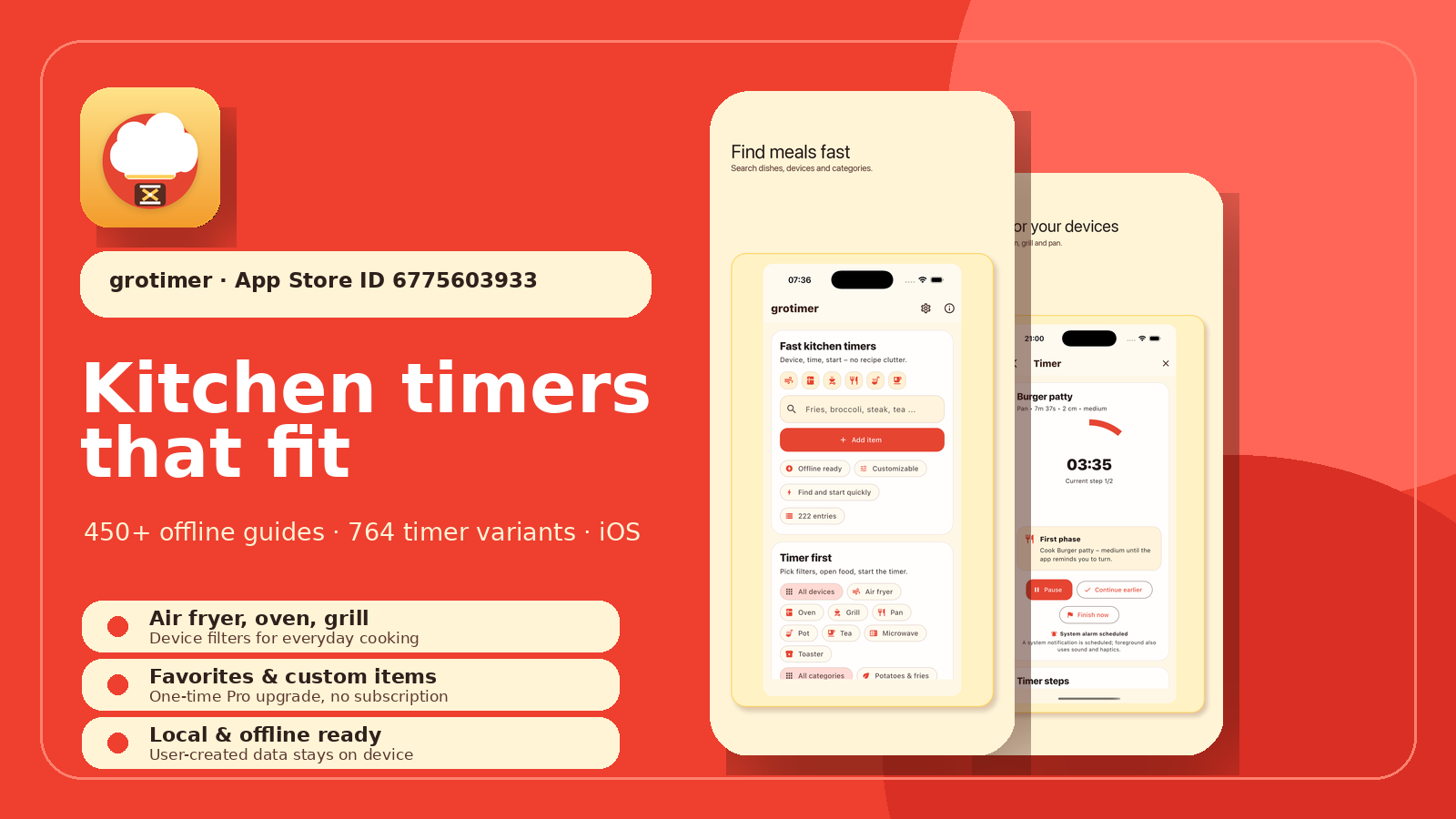
grotimer finds the right cooking time faster: 450+ offline guides, device and category filters, clear timer steps, favorites and custom items with Pro.
Air fryerOfflineFavoritesOne-time Pro
Learn more →
groad.app
groad.app builds practical tools for organization, learning, planning, and productivity — privacy-friendly, clear in value, and without subscription pressure.
groad.app
Each app now has its own static page with clear value, images, store links, and support access.
grotimer
iOS
grotimer finds the right cooking time faster: 450+ offline guides, device and category filters, clear timer steps, favorites and custom items with Pro.
 GroConvert
Windows, macOS
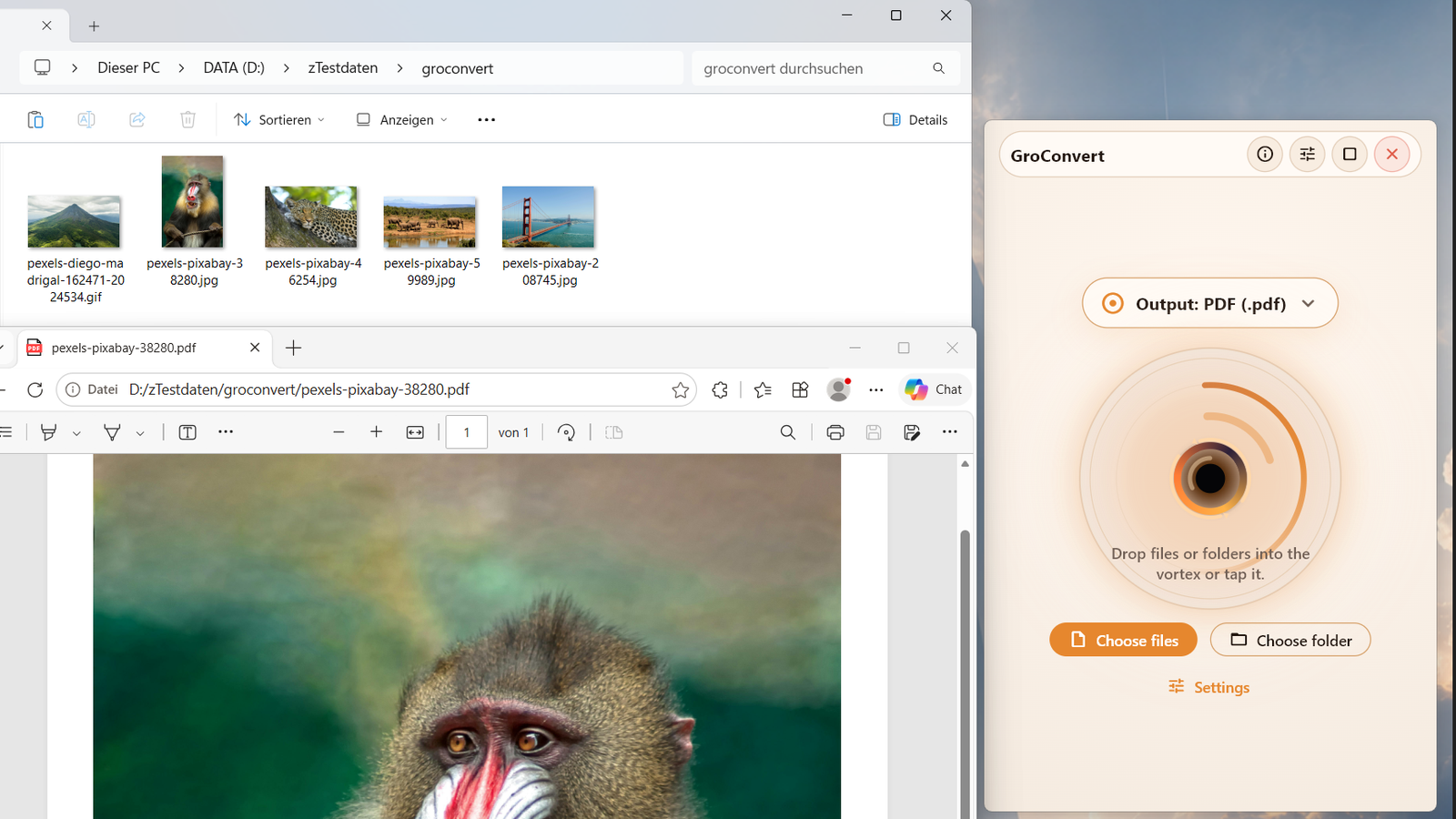
GroConvert converts files locally by drag & drop: batch JPGs to PNG/PDF, documents to PDF with LibreOffice, ZIP archives, and hash sidecars.
 GroDock
Windows 11
GroDock brings a flexible dock to Windows 11: top, bottom, left, or right, with app groups, shortcuts, widgets, and multi-monitor support.
 grospace
Windows, macOS
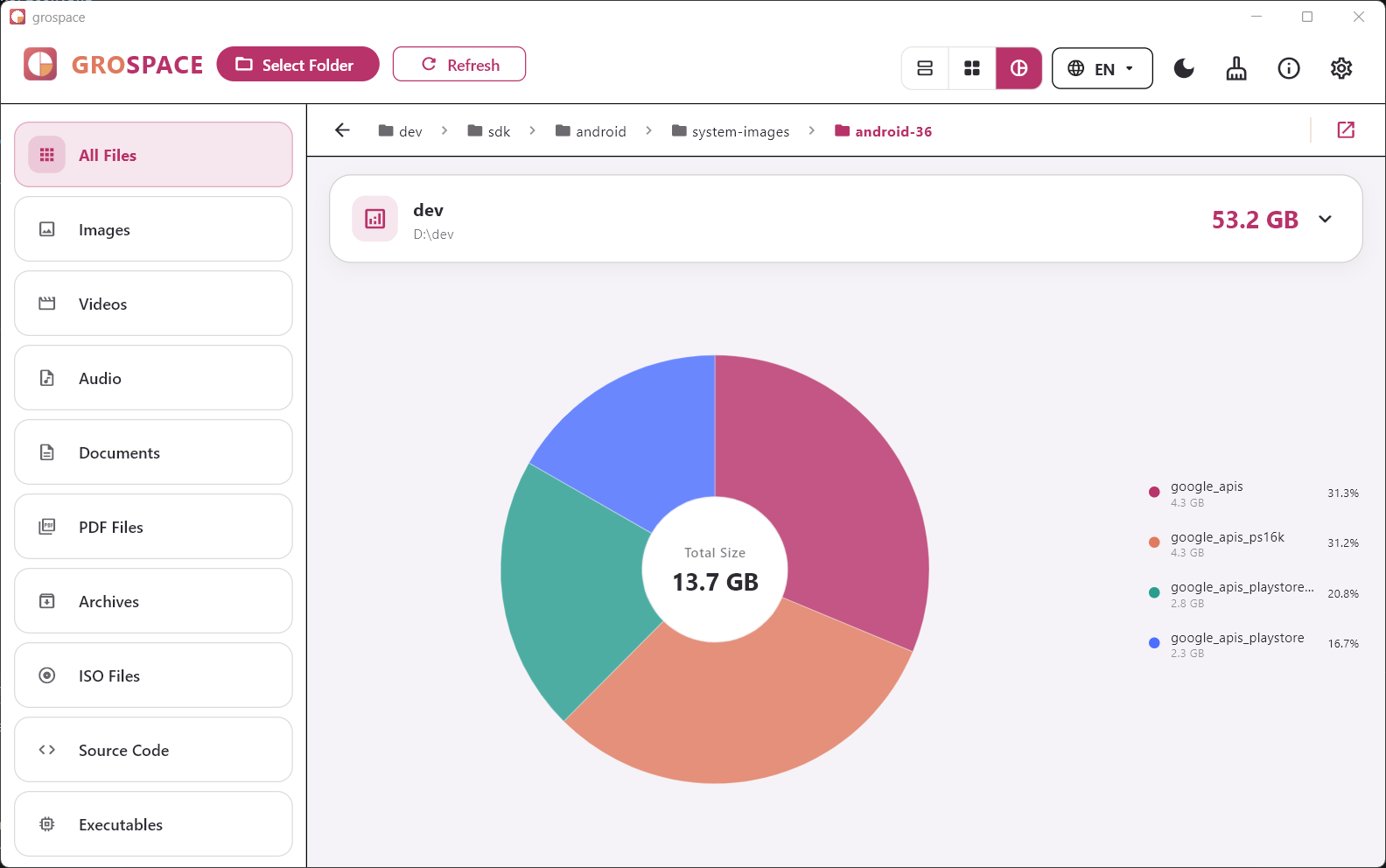
grospace visualizes large folders and files so you can understand where your storage went — locally, clearly, and with multiple views.
 grosift
Windows, macOS, iOS, iPadOS, Android
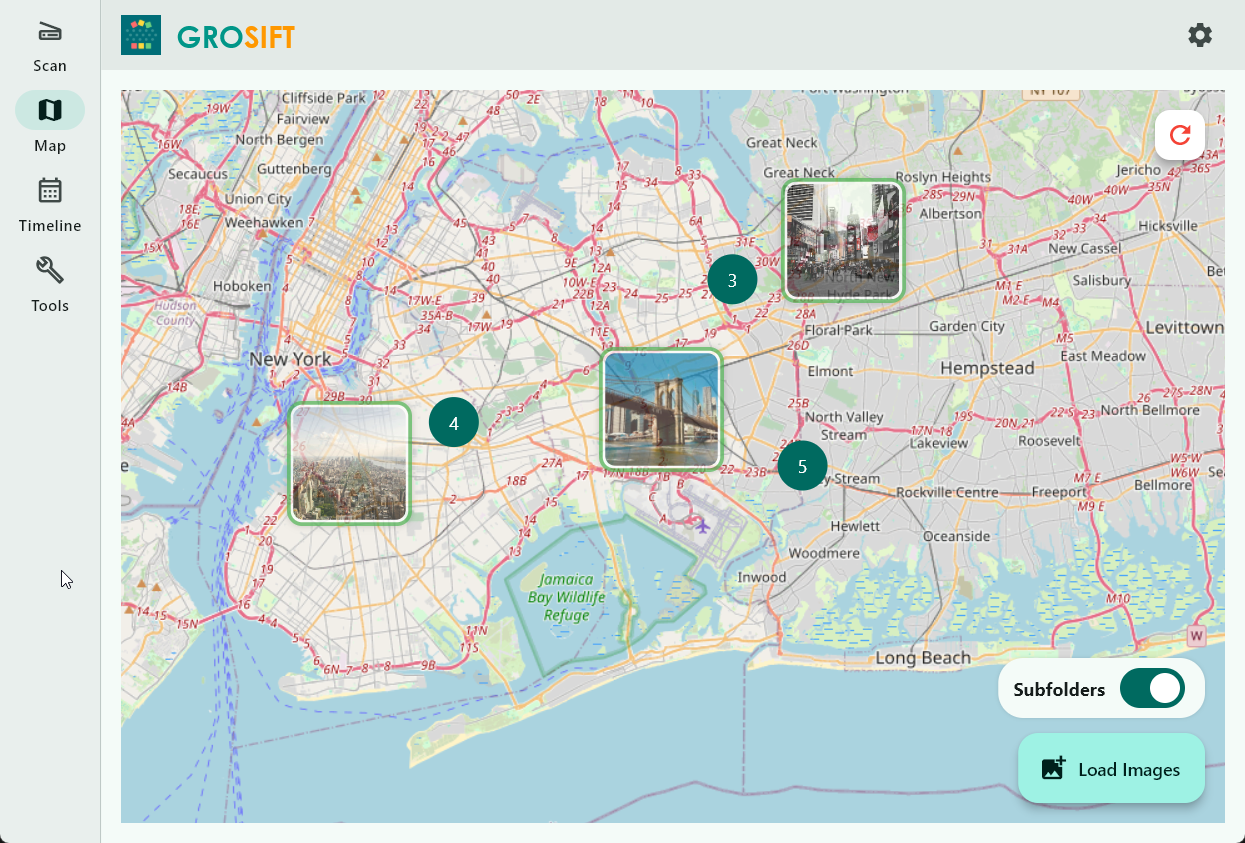
grosift helps you understand media and files before cleaning up: by place, time, text, size, and duplicates.
 GroGuild
Windows, macOS, iOS, iPadOS
GroGuild makes permaculture planning more tangible: place plants on a 2D canvas, check spacing, see synergies, and export designs.
 grolearn
Windows, iOS, iPadOS, macOS
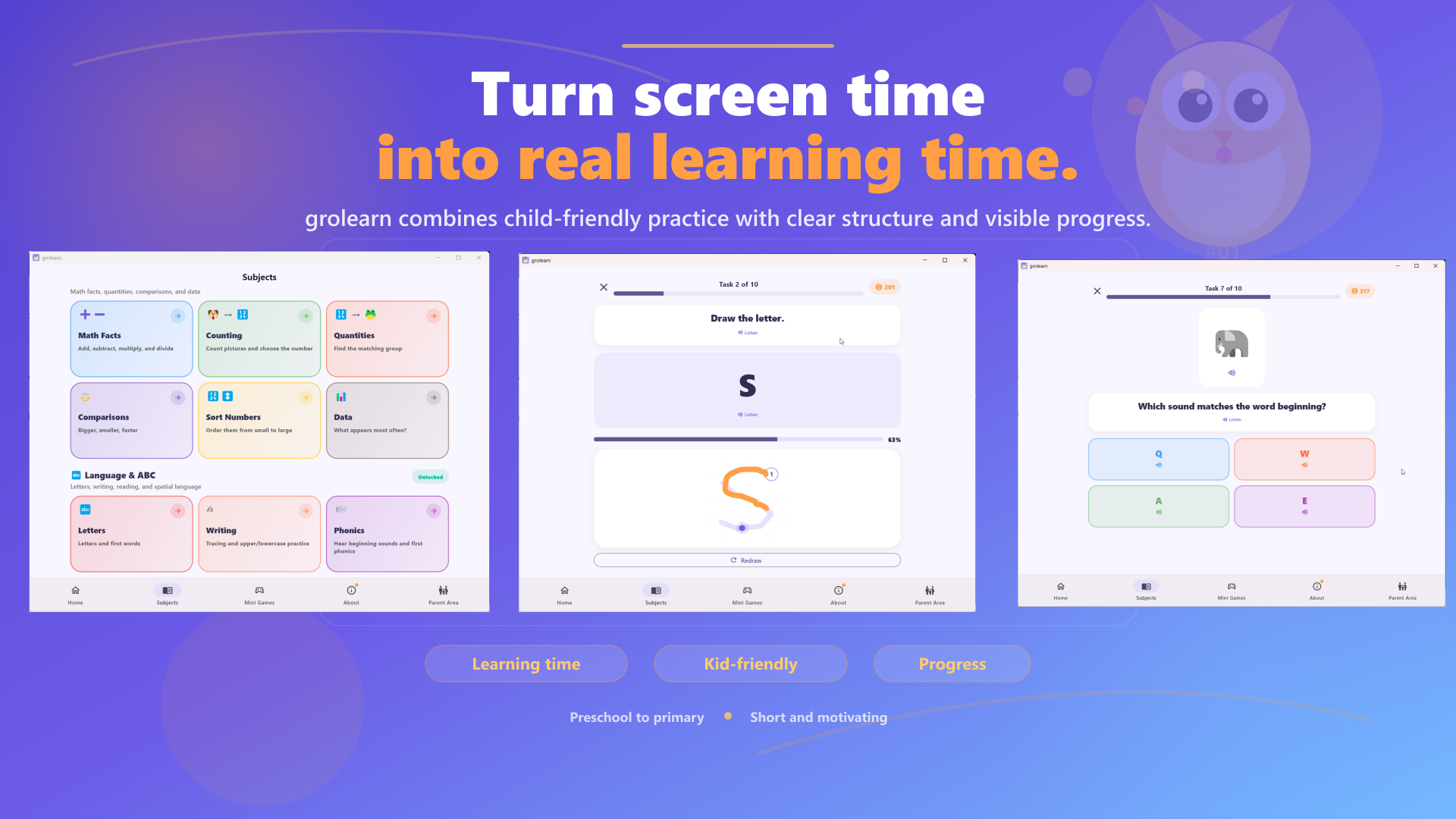
grolearn helps families structure screen time: with short practice sessions, parent controls, daily limits, progress per child, and motivating rewards.
 groscrum
Windows, Web
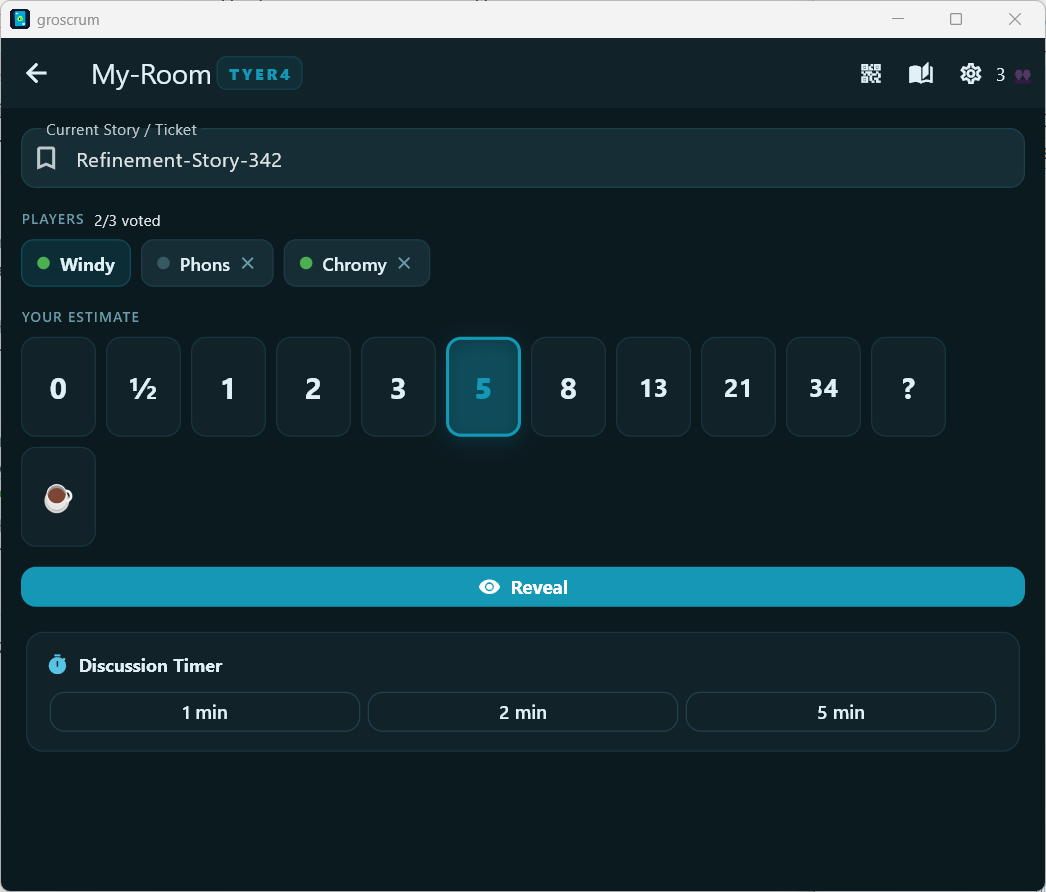
groscrum brings Planning Poker into a clear real-time flow: create a room, choose cards, reveal together, and find consensus.
 GroFlow
Windows
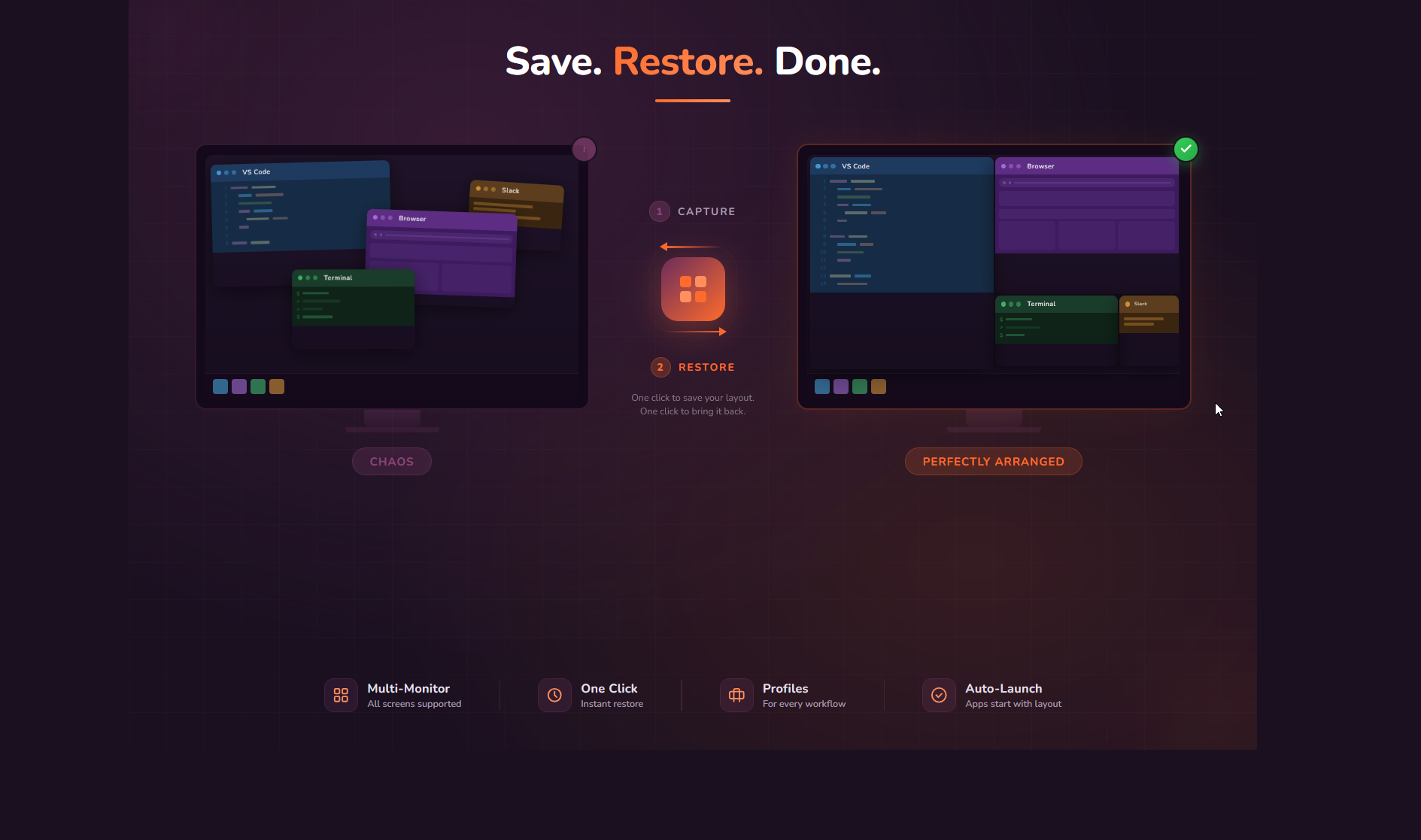
GroFlow saves repeatable window setups as profiles and restores them later — useful for coding, office work, meetings, and multi-monitor desks.
 GroCraft
Windows, iOS, iPadOS
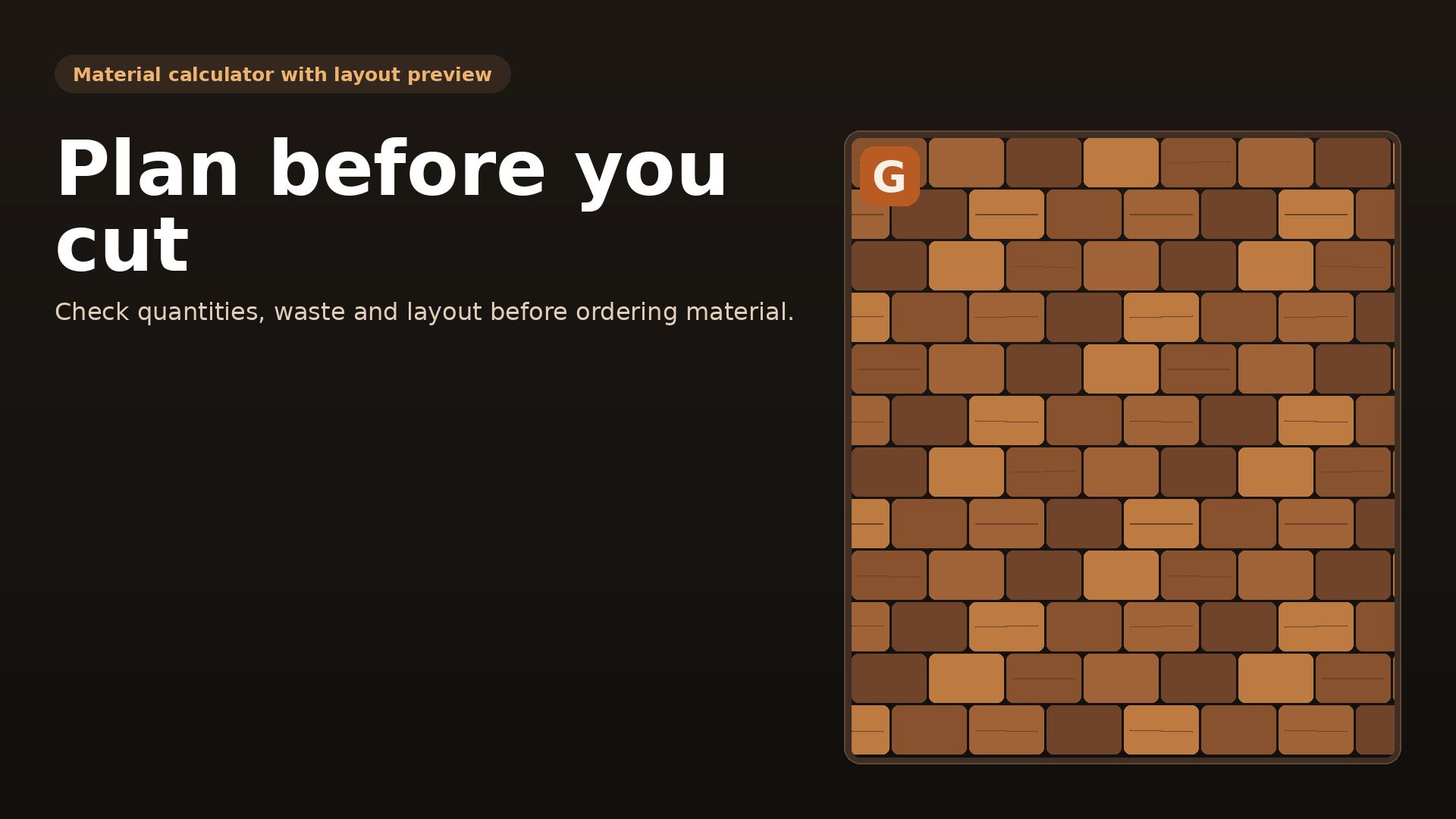
GroCraft calculates material requirements for flooring, tiles, decking boards and baseboards — including waste, purchase rounding, accessories, costs and a laying example.