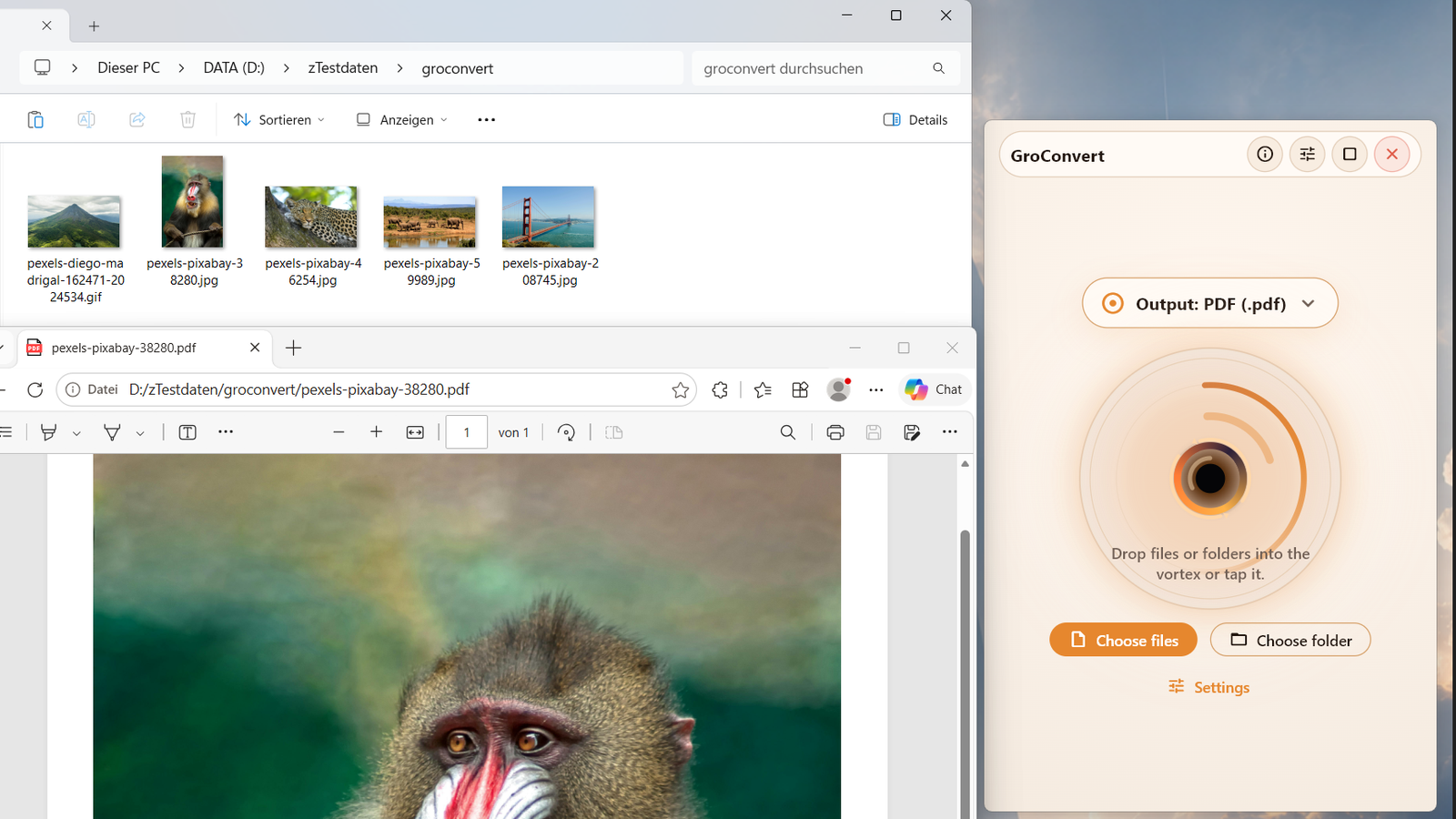
What the app solves
GroConvert removes repetitive clicks from common file tasks. Select files or folders, choose the target format, and let the app process them locally. It fits quick image batches, PDF output, ZIP archives, checksums, and workflows powered by local tools such as LibreOffice, FFmpeg, or Poppler.
Features
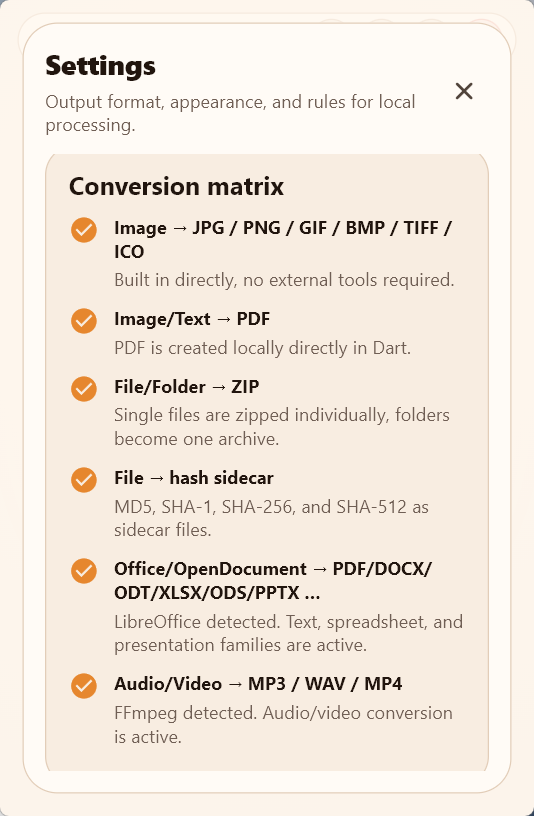
Convert JPG, PNG, GIF, BMP, TIFF, and ICO — including many files in one run.
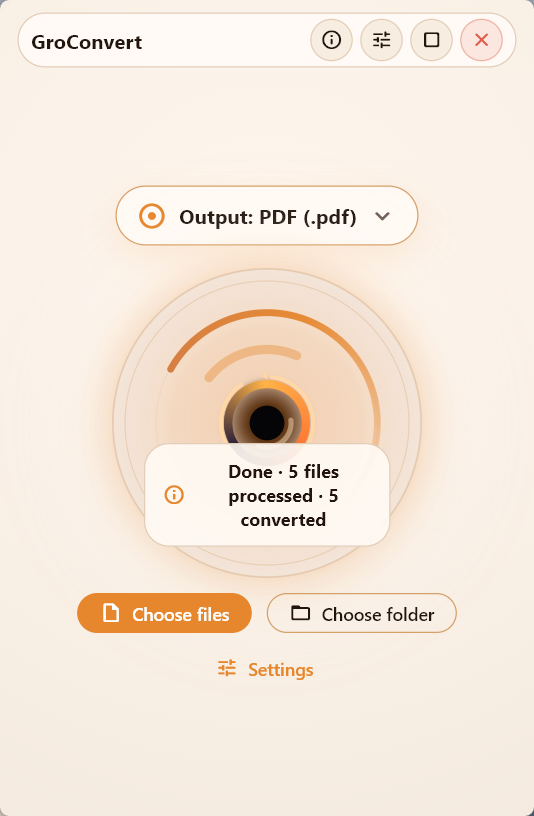
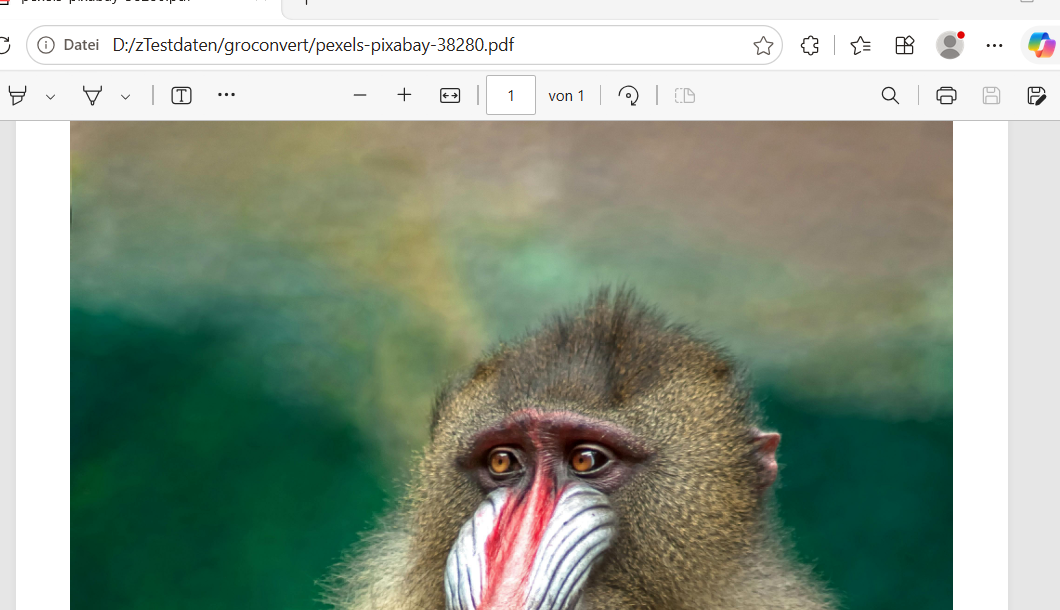
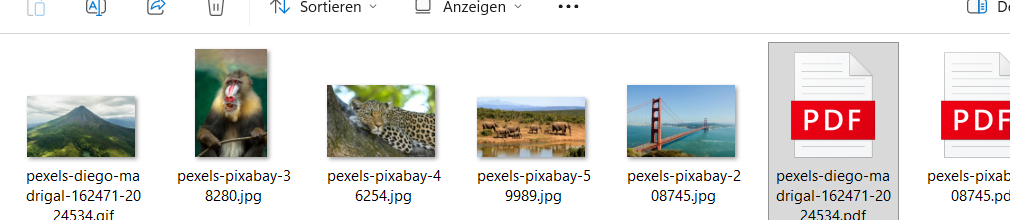
Create PDF files locally, for example from images or simple text files.
With LibreOffice installed locally, office and OpenDocument files can become PDFs or related formats.
Create MD5, SHA-1, SHA-256, and SHA-512 files for verification or archiving.
Single files are zipped individually; folders become one archive.
Optional: create MP3, WAV, or MP4 from local media when FFmpeg is installed.
Typical use cases
- Convert many JPG images quickly to PNG or PDF
- Export DOCX, ODT, or XLSX files as PDF with LibreOffice
- Create SHA-256 or SHA-512 hash files for downloads and archives
- Zip project folders for backup or sharing
- Convert WAV files to MP3 when FFmpeg is available locally
- Export PDF pages as image files with Poppler/pdftoppm
Screenshots
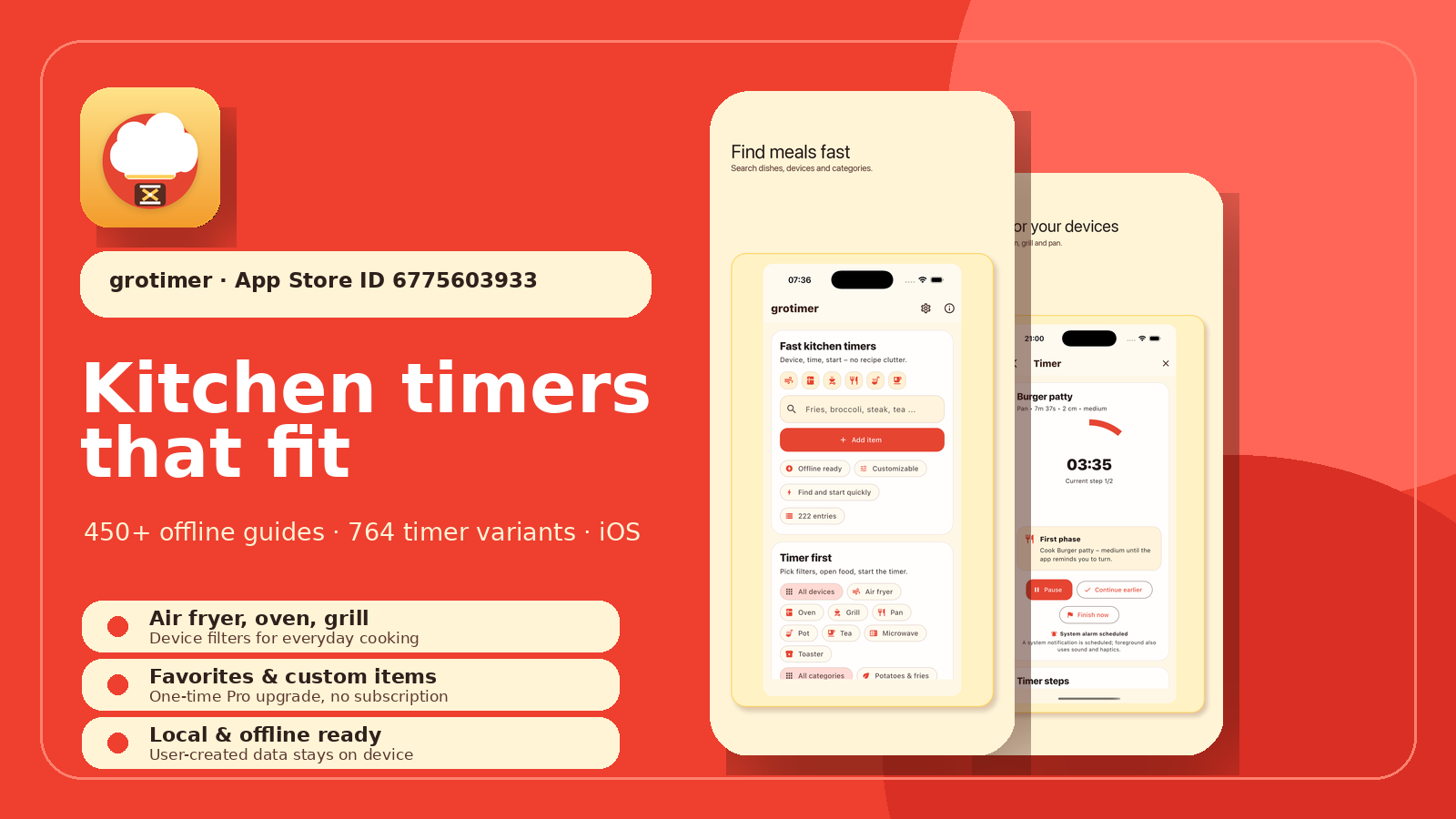
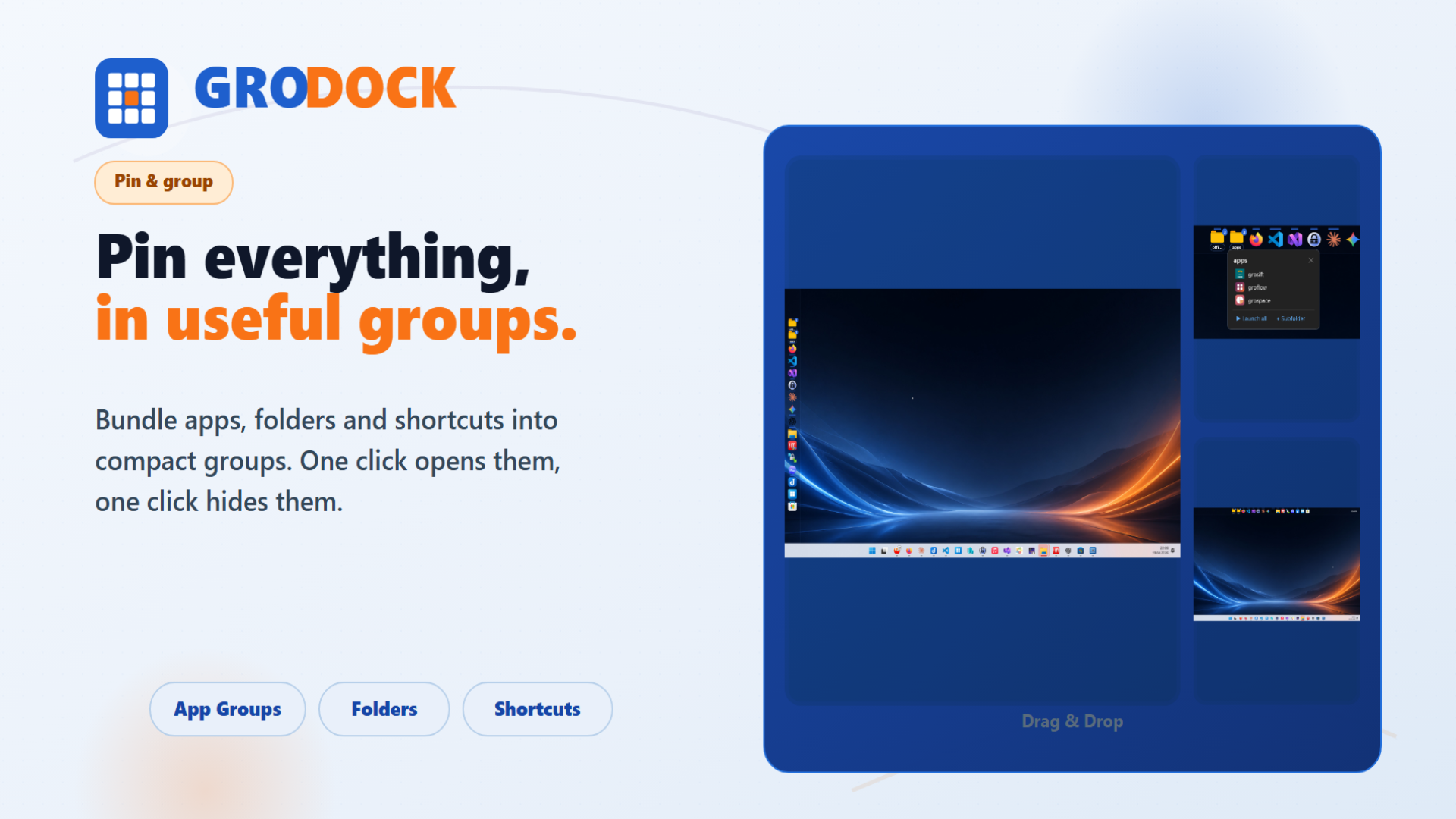
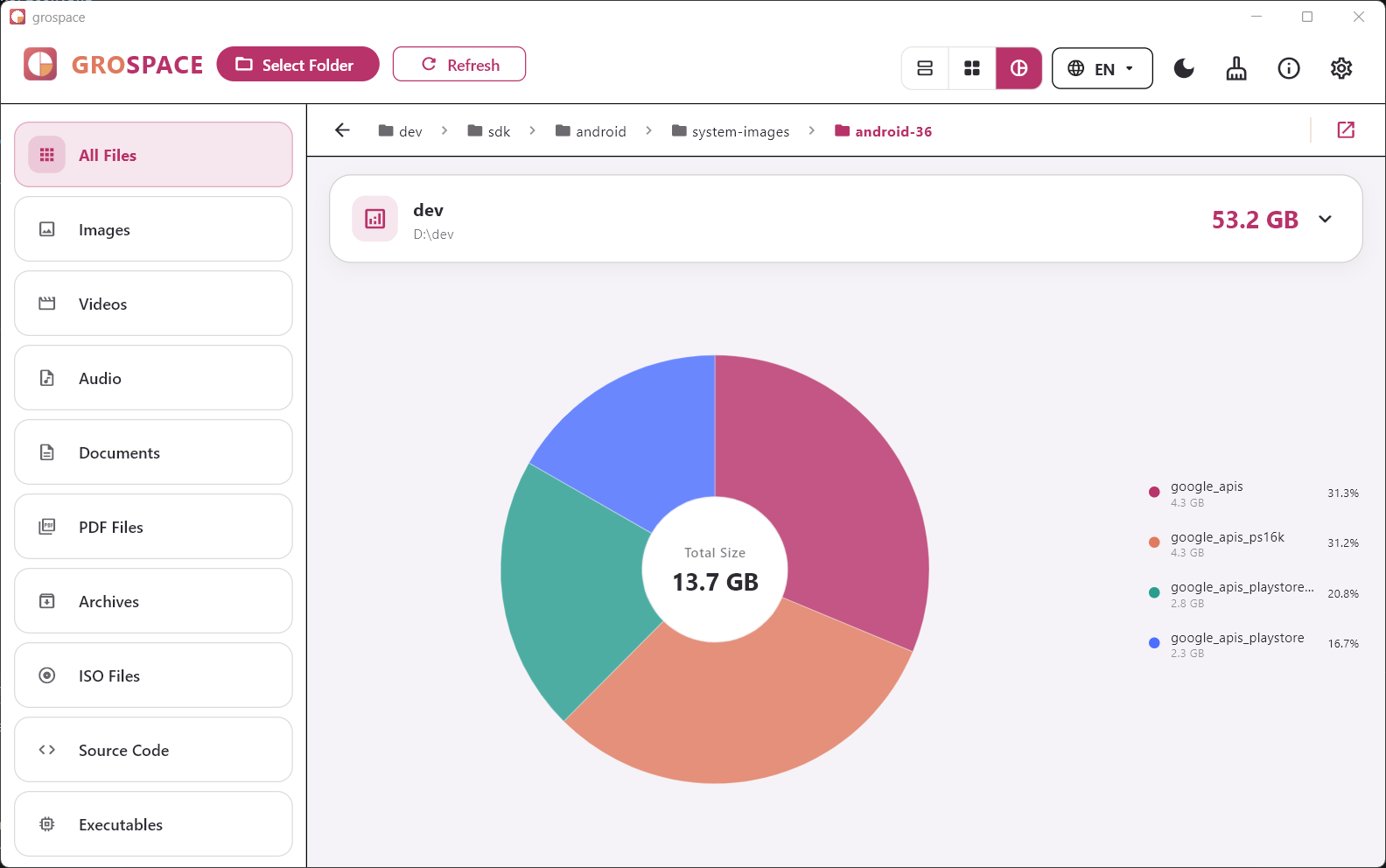
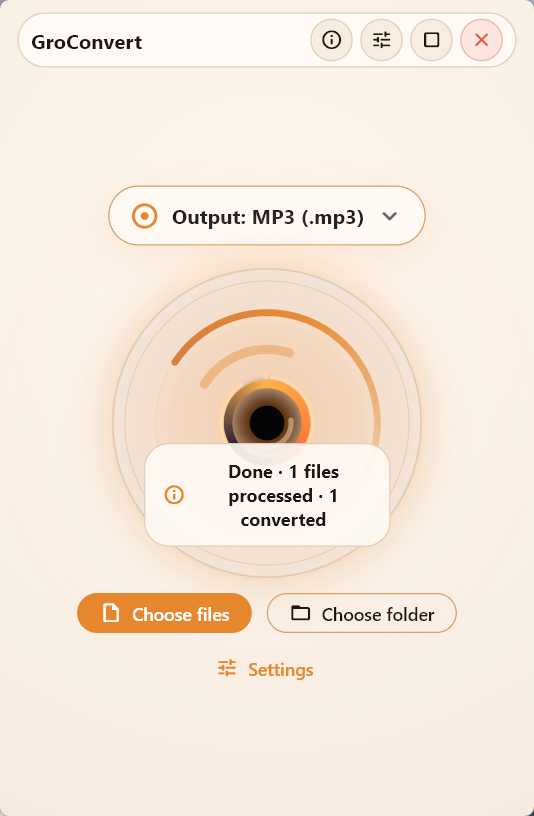
Product images from the Windows version. Screenshots were cropped for the website so private Explorer areas are not visible.

FAQ
Are my files uploaded?
No. Conversion runs locally on your device. Store platforms may process technical store data under their own terms, but GroConvert does not upload your selected files to groad.app servers.
Why do I sometimes need LibreOffice, FFmpeg, or Poppler?
Core conversions are built in. For office documents, media formats, or PDF page export, GroConvert uses existing local tools when installed. If they are missing, the matching workflows are disabled or explained clearly.
Is GroConvert available for macOS?
GroConvert is designed as a desktop app for Windows and macOS. The Windows link opens the Microsoft Store; a public Mac App Store link will be added after the macOS release.