GROAD logo apps

Workspace Layout Manager

Your workspace. One click.

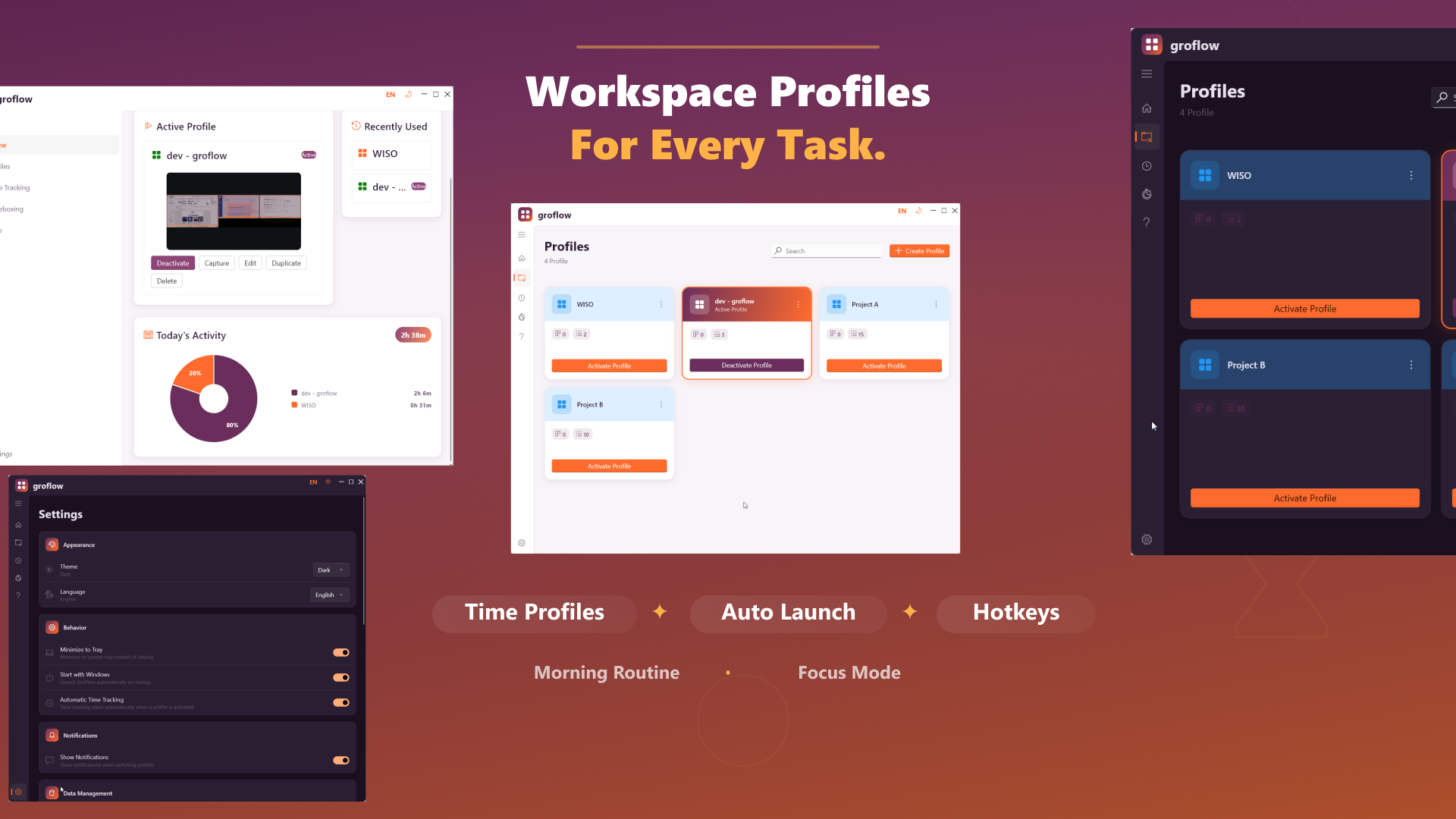
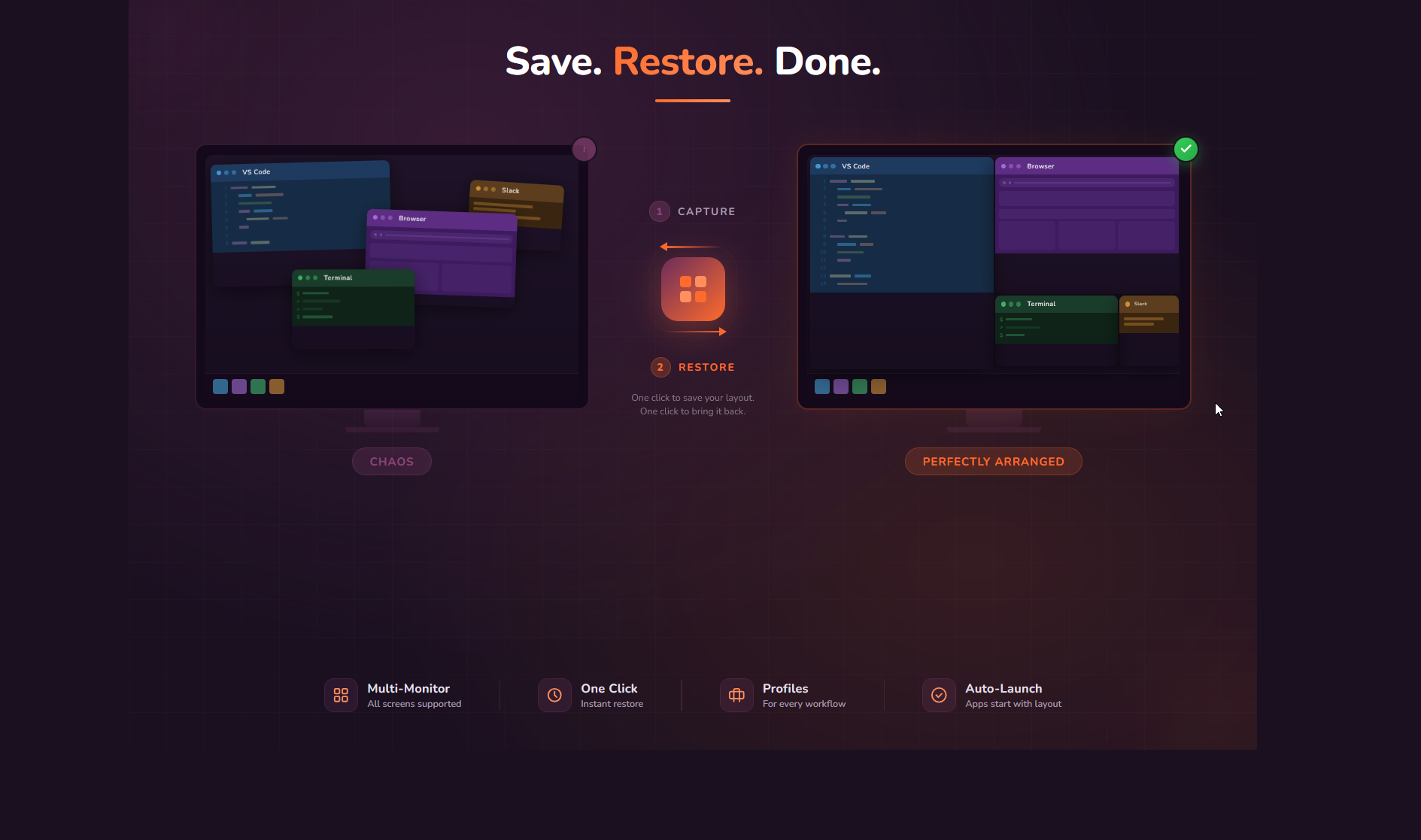
GroFlow saves repeatable window setups as profiles and restores them later — useful for coding, office work, meetings, and multi-monitor desks.

Windows
GroFlow hero screenshot GroFlow

What the app solves

GroFlow saves and restores Windows workspace layouts: profiles, window positions, multi-monitor setups, tray control, and focus sessions.

Features

Profiles & layouts

Save window positions, sizes, monitors, and states as workspaces.

Multi-monitor ready

Useful for docking stations, laptop setups, and fixed desks.

System tray control

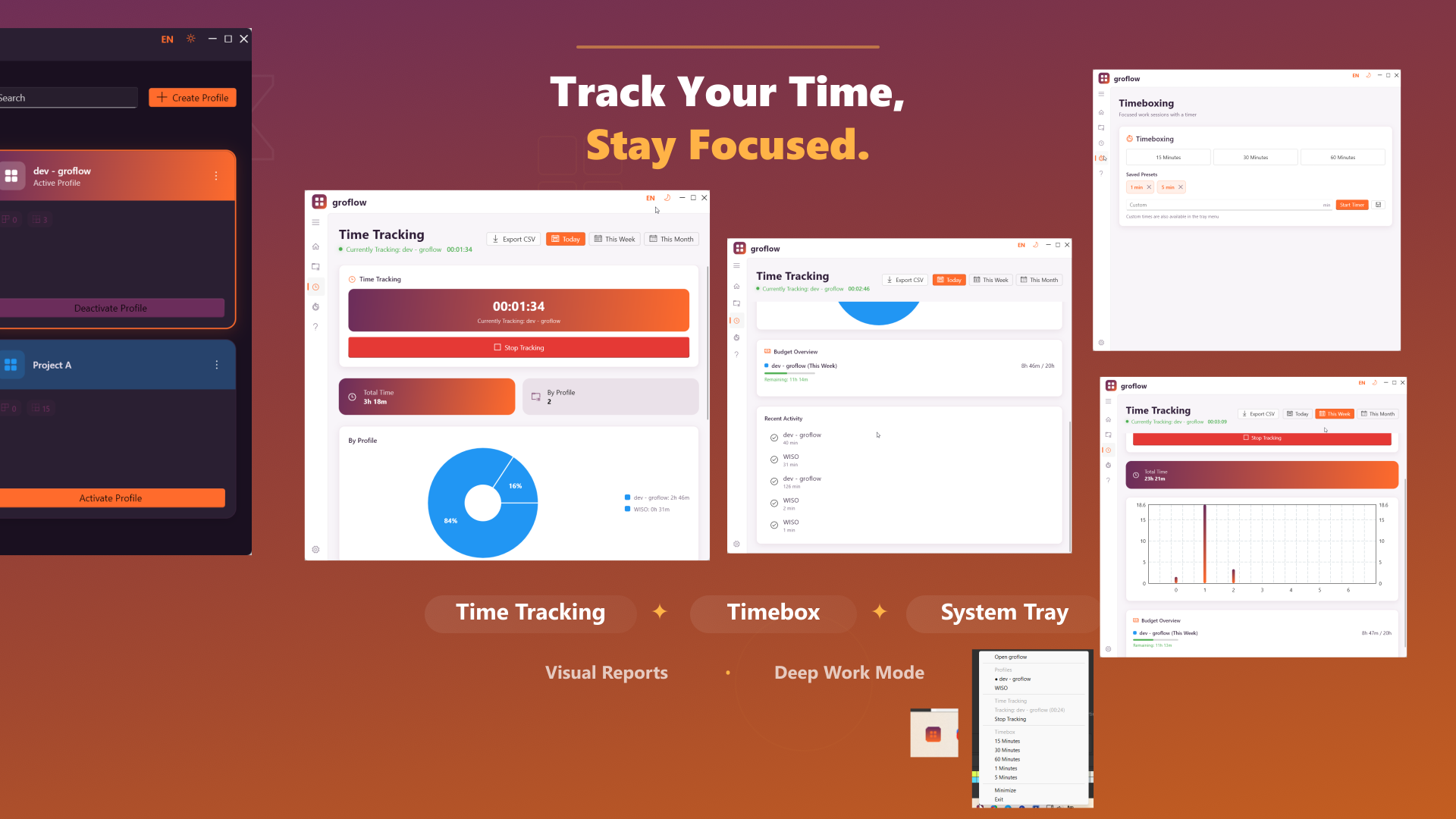
Switch profiles and manage workflows directly from the tray.

Focus and time features

Supports structured sessions instead of manual window chaos.

Typical use cases

  • Restore coding workspaces
  • Save office layouts
  • Prepare meetings faster
  • Reduce window chaos after restarts

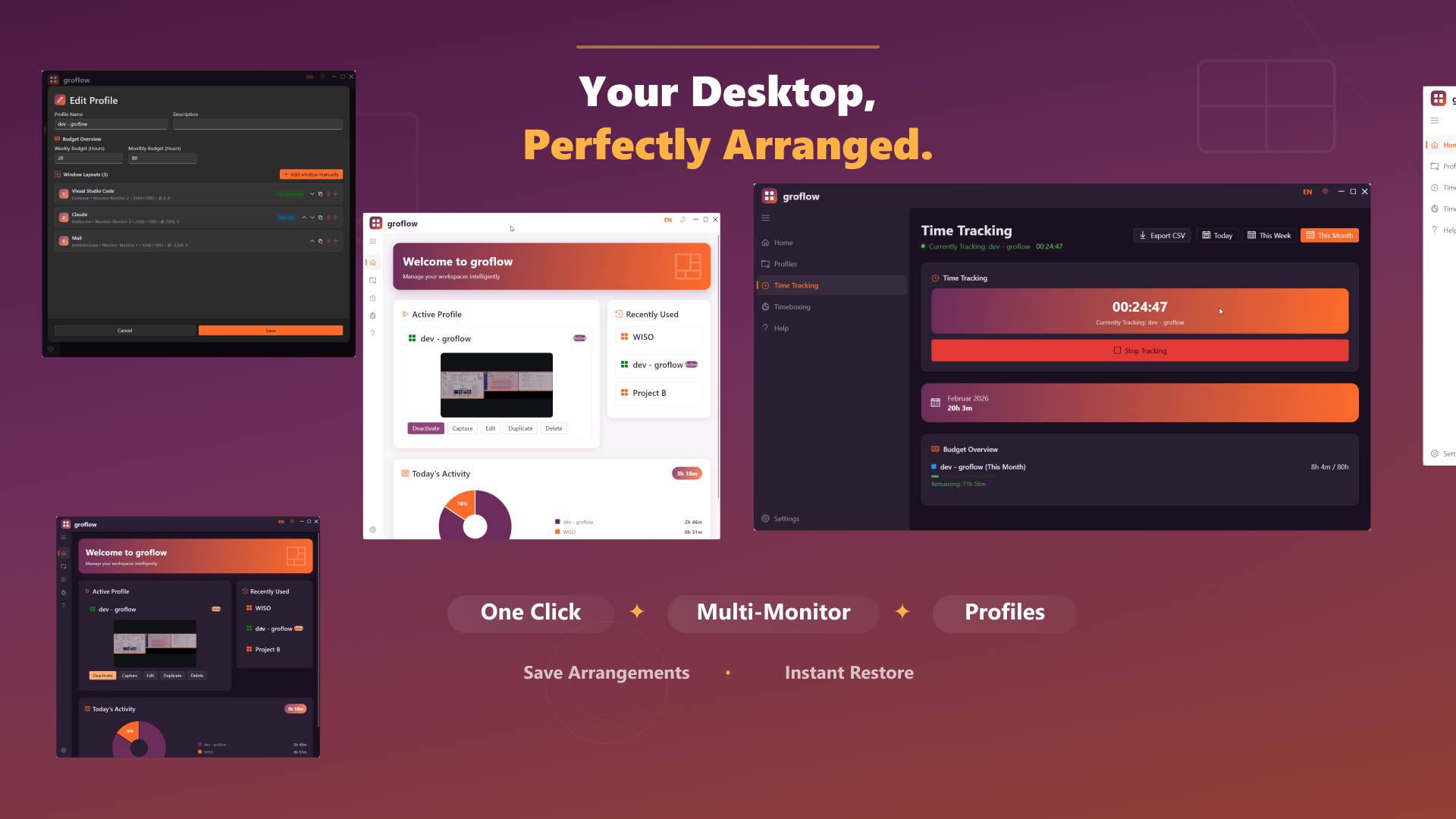
Screenshots

Real product images from the current website bundle.
Frequently asked questions

Does GroFlow save layouts locally?

GroFlow is designed as a Windows workspace manager with local profile storage.

Does GroFlow help with multi-monitor setups?

Yes. Layout profiles are especially useful for multi-monitor desks.

Is GroFlow the same as GroDock?

No. GroDock focuses on dock/taskbar workflows; GroFlow focuses on workspace layouts and window positions.
groad.app

More apps

GroDock screenshot GroDock

Windows 11

GroDock

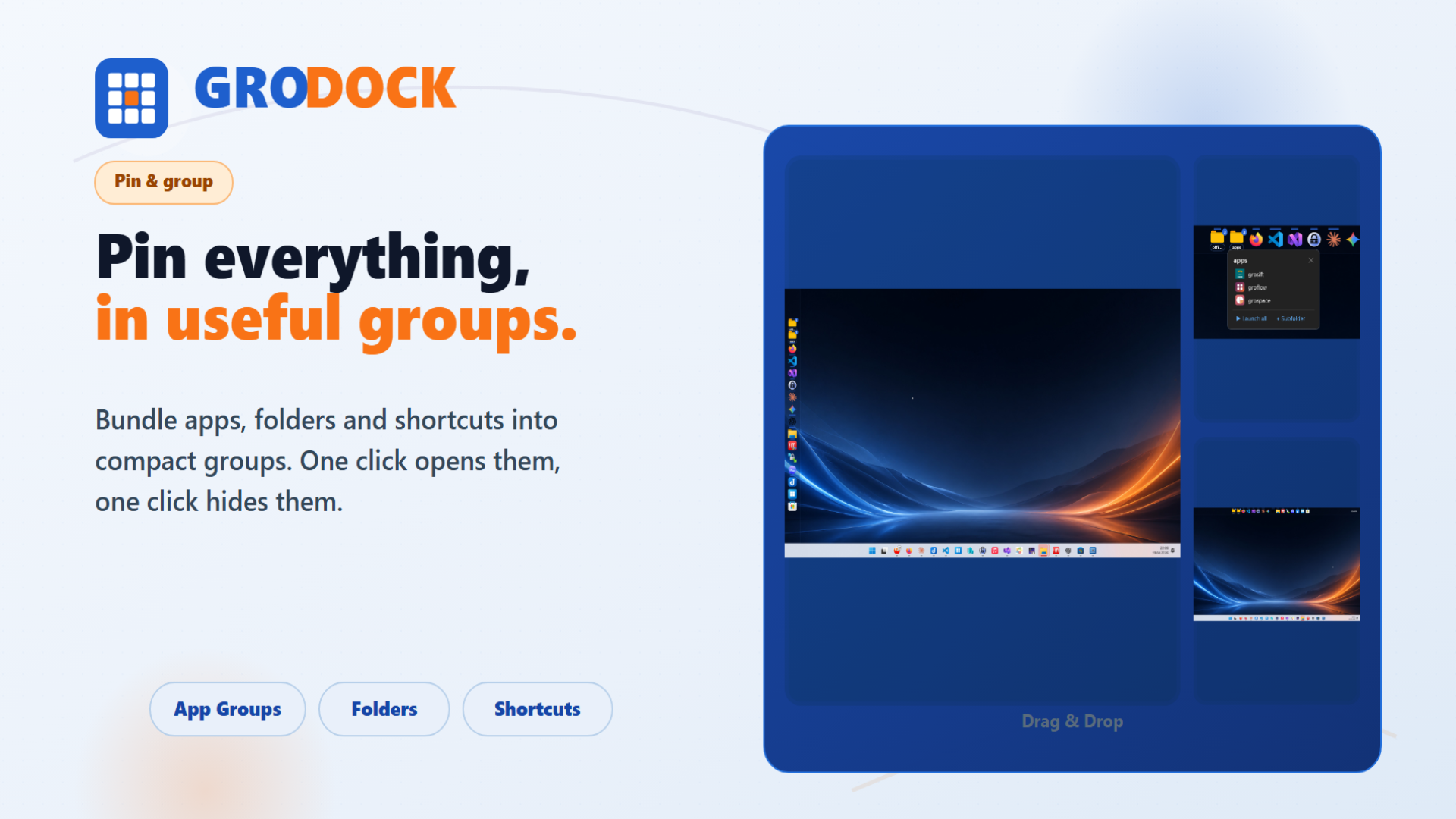
GroDock brings a flexible dock to Windows 11: top, bottom, left, or right, with app groups, shortcuts, widgets, and multi-monitor support.

Windows 11Any screen edgeApp groupsMulti-monitor
Learn more →
grospace screenshot grospace

Windows, macOS

grospace

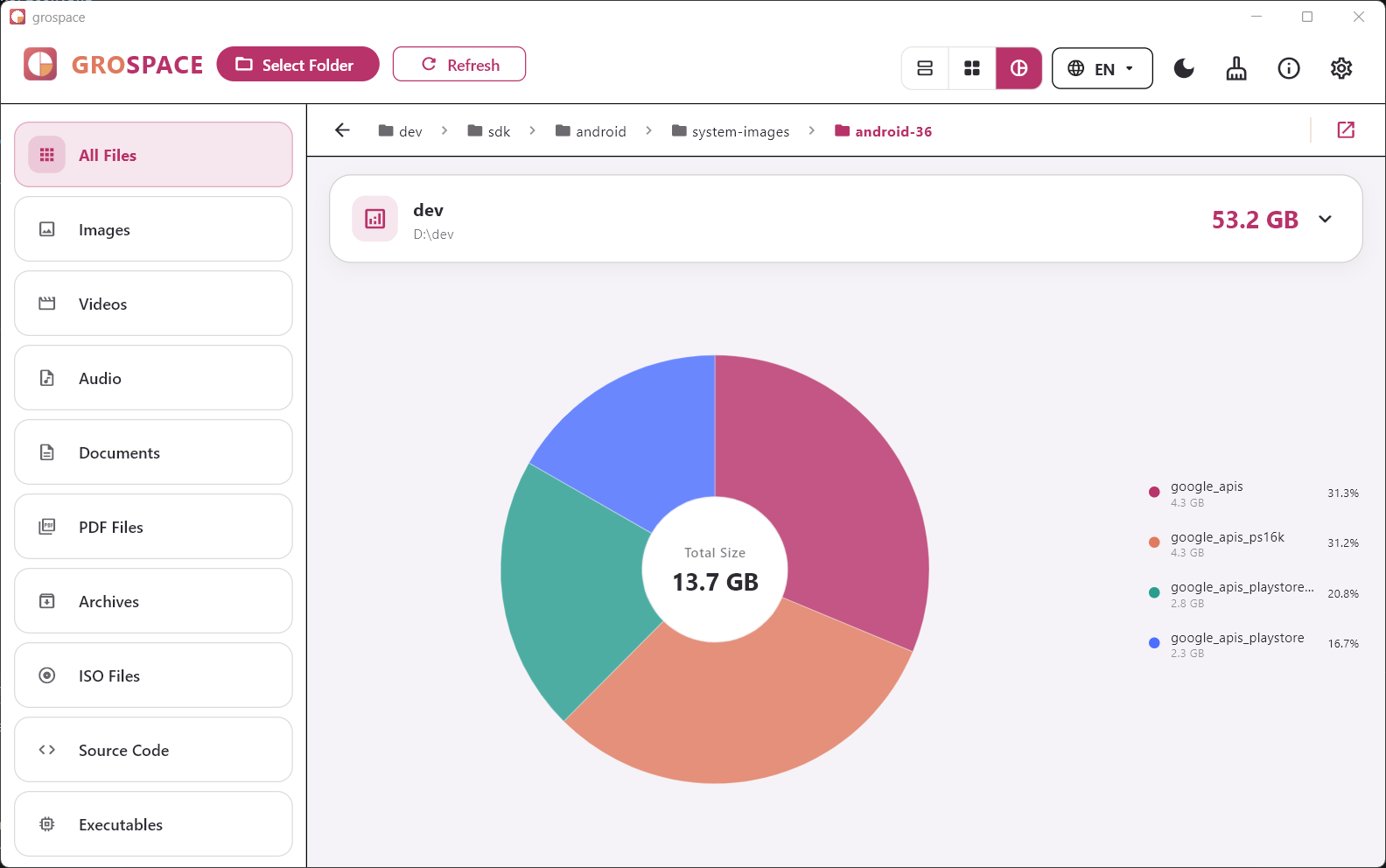
grospace visualizes large folders and files so you can understand where your storage went — locally, clearly, and with multiple views.

TreemapSlicesPie chartFile filters
Learn more →
grosift screenshot grosift

Windows, macOS, iOS, iPadOS, Android

grosift

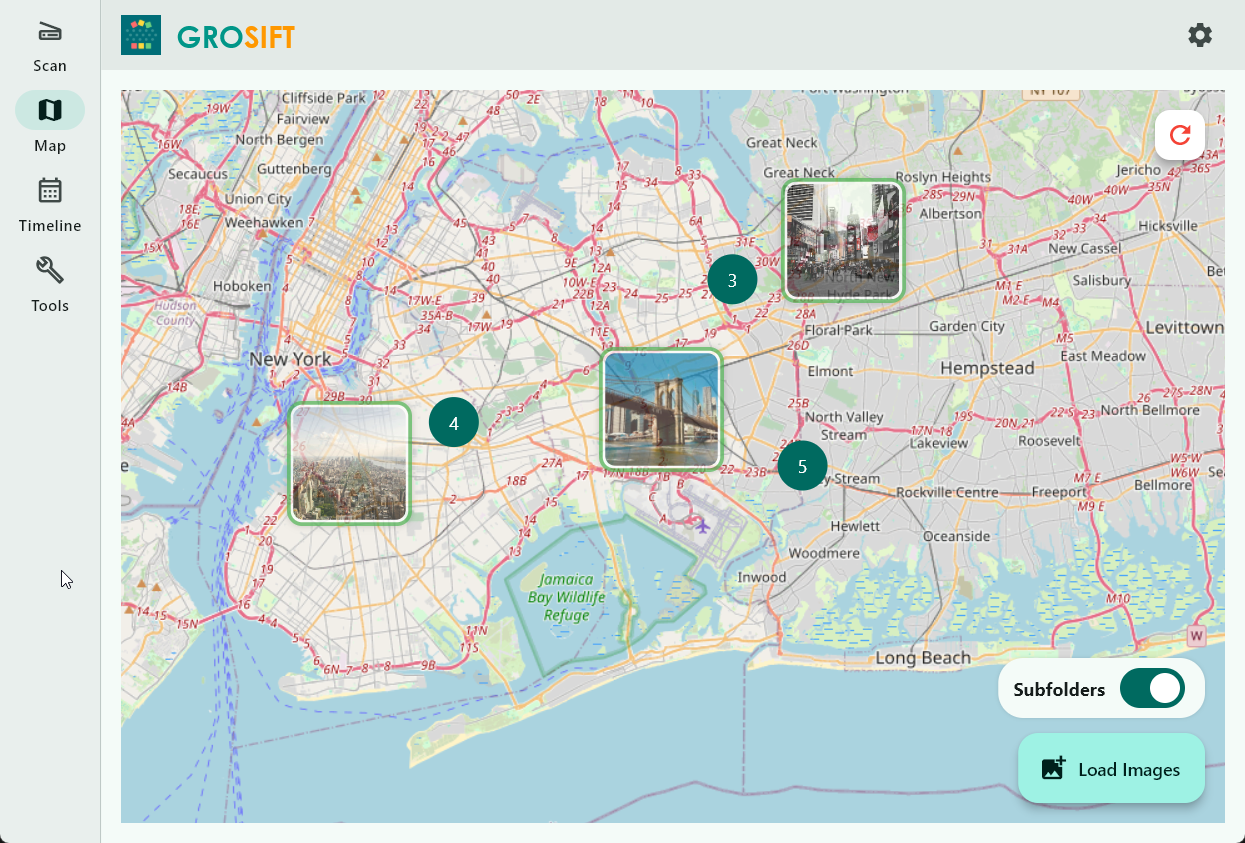
grosift helps you understand media and files before cleaning up: by place, time, text, size, and duplicates.

GPS mapTimelineOCR searchDuplicates
Learn more →
GroGuild screenshot GroGuild

Windows, macOS, iOS, iPadOS

GroGuild

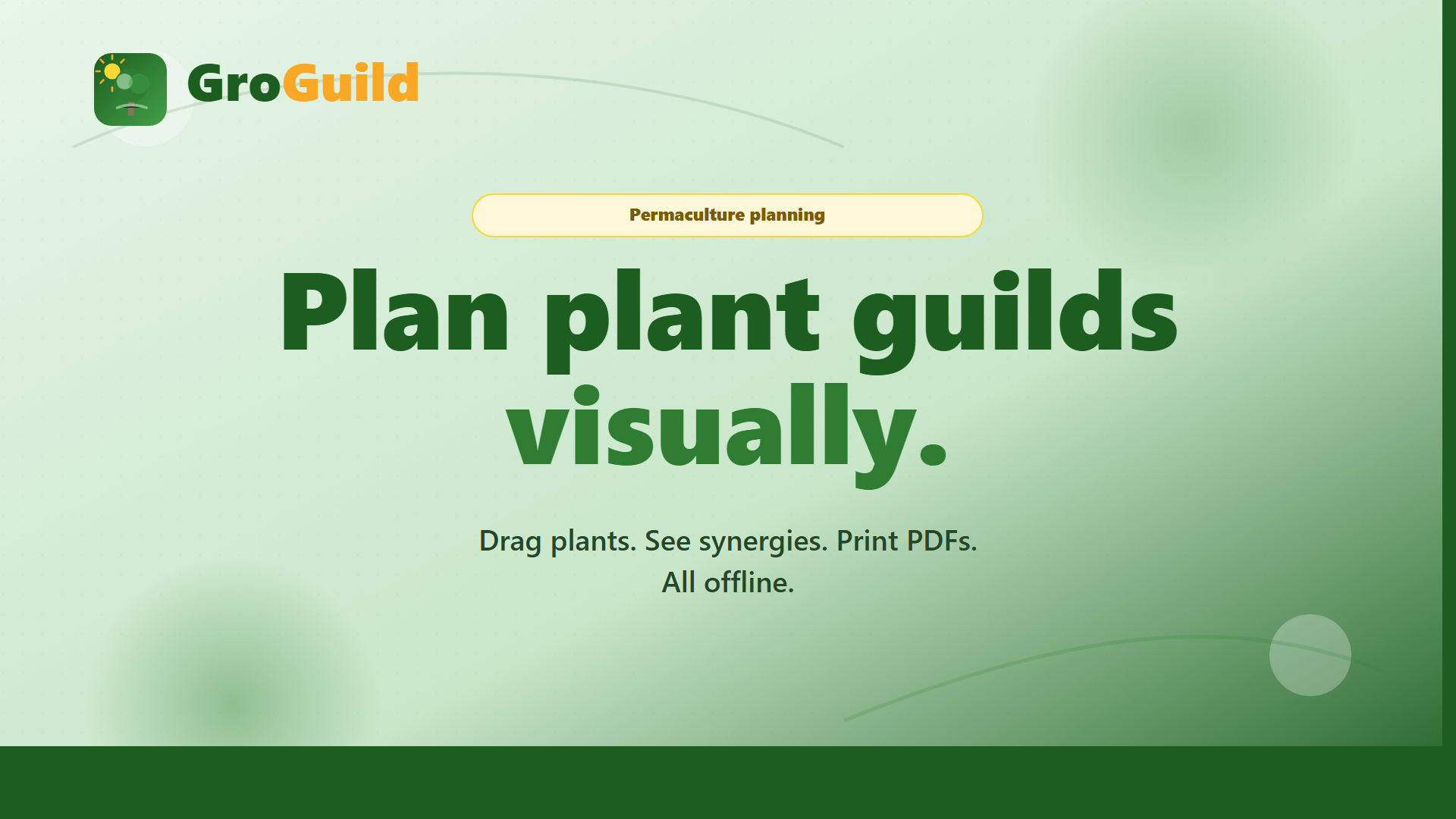
GroGuild makes permaculture planning more tangible: place plants on a 2D canvas, check spacing, see synergies, and export designs.

2D canvasGrid & snapPlant databaseSynergies
Learn more →
grolearn screenshot grolearn

Windows, iOS, iPadOS, macOS

grolearn

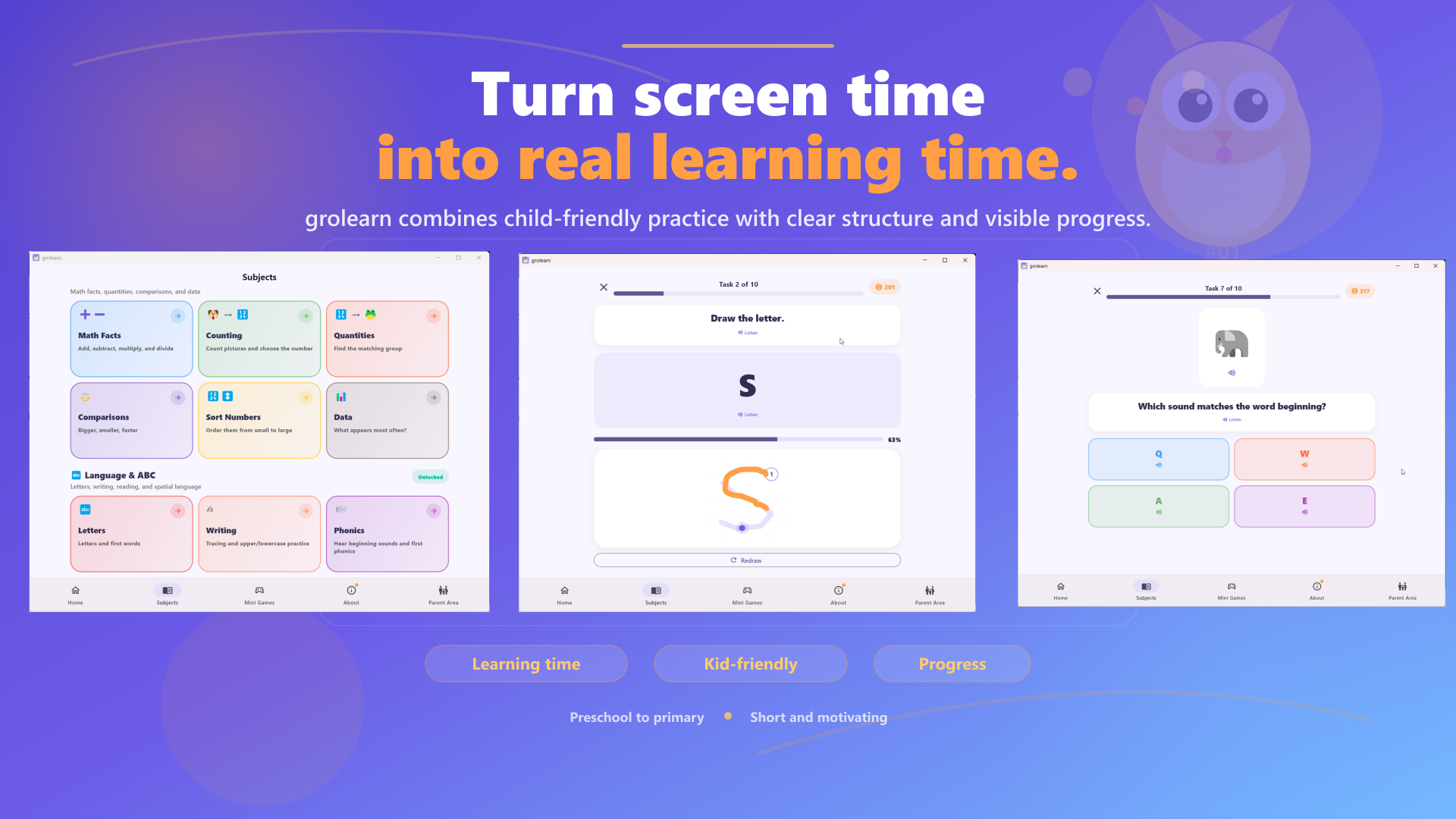
grolearn helps families structure screen time: with short practice sessions, parent controls, daily limits, progress per child, and motivating rewards.

Parent controlsDaily limitsChild profilesAudio help
Learn more →
groscrum screenshot groscrum

Windows, Web

groscrum

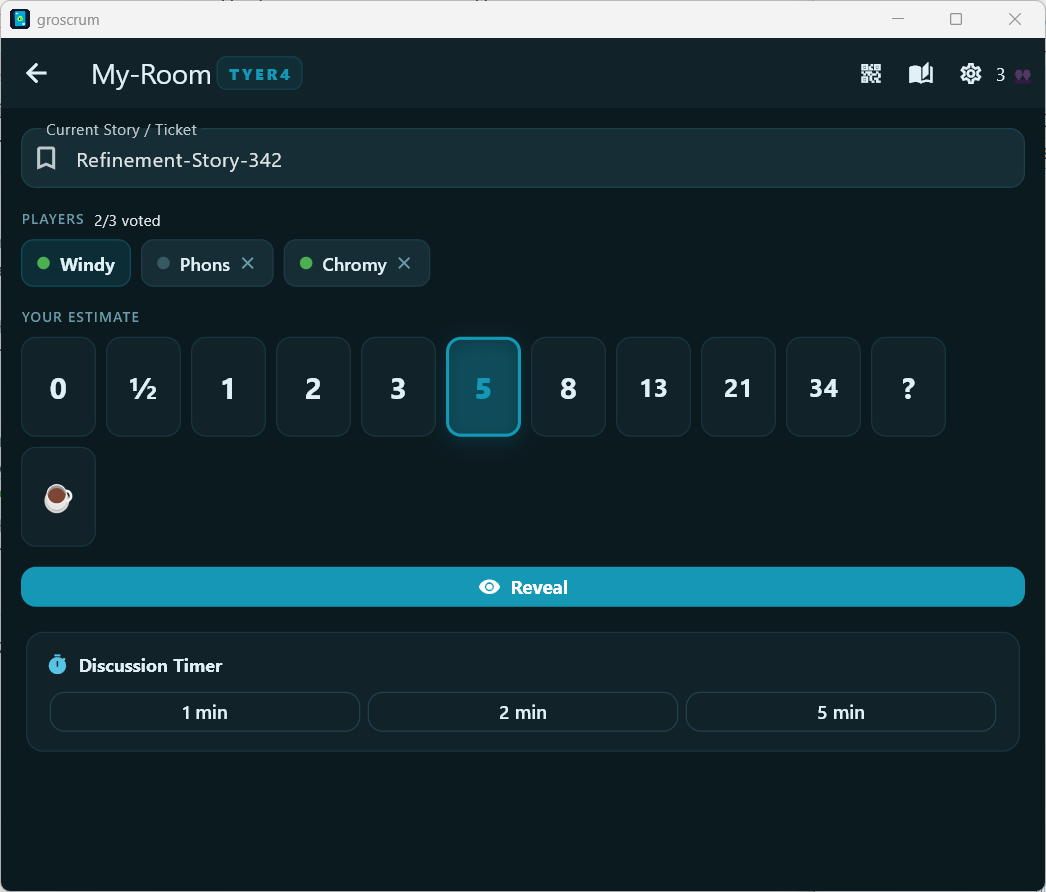
groscrum brings Planning Poker into a clear real-time flow: create a room, choose cards, reveal together, and find consensus.

Fibonacci cardsReal-timeStatisticsTimer
Learn more →