What the app solves
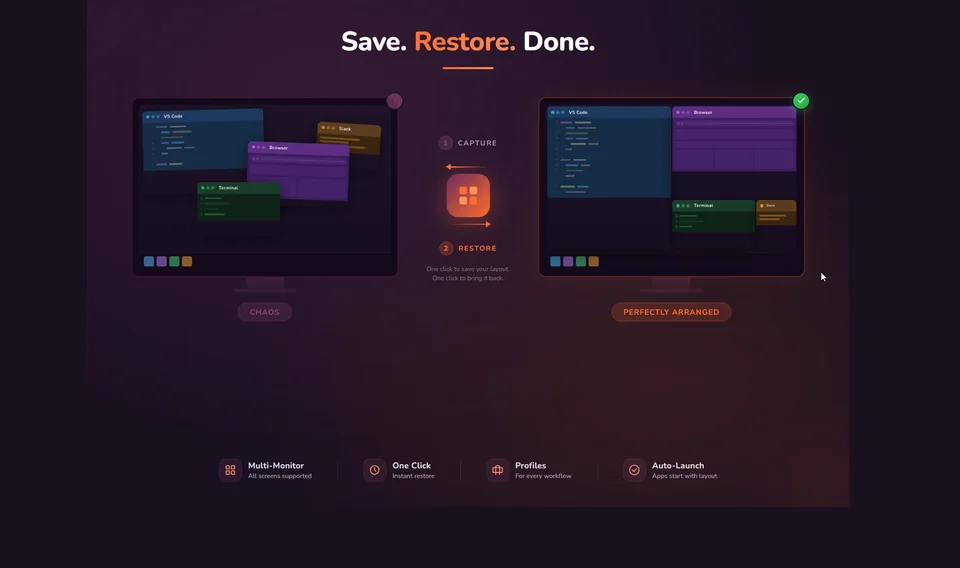
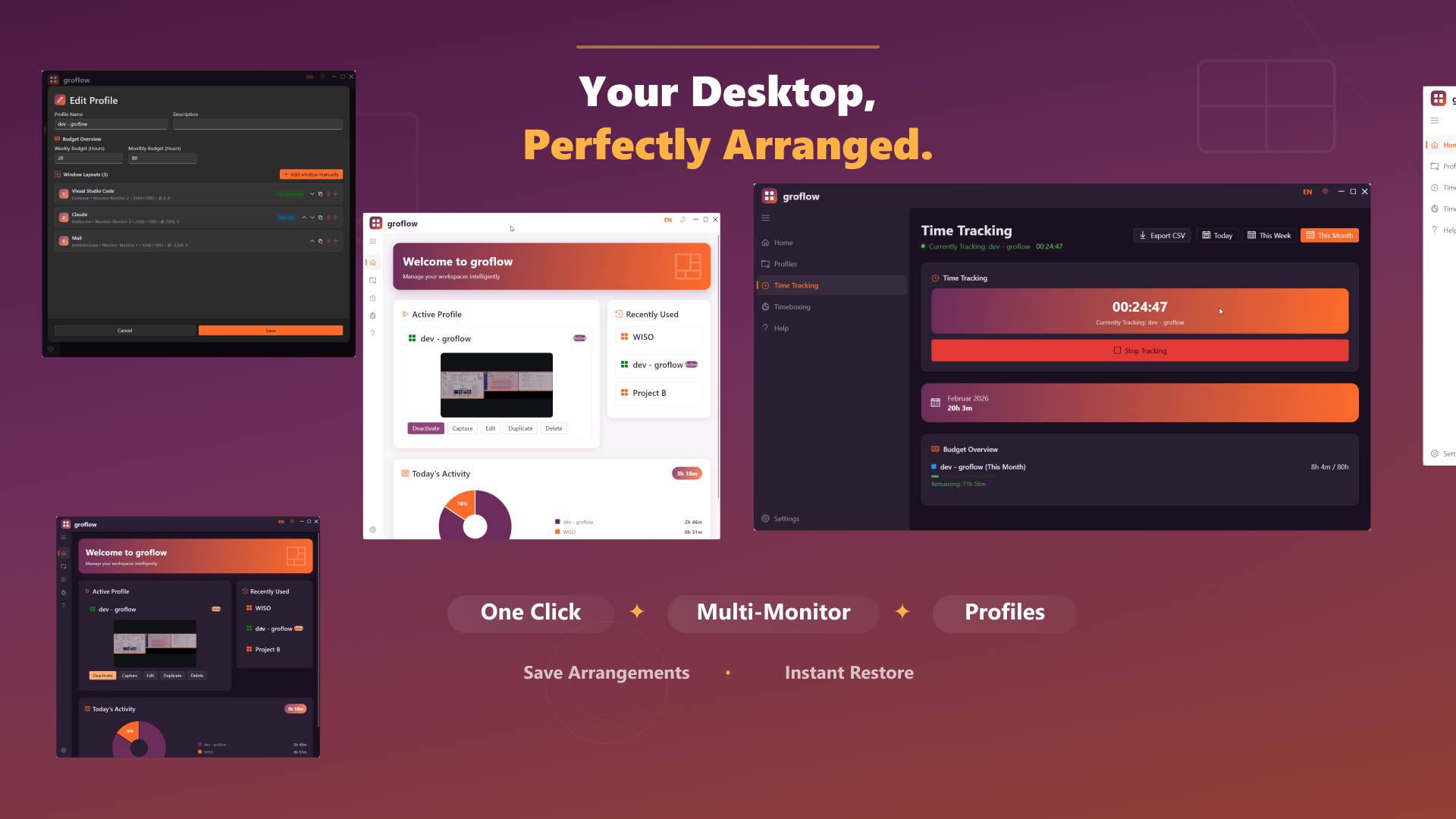
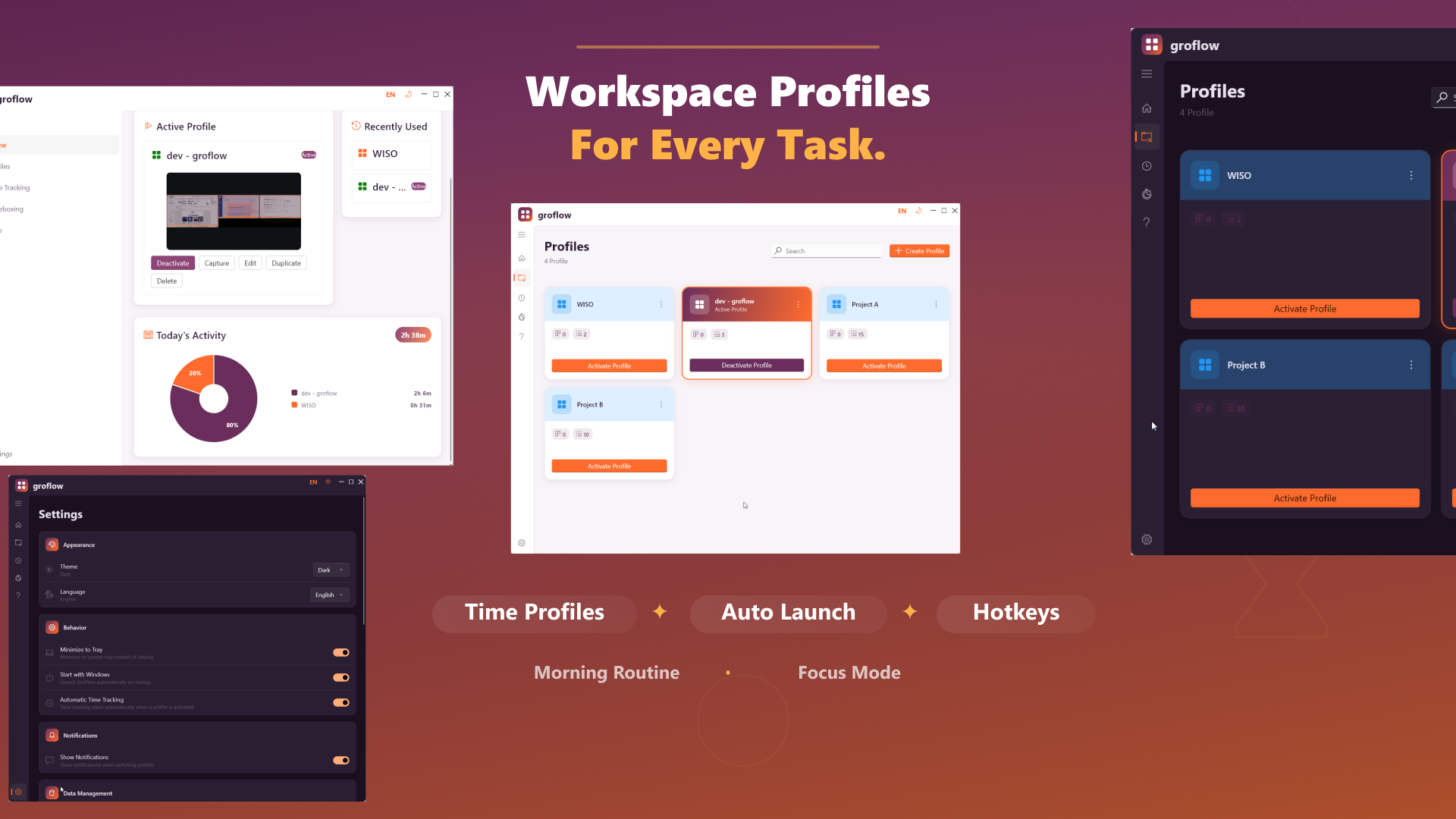
groflow saves and restores Windows workspace layouts: profiles, window positions, multi-monitor setups, tray control, and focus sessions.
Features
Profiles & layouts
Save window positions, sizes, monitors, and states as workspaces.
Multi-monitor ready
Useful for docking stations, laptop setups, and fixed desks.
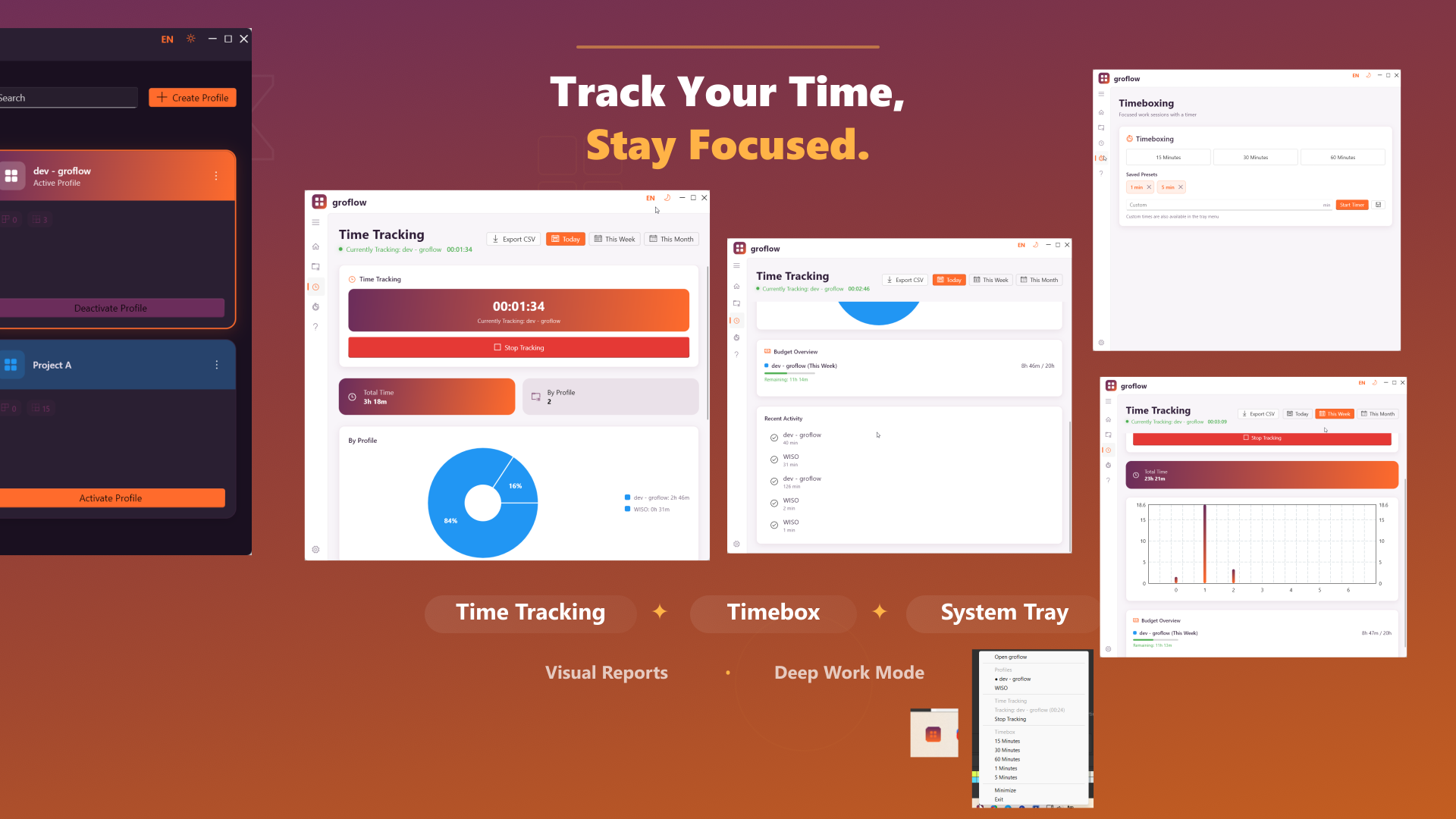
System tray control
Switch profiles and manage workflows directly from the tray.
Focus and time features
Supports structured sessions instead of manual window chaos.
Typical use cases
- Restore coding workspaces
- Save office layouts
- Prepare meetings faster
- Reduce window chaos after restarts
Screenshots
Real product images from the current website bundle.
Frequently asked questions
Does groflow save layouts locally?
groflow is designed as a Windows workspace manager with local profile storage.
Does groflow help with multi-monitor setups?
Yes. Layout profiles are especially useful for multi-monitor desks.
Is groflow the same as grodock?
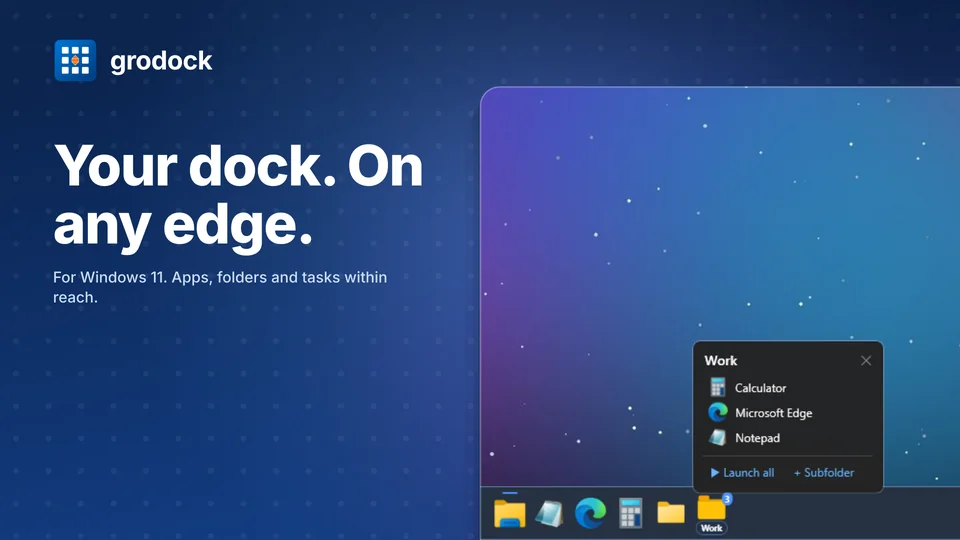
No. grodock focuses on dock/taskbar workflows; groflow focuses on workspace layouts and window positions.