What the app solves
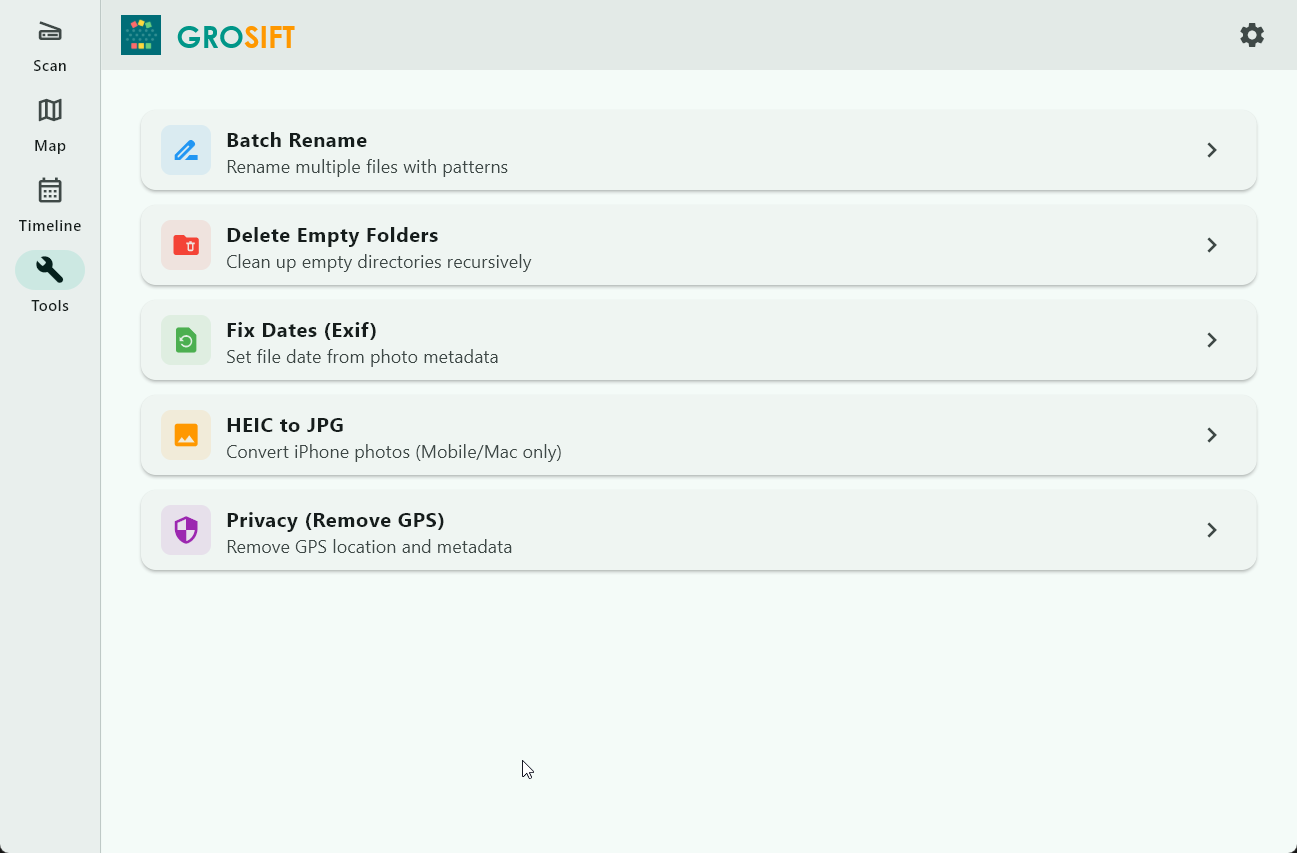
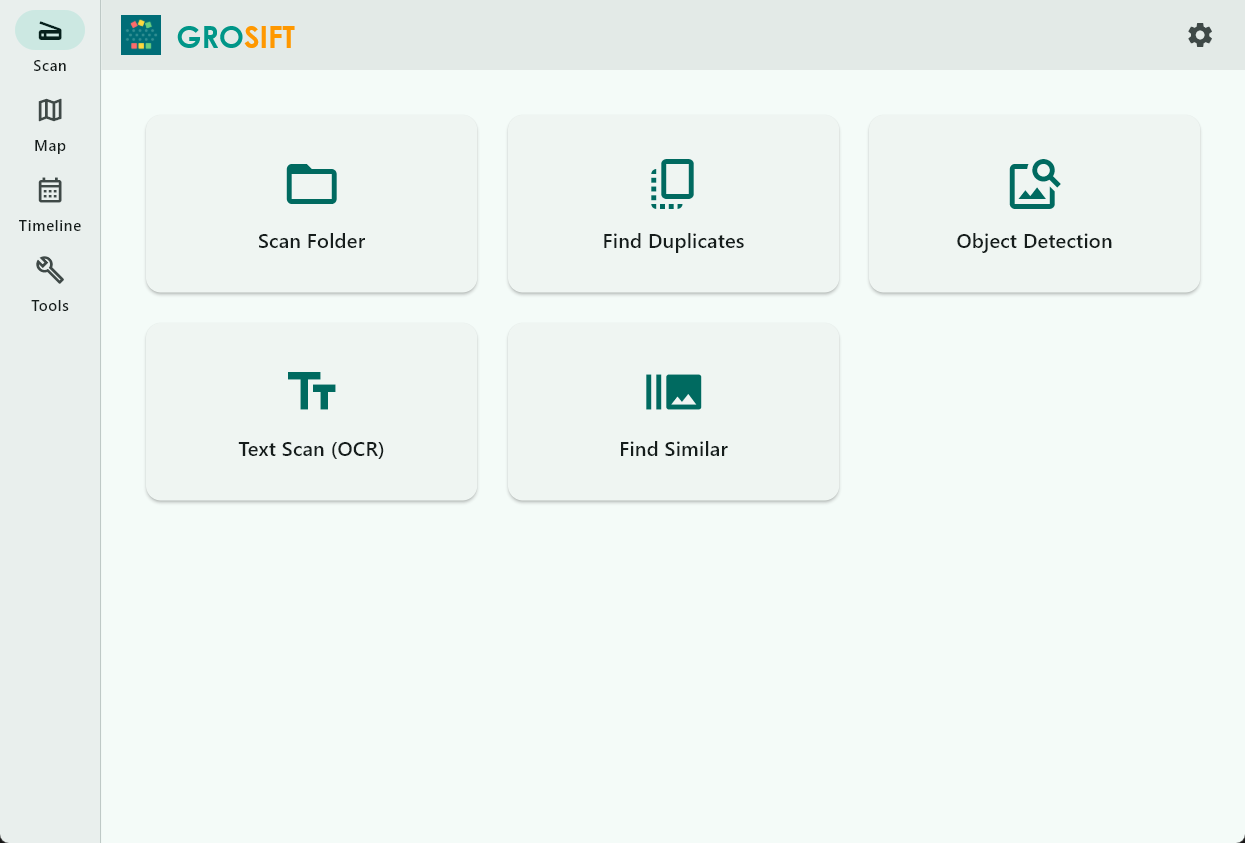
grosift helps organize large photo and file libraries locally: GPS map, timeline, OCR search, storage insights, and duplicate review.
Features
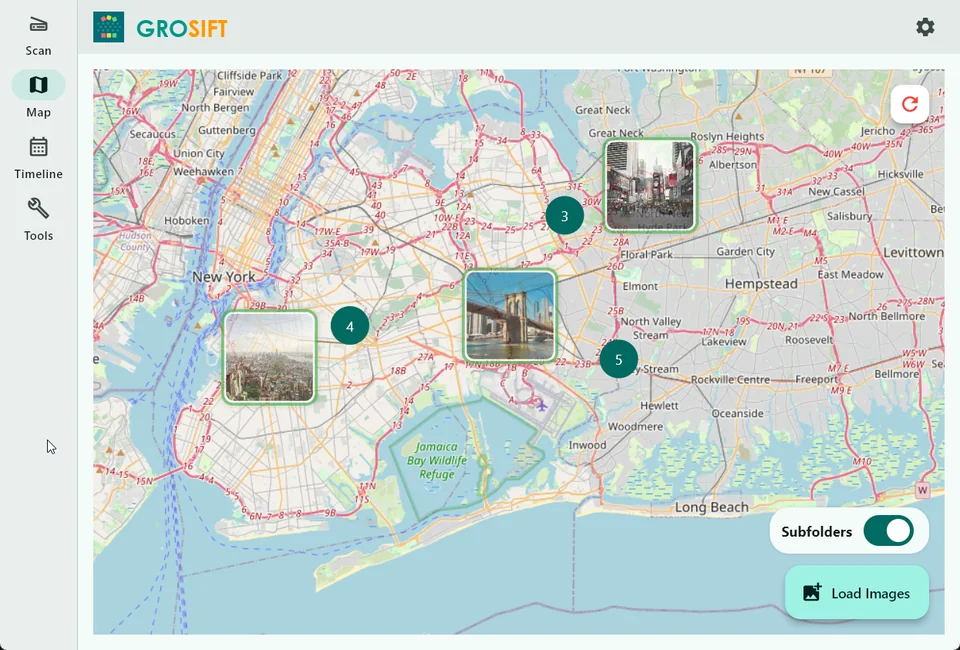
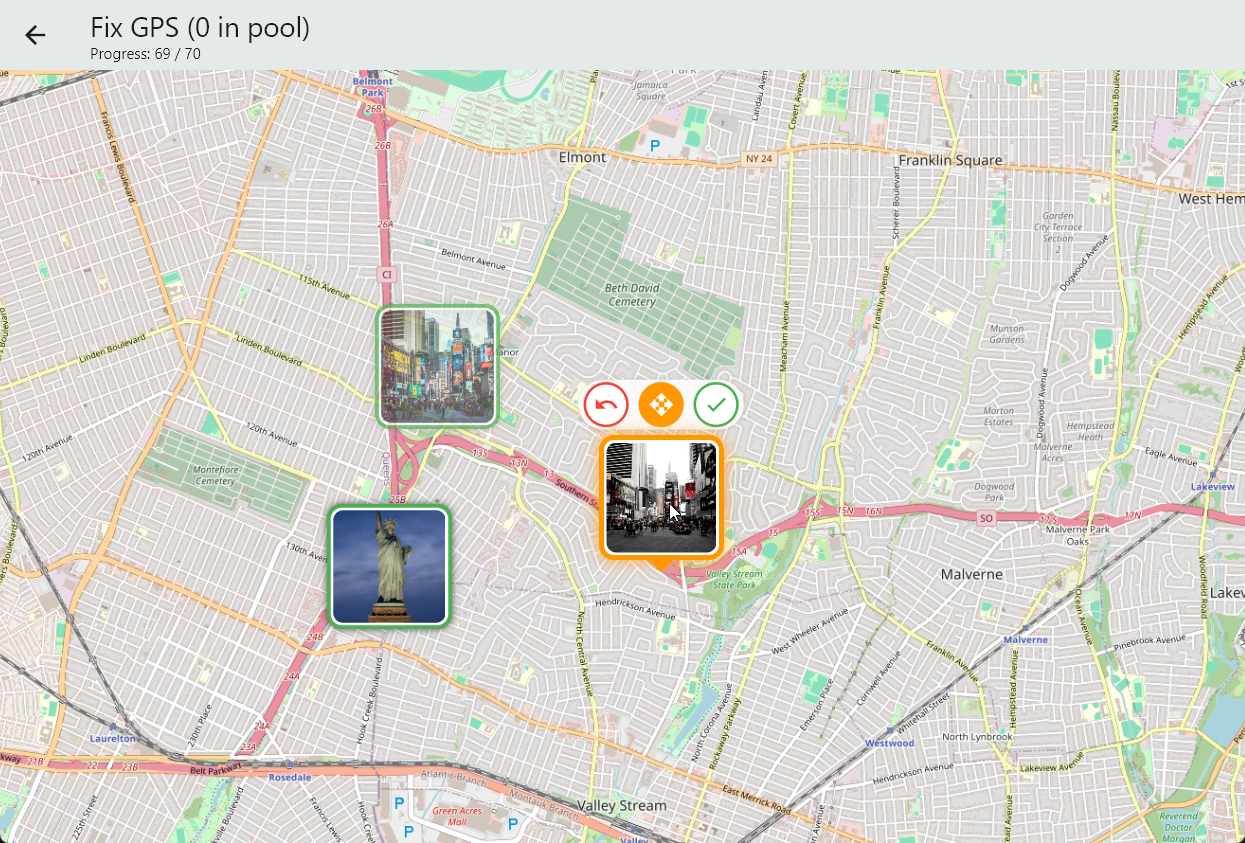
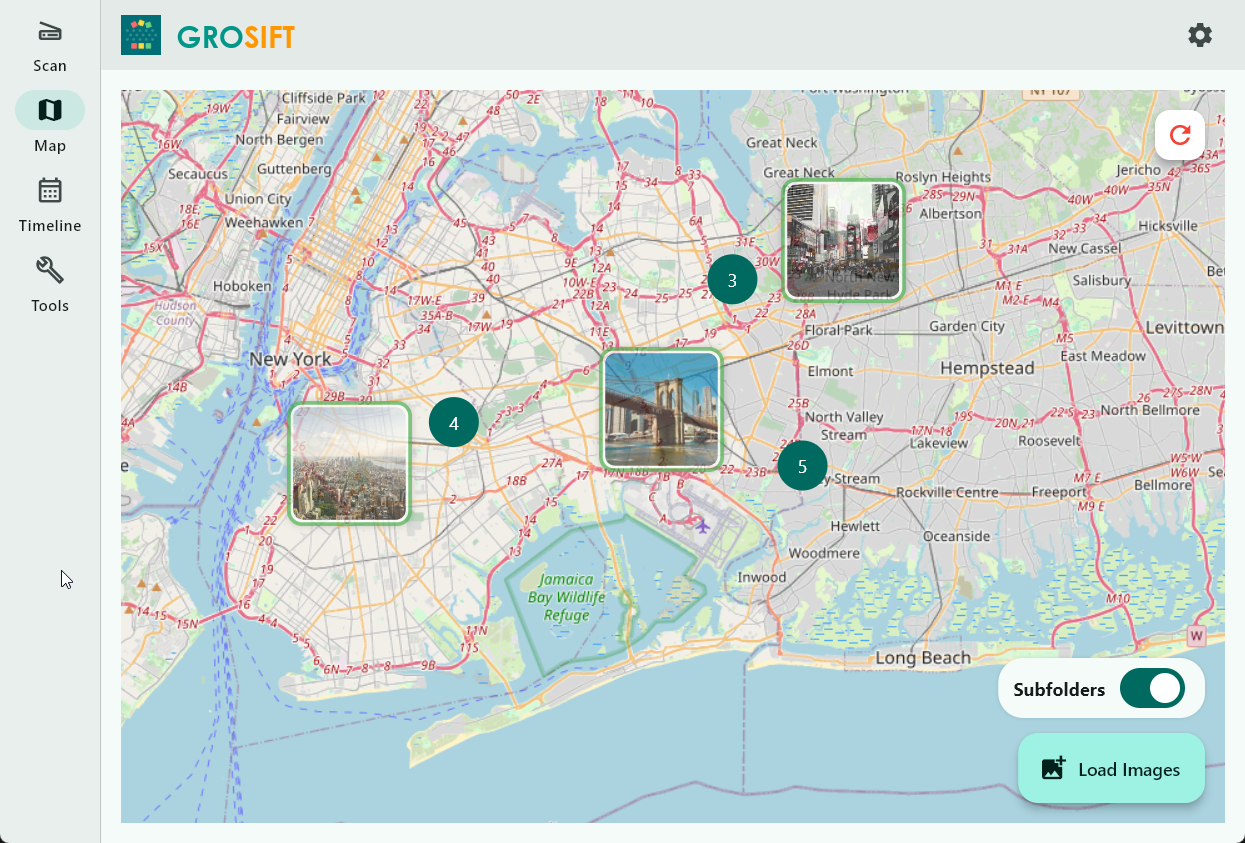
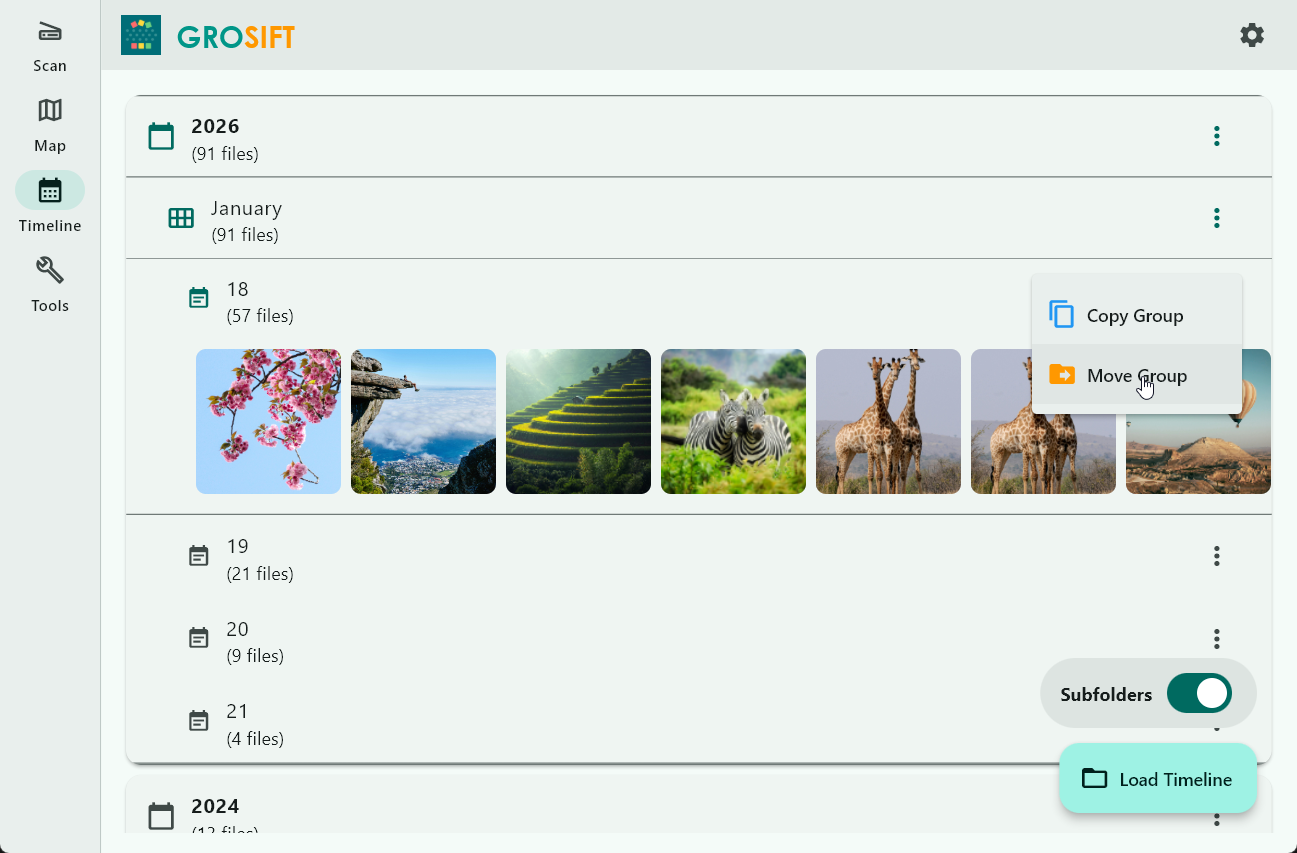
GPS map & timeline
Browse photos by place and time to rediscover trips, events, and old archives faster.
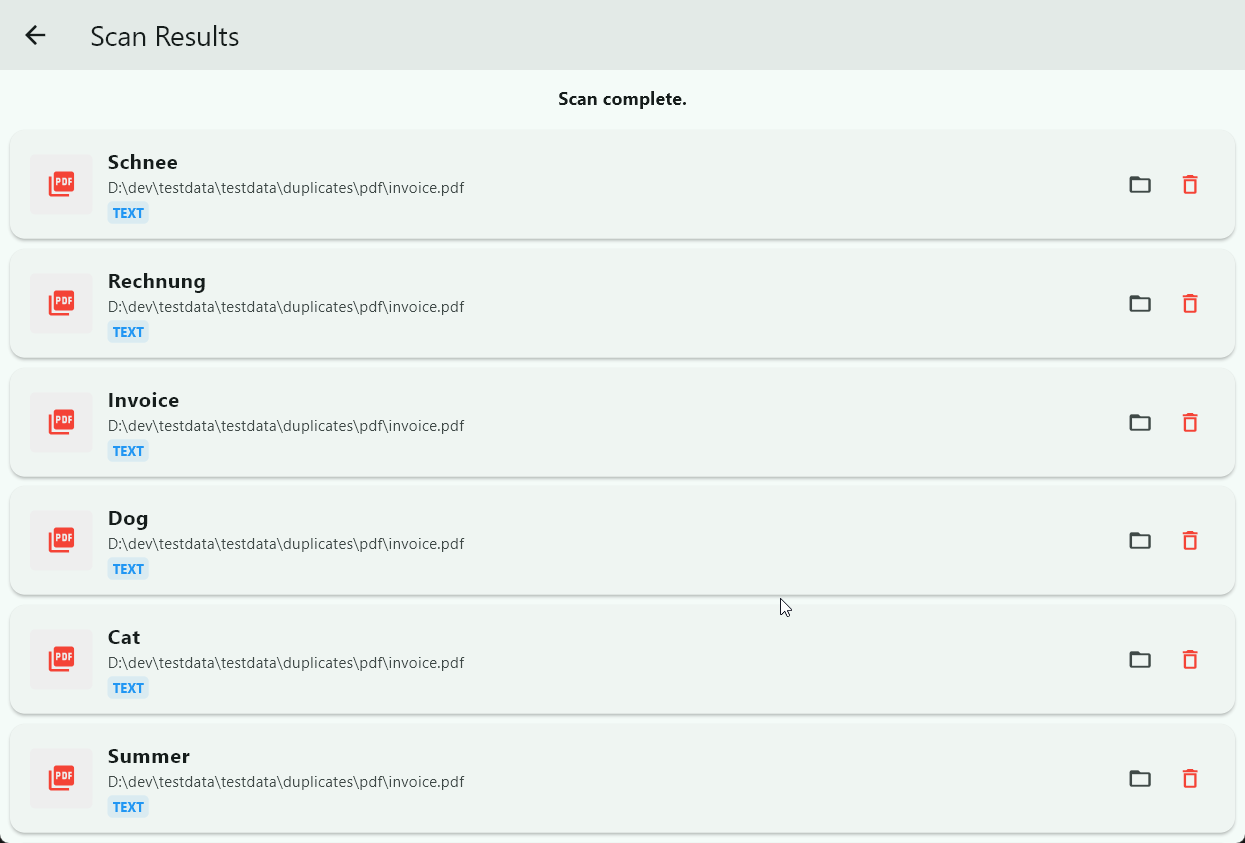
OCR search
Search text in screenshots, scans, images, and PDFs.
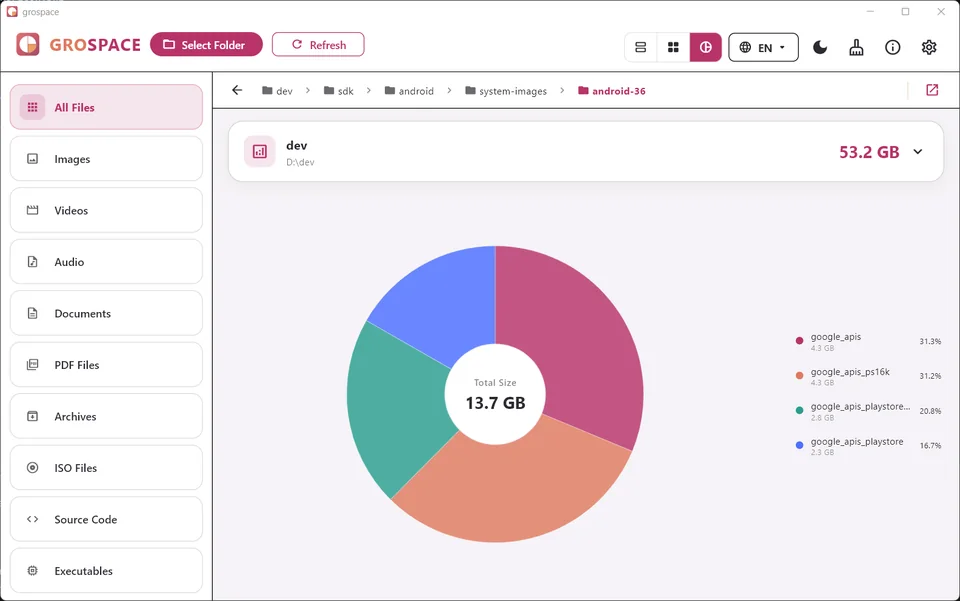
Storage insights
Find large folders and files before you start cleaning.
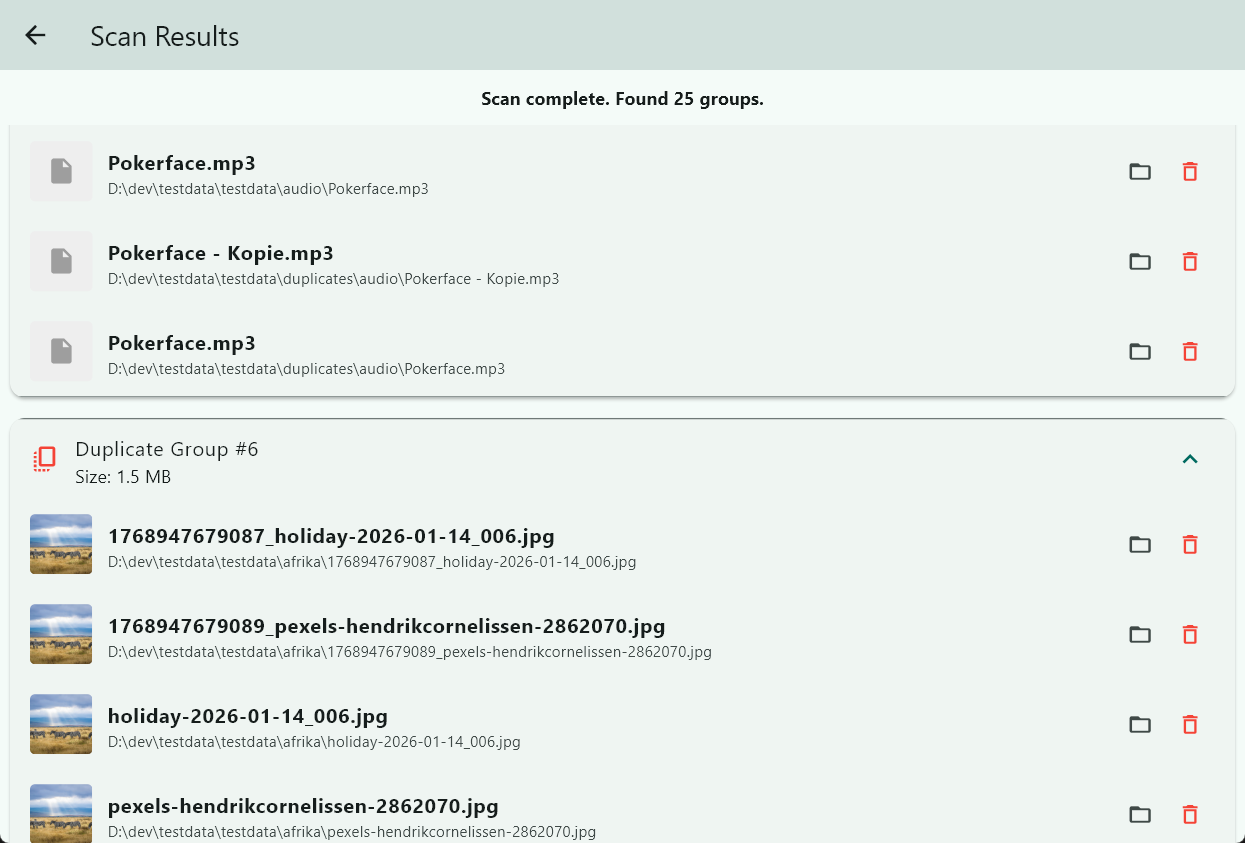
Duplicate review
Find duplicate or similar media and review matches before removing anything.
Typical use cases
- Sort travel photos by location
- Find text inside screenshots
- Review duplicates before deleting
- Understand old download and media folders
Screenshots
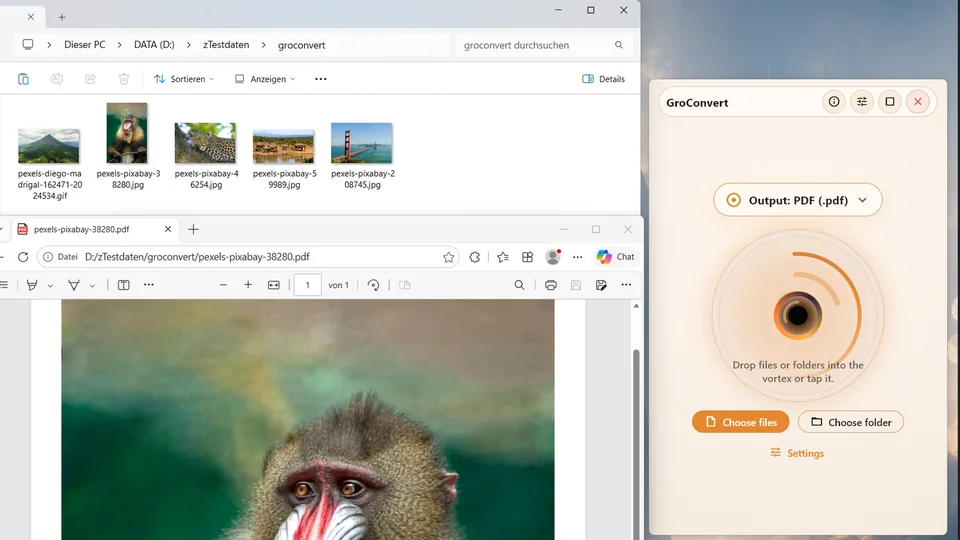
Real product images from the current website bundle.
Frequently asked questions
Are my photos uploaded?
grosift is designed for local processing. Sensitive media stays on your device.
Can I search text inside images?
Yes. OCR search helps find text in images, screenshots, scans, and PDFs.
Does grosift delete duplicates automatically?
No. The app helps you find and review matches. You decide what to remove.