What the app solves
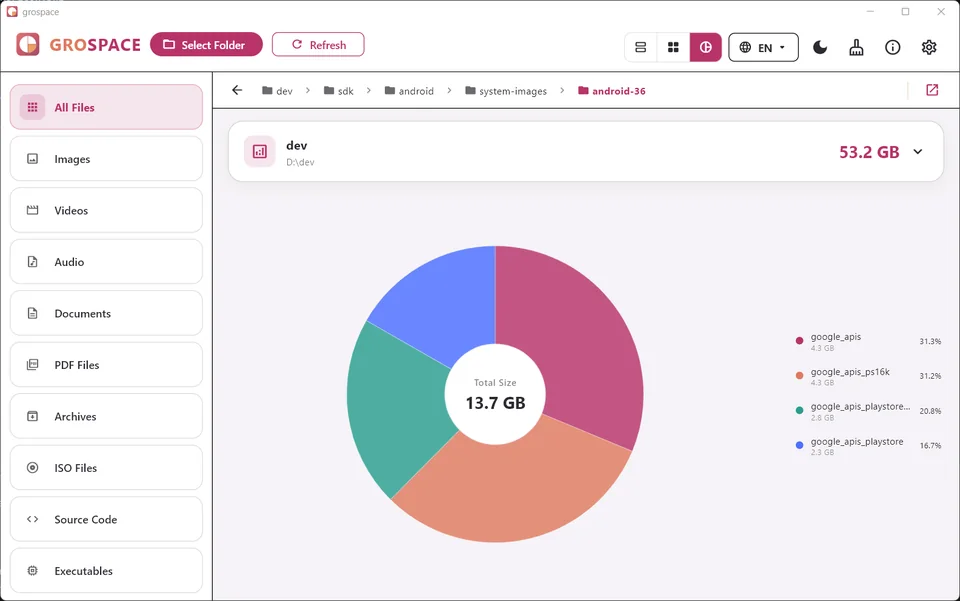
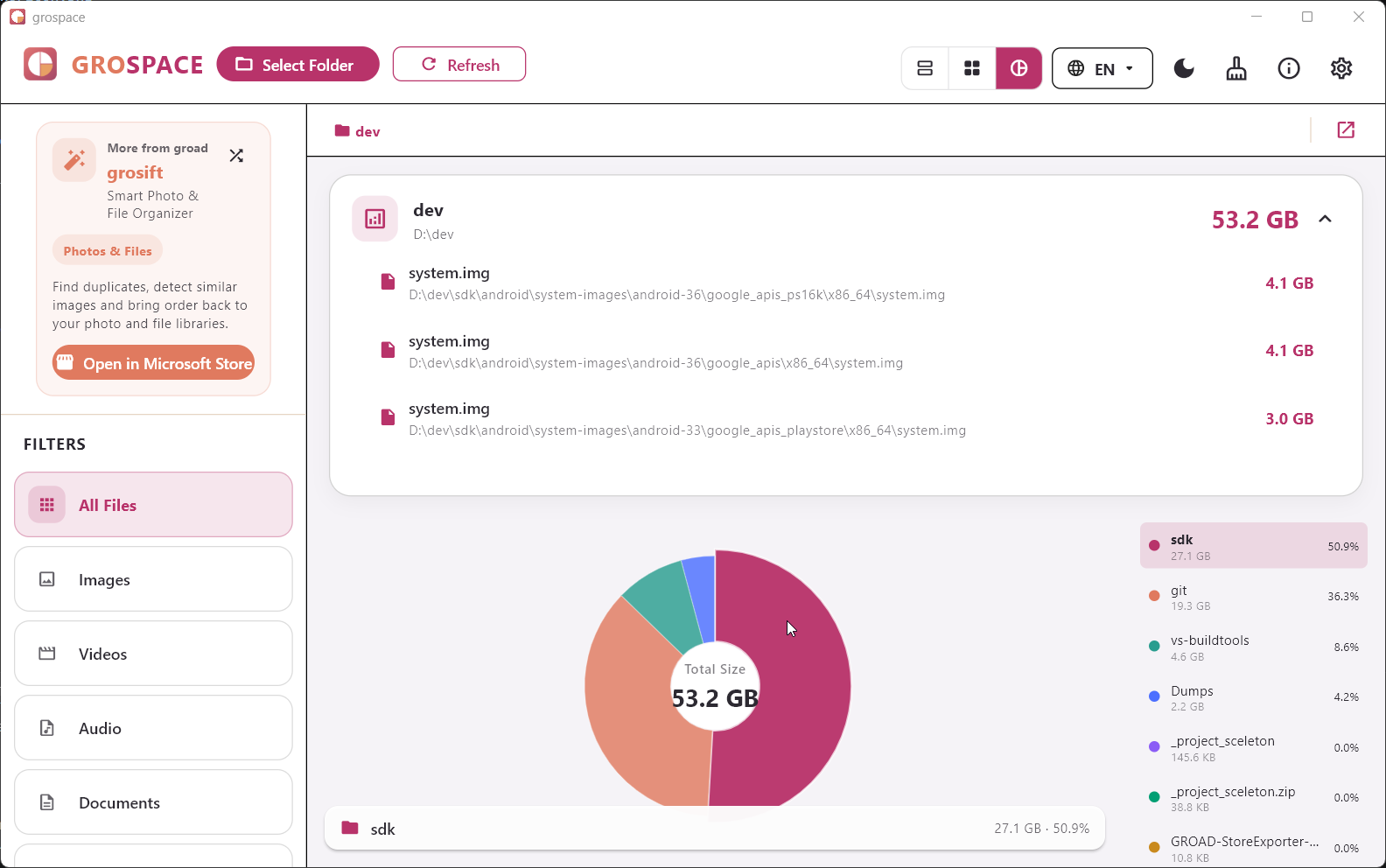
grospace shows which folders and files use your storage. Analyze drives and folders with treemaps, slice view, pie charts, and file type filters.
Features
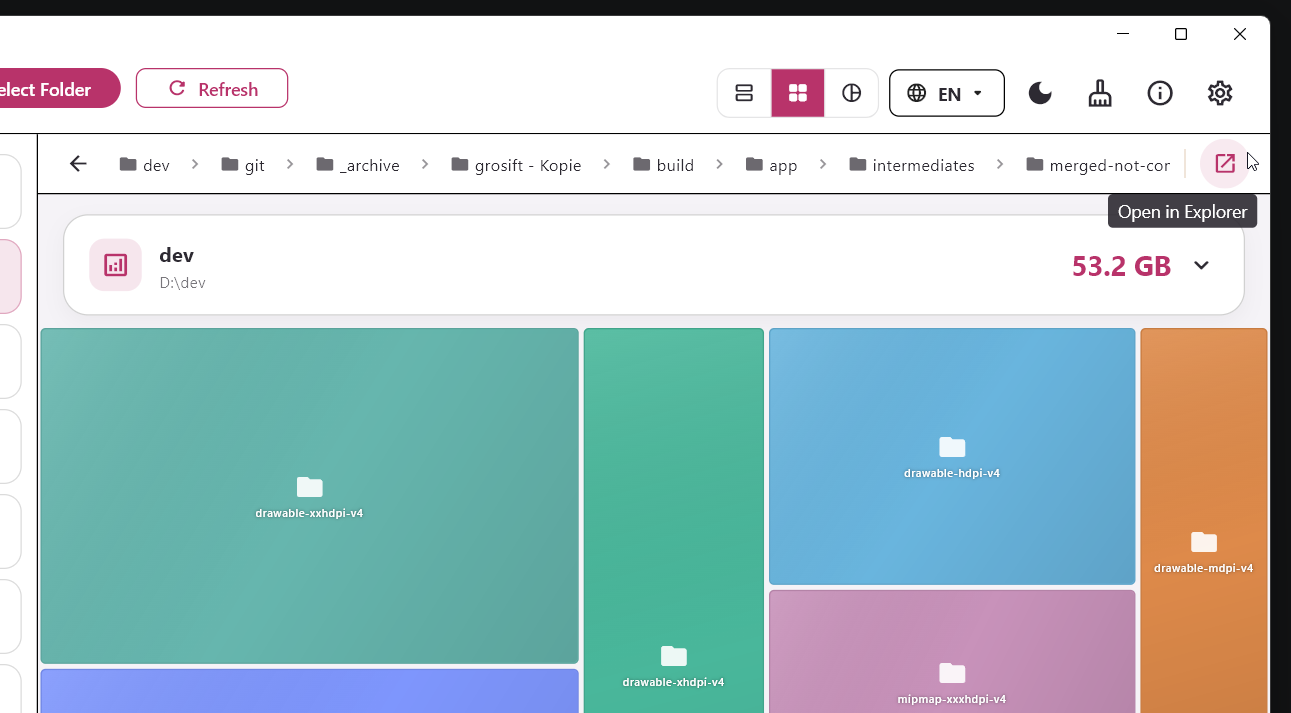
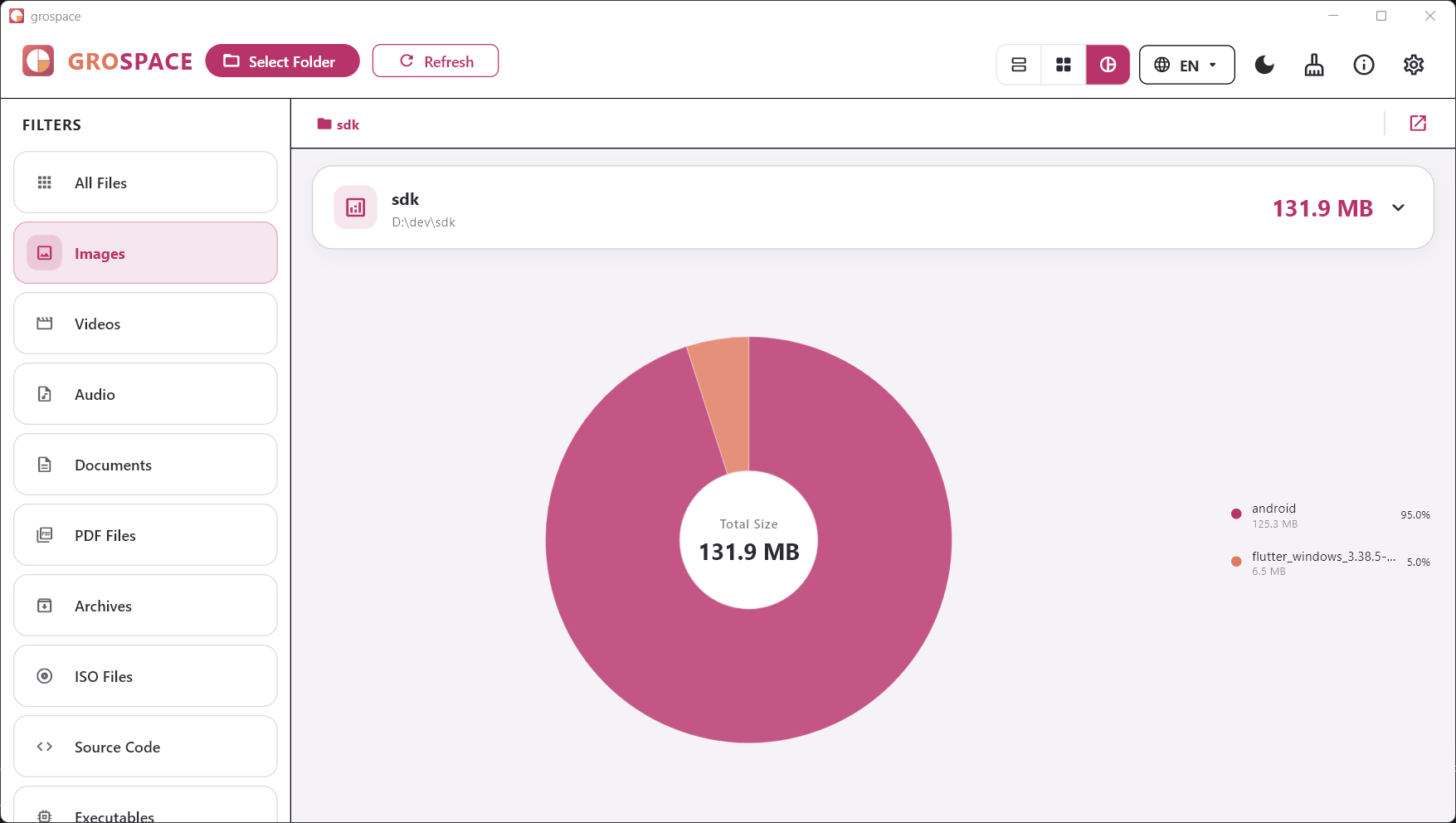
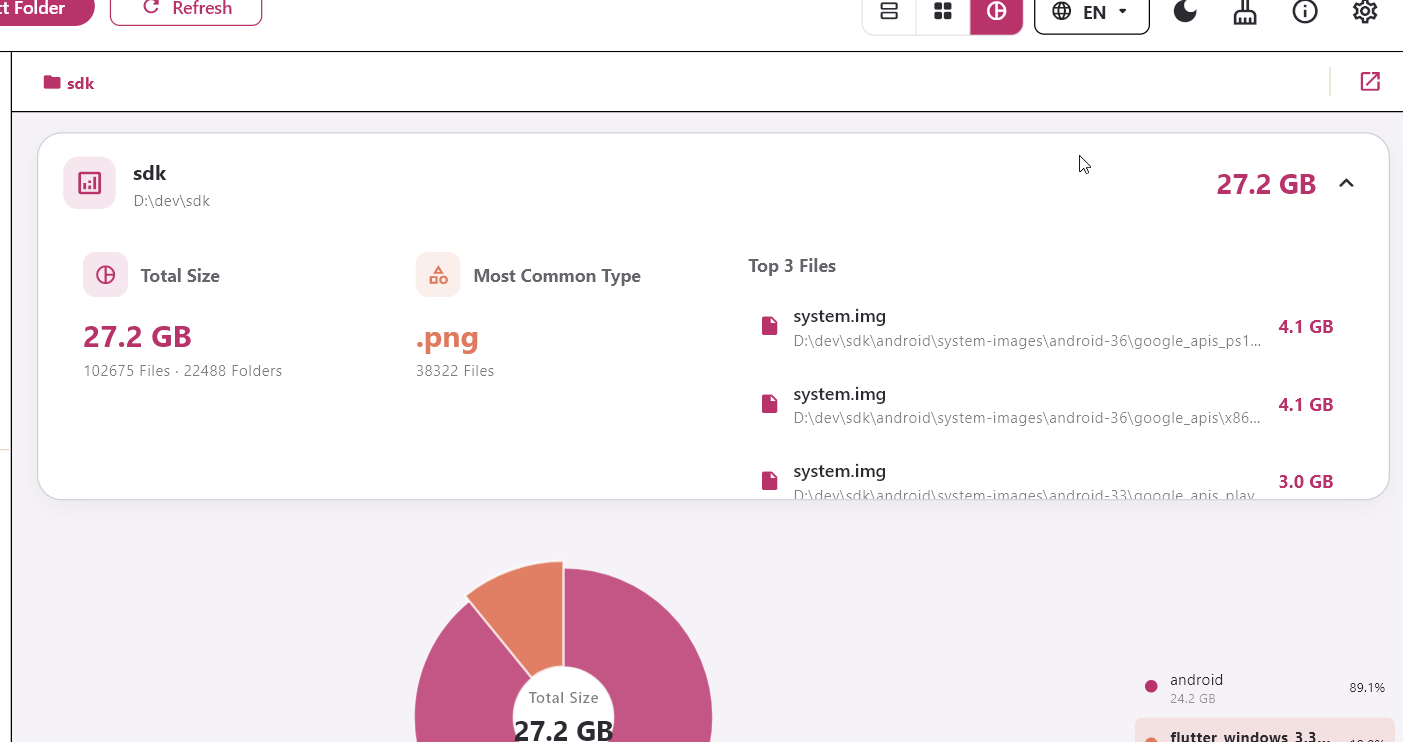
Treemap, slices, and pie chart
Switch between visual views depending on how you want to understand your files.
File type filters
Find large images, videos, archives, documents, or source folders faster.
Folder drill-down
Navigate into folder structures and analyze subfolders directly.
Local on your device
Storage analysis runs on your device instead of a cloud service.
Typical use cases
- Your C: drive is full
- Find large folders on external drives
- Inspect videos, images, or archives
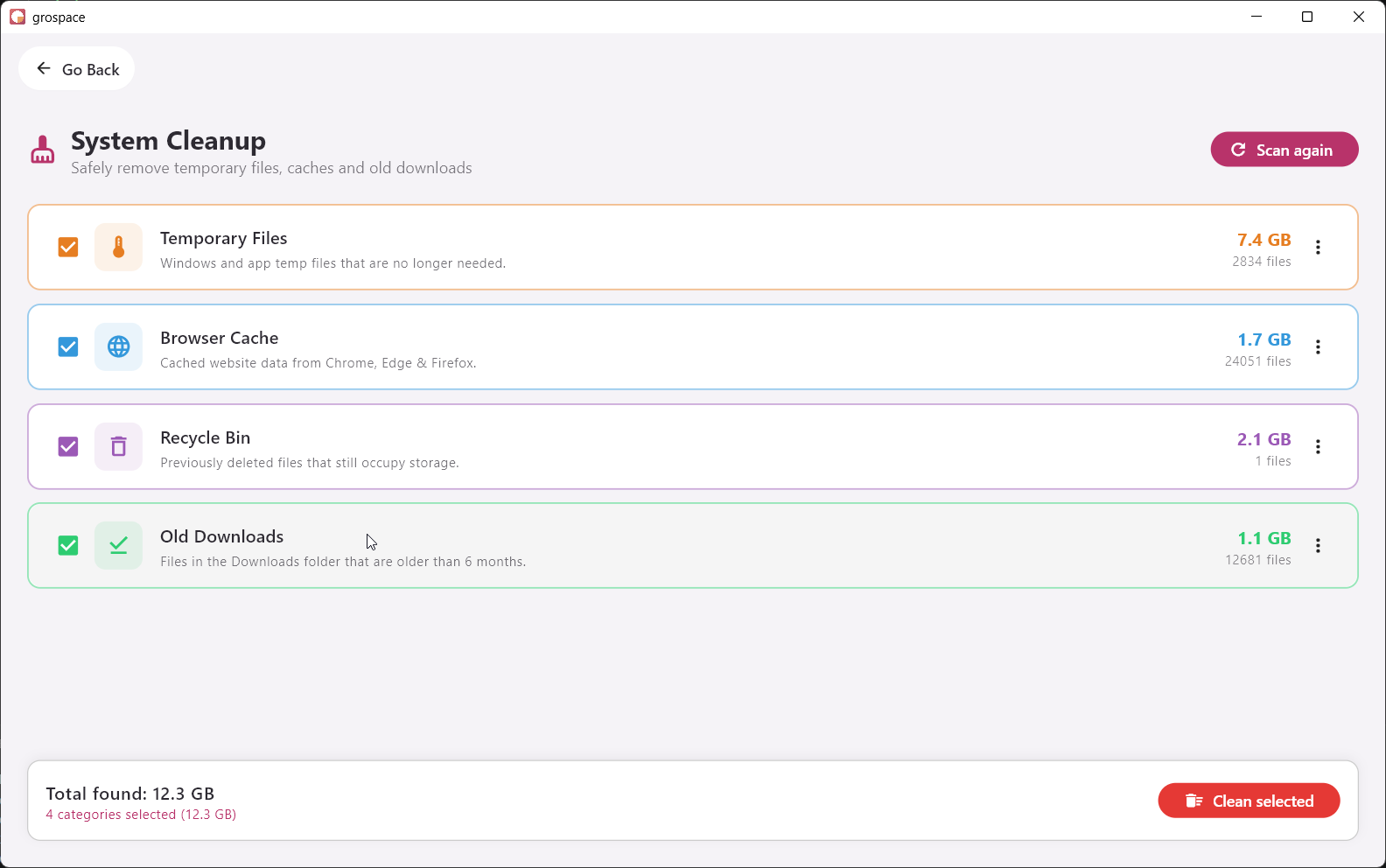
- Understand storage before deleting
Screenshots
Real product images from the current website bundle.
Frequently asked questions
Does grospace delete files automatically?
No. grospace is an analysis tool first. Always review files before removing anything.
Can I scan folders instead of full drives?
Yes. You can analyze specific folders or drives.
Which visual views are included?
grospace includes treemap, slice view, and pie chart visualizations.