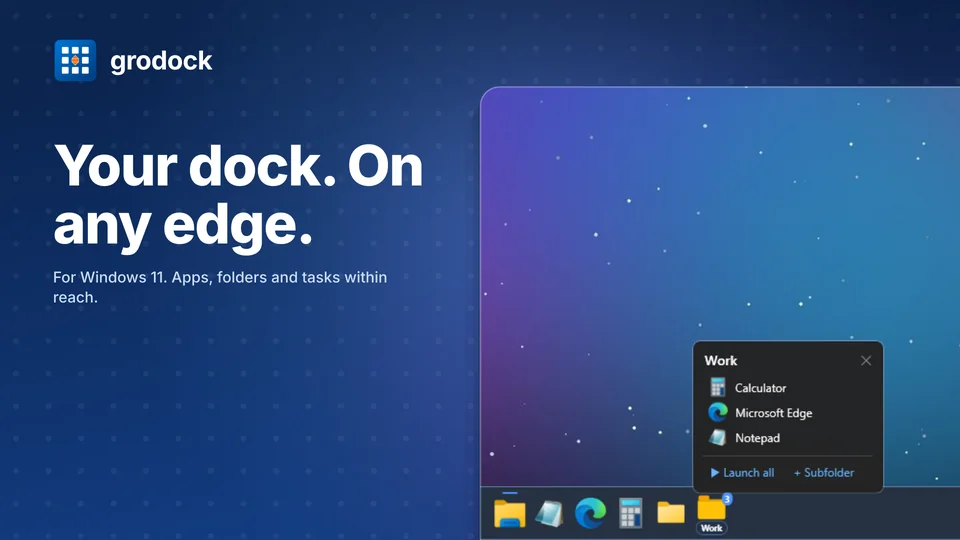
Make room for your everyday work
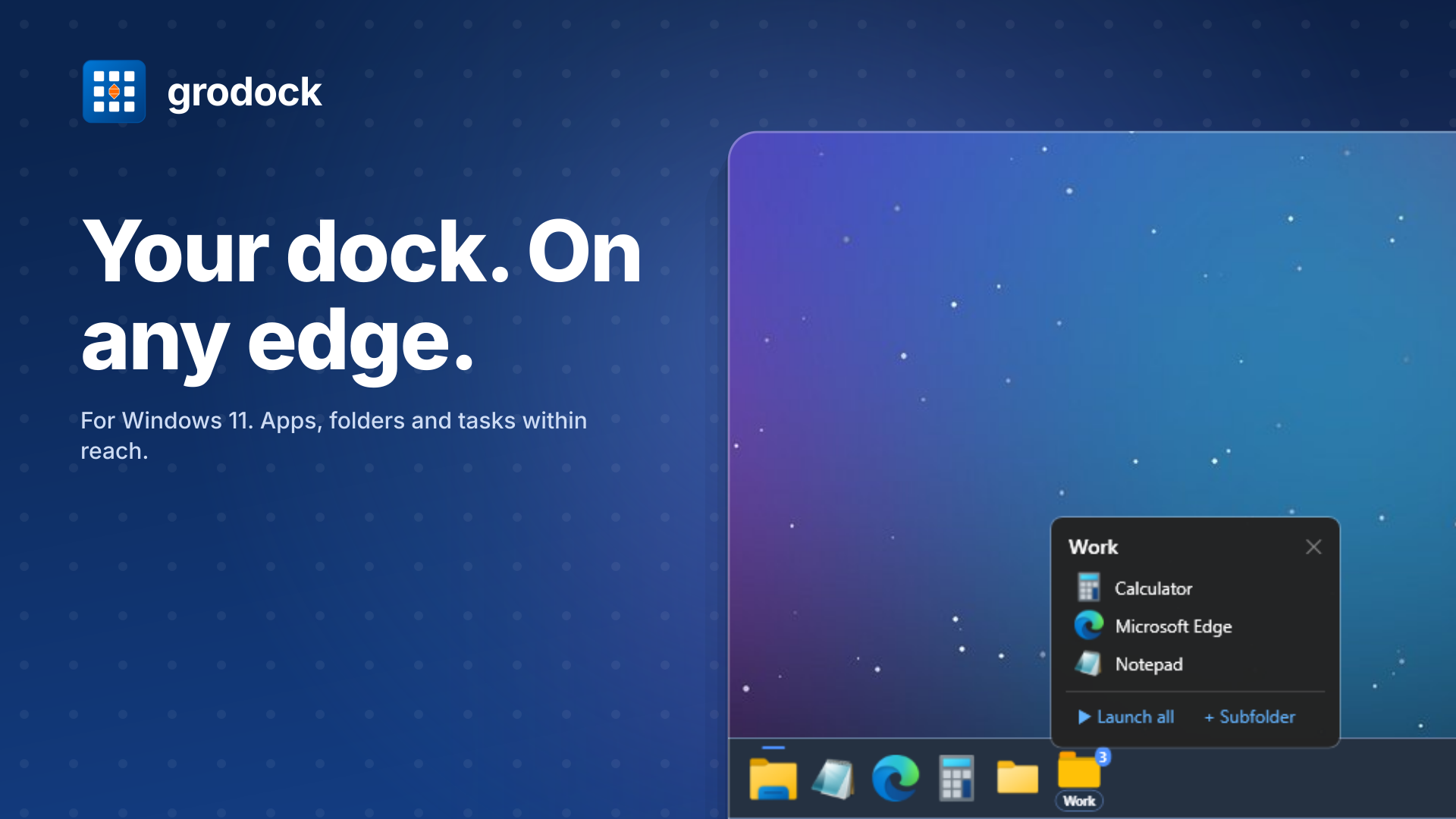
Place grodock at the top, bottom, left or right. Open your everyday apps and folders from the dock, and switch between saved setups for work and free time.
What you can do with grodock
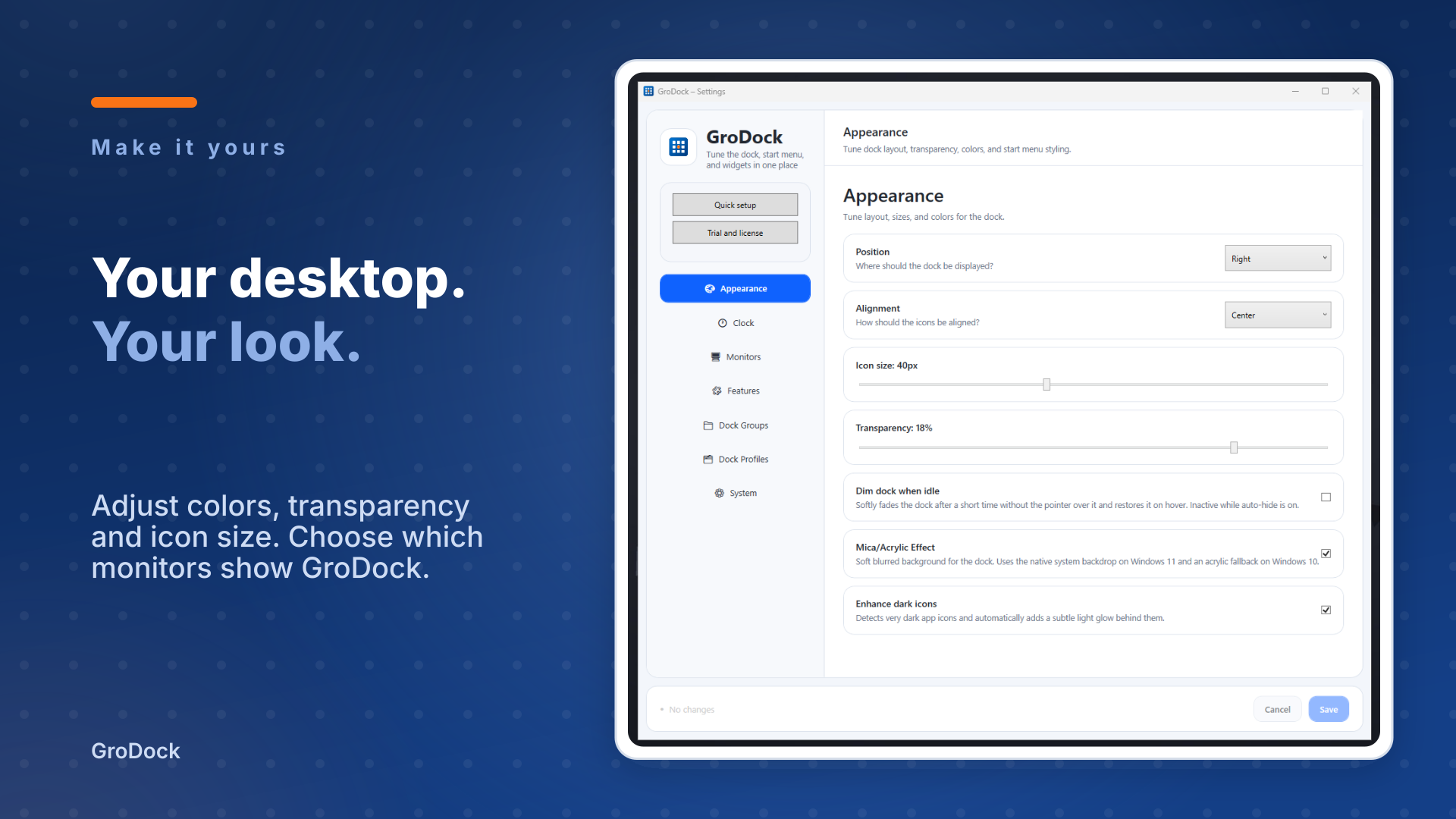
Choose top, bottom, left or right. Auto-hide gives you more space, and the dock steps aside for fullscreen games and videos.
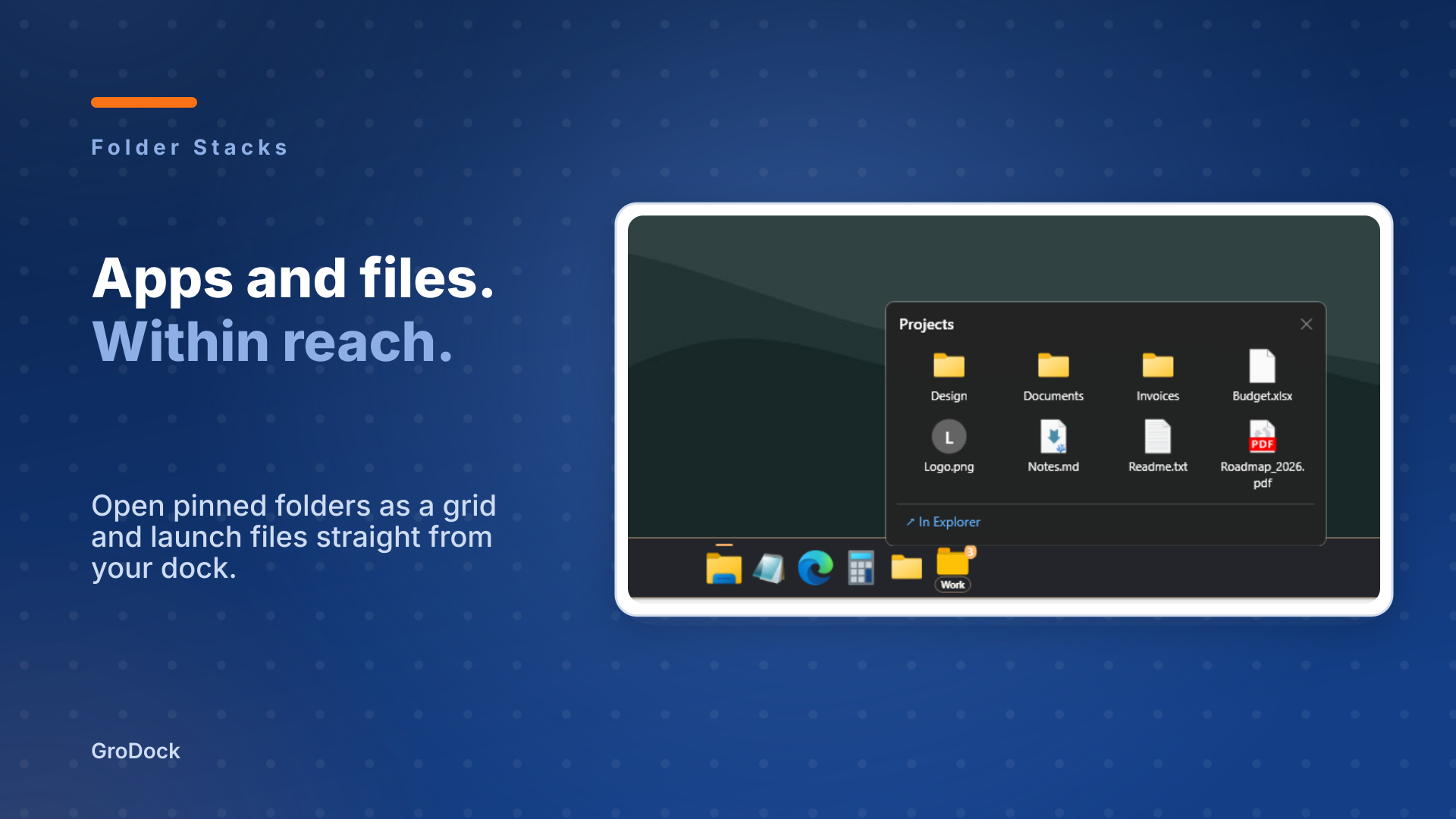
Pin a folder to the dock. One click opens its files and subfolders in a compact grid.
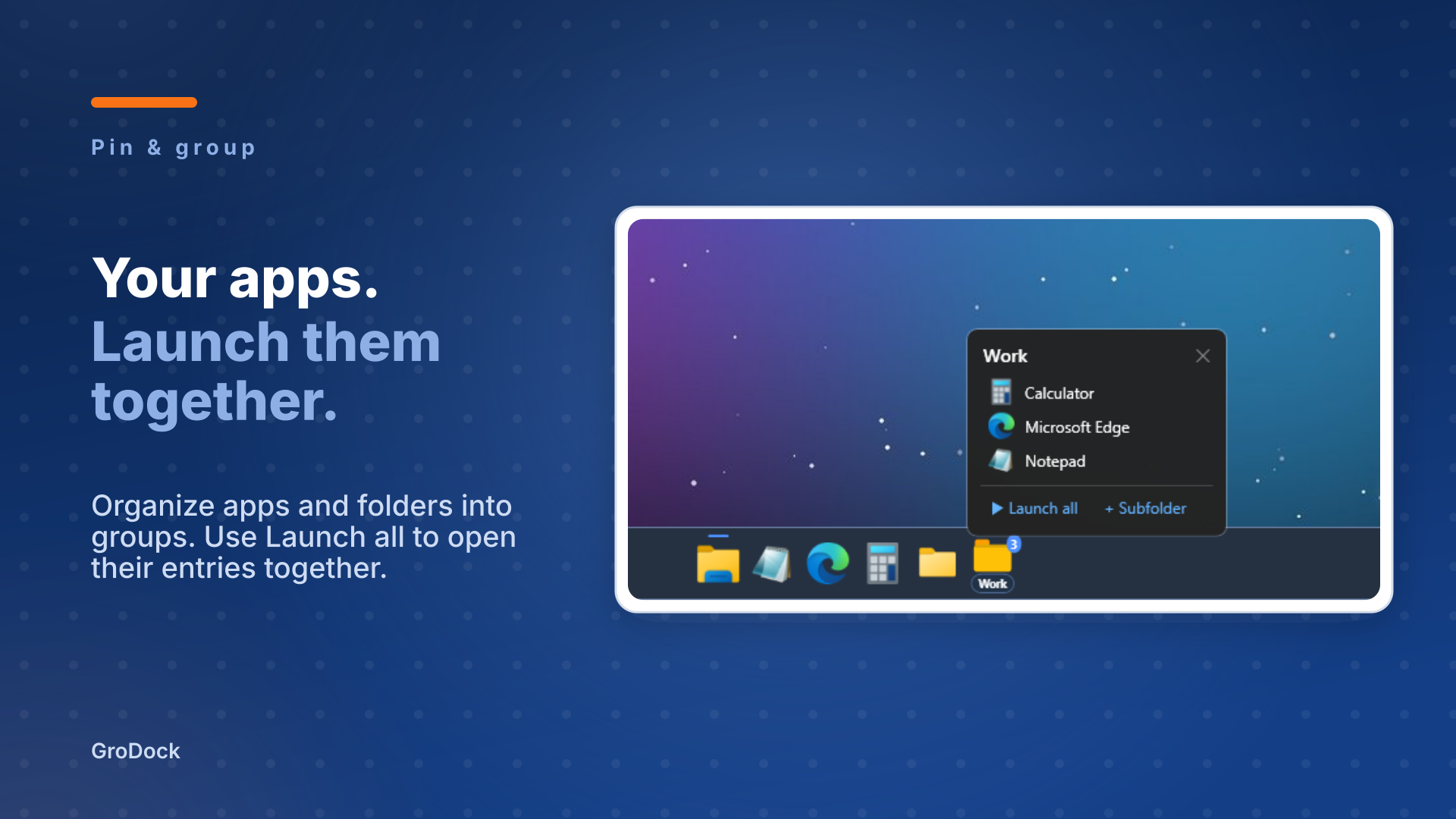
Collect apps and folders into groups. Use Launch all to open the entries together.
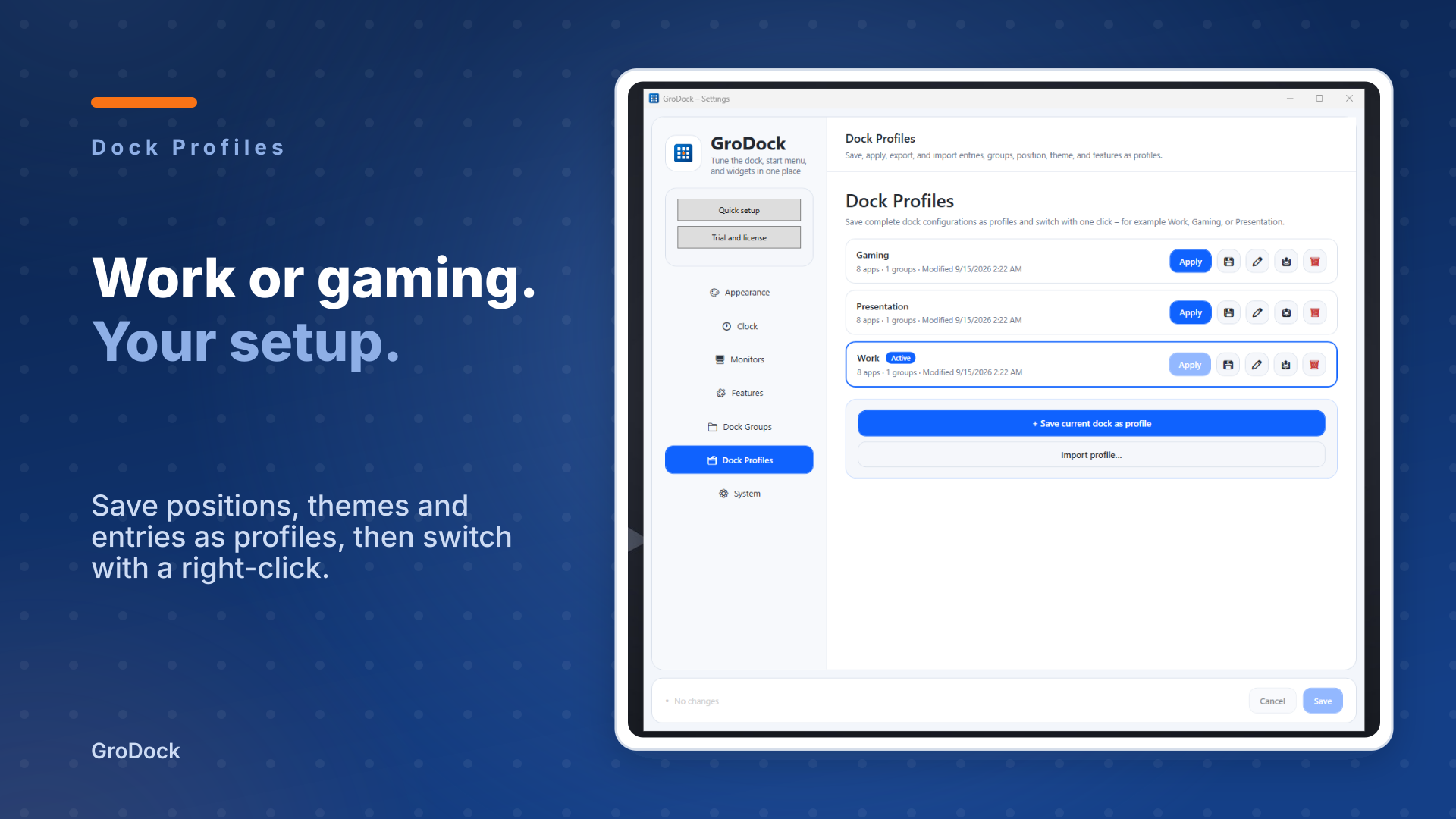
Save entries, groups, position and theme. Right-click to switch between work, gaming and presentations.
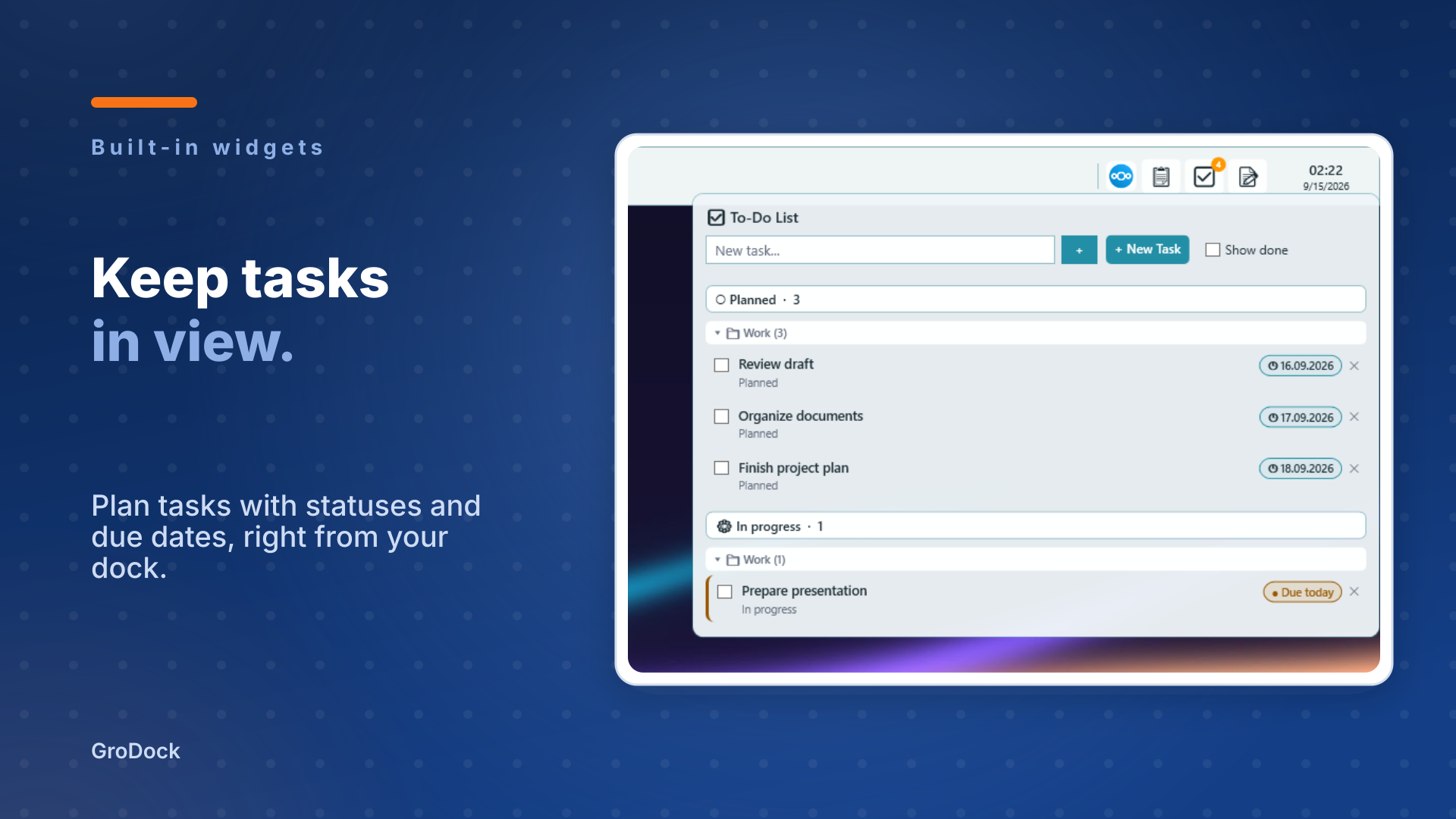
Plan tasks with statuses and due dates, or write down an idea. Open the tools straight from your dock.
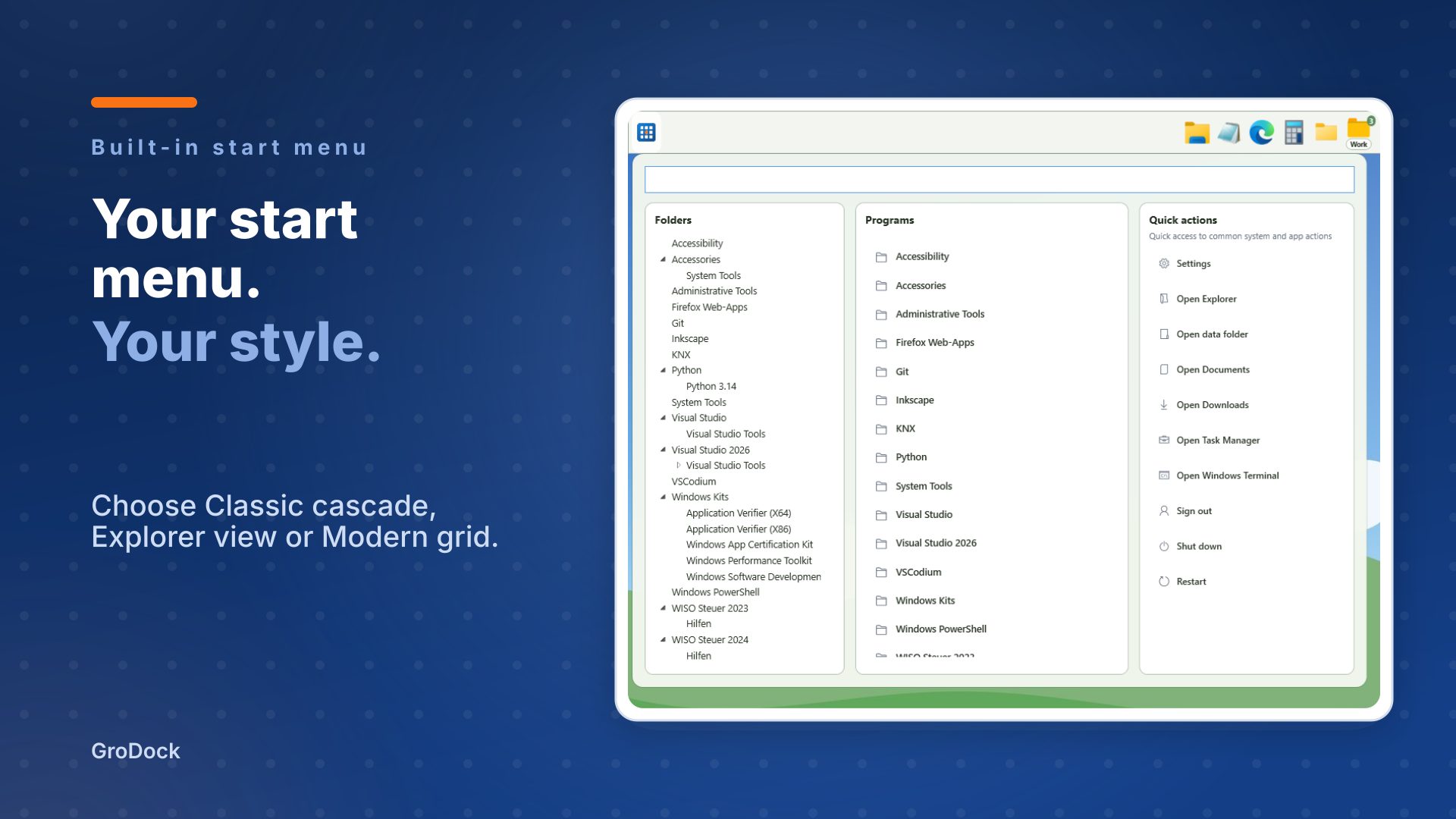
Choose position, apps and widgets in the optional setup. Adjust the start menu, colors and monitors in Settings whenever you like.
grodock in action
Three short recordings of grodock 2.0.0. The videos have no audio and show the German interface.
Screenshots
Explore folder stacks, app groups, tasks and saved dock profiles.
Frequently asked questions
How do the trial and purchase work?
Try every feature free for 7 days. Then buy once in Microsoft Store. There is no subscription. The Store shows the current price.
What happens when the trial ends?
grodock offers a direct link to Microsoft Store. After buying, check your license again. Your settings and content remain saved.
What happens to the Windows taskbar?
Run grodock alongside the Windows taskbar or hide it through a setting. The setup assistant leaves this choice unchanged.
Does grodock work with multiple monitors?
Yes. Choose whether grodock appears on every monitor or just one.
Can I keep my existing configuration?
Yes. The update keeps your entries and settings. You can reopen setup whenever you need it.