From the customer to each component
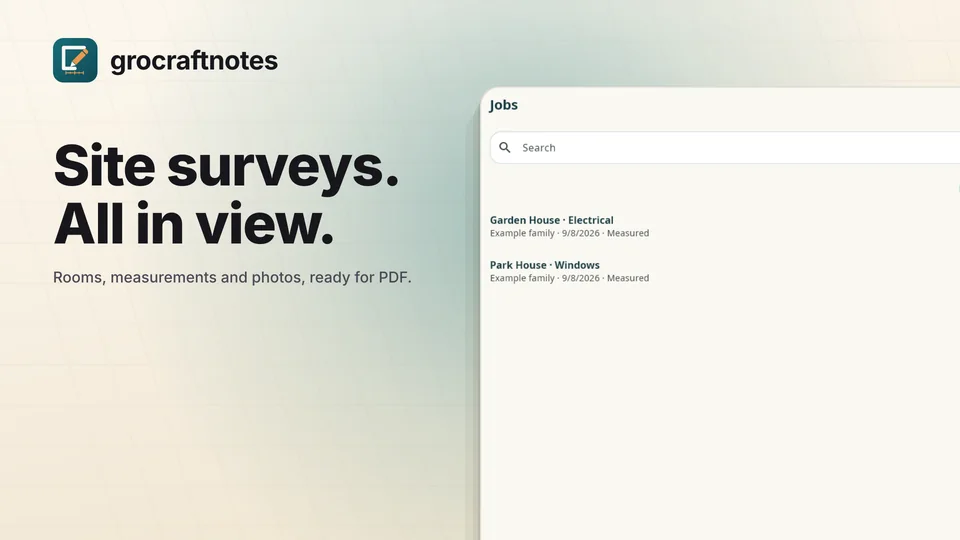
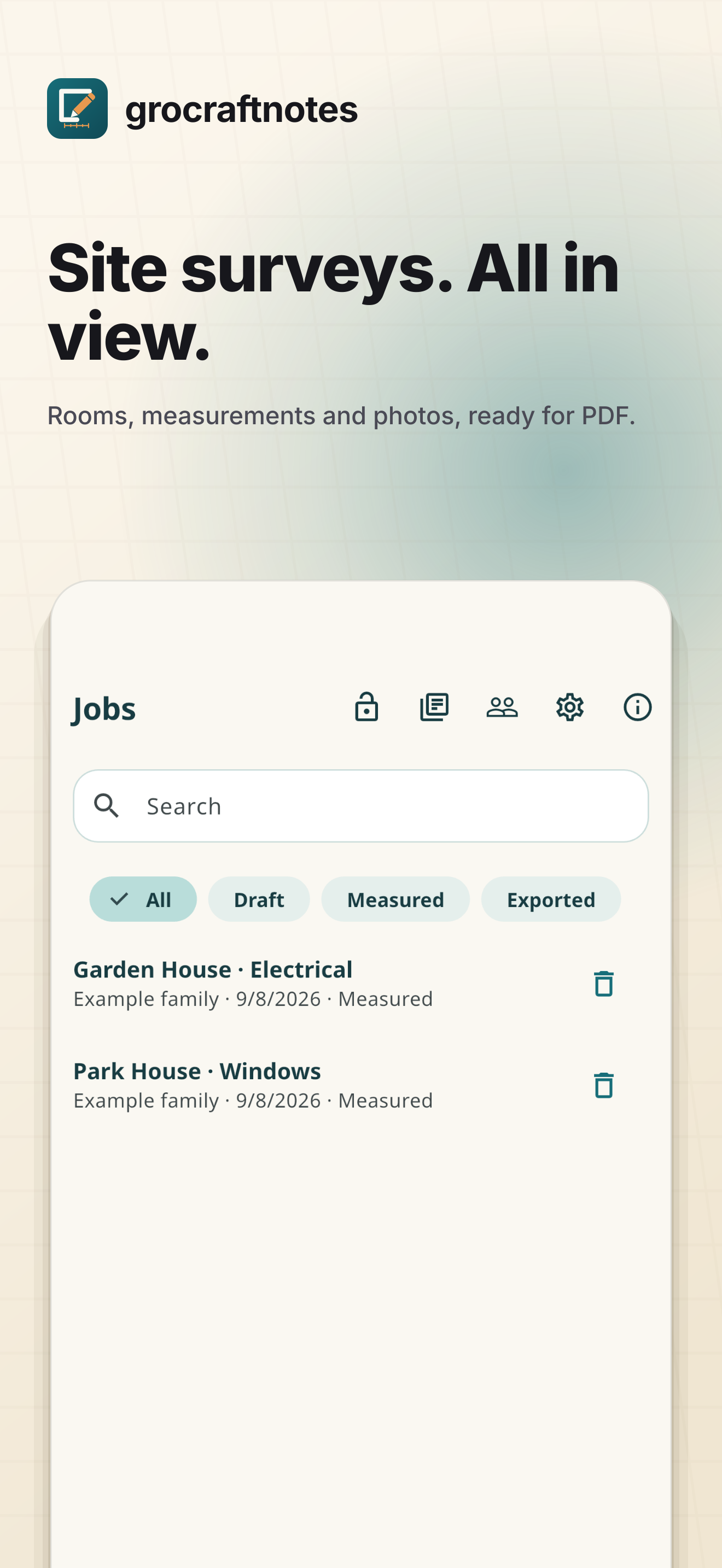
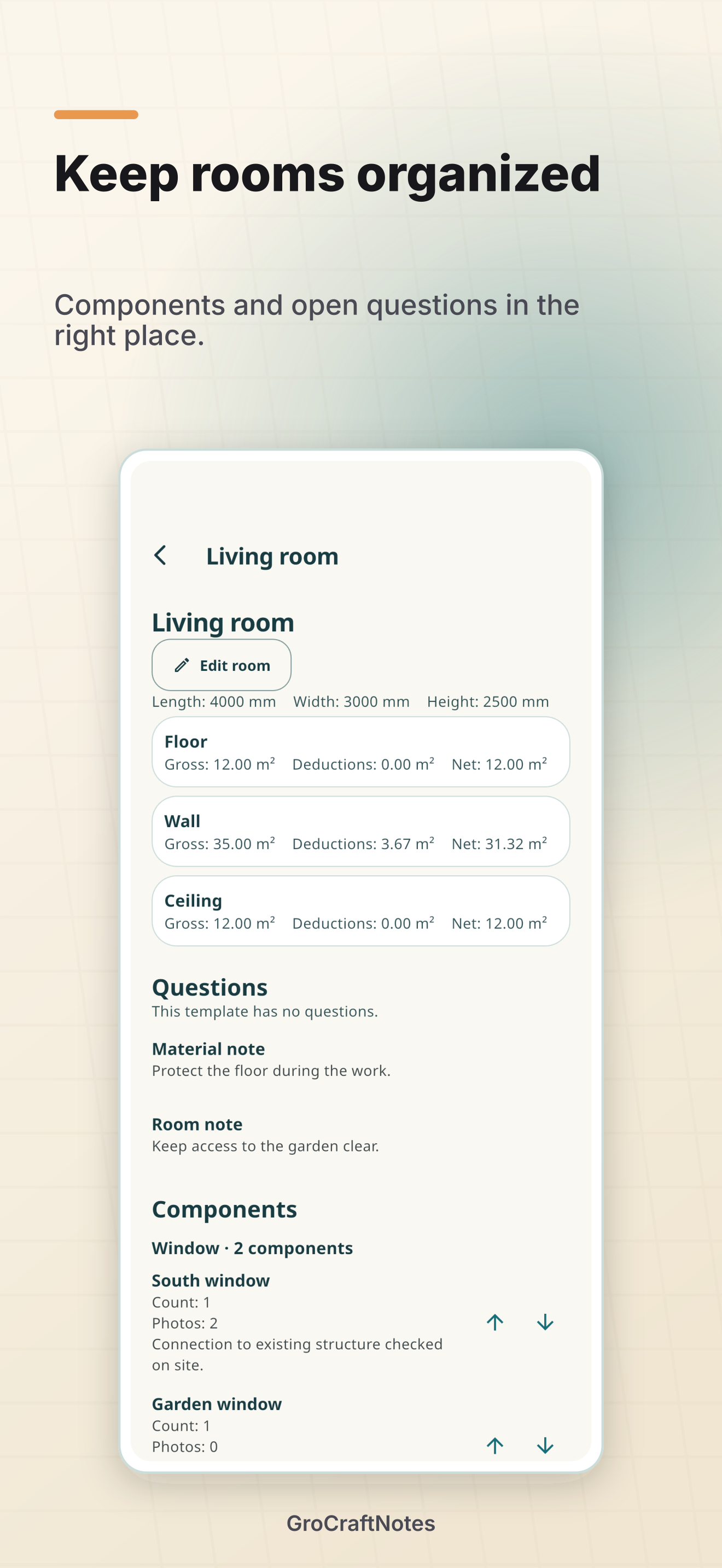
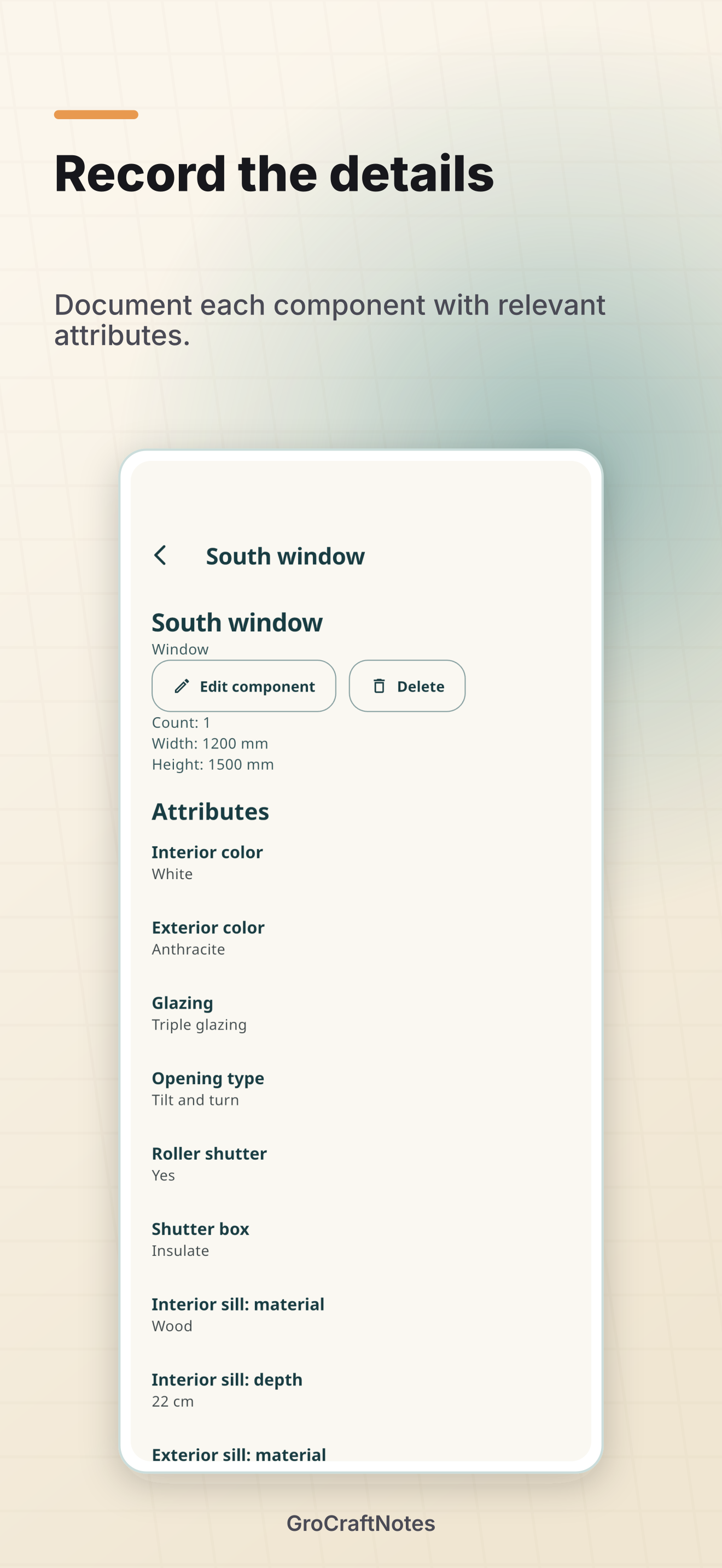
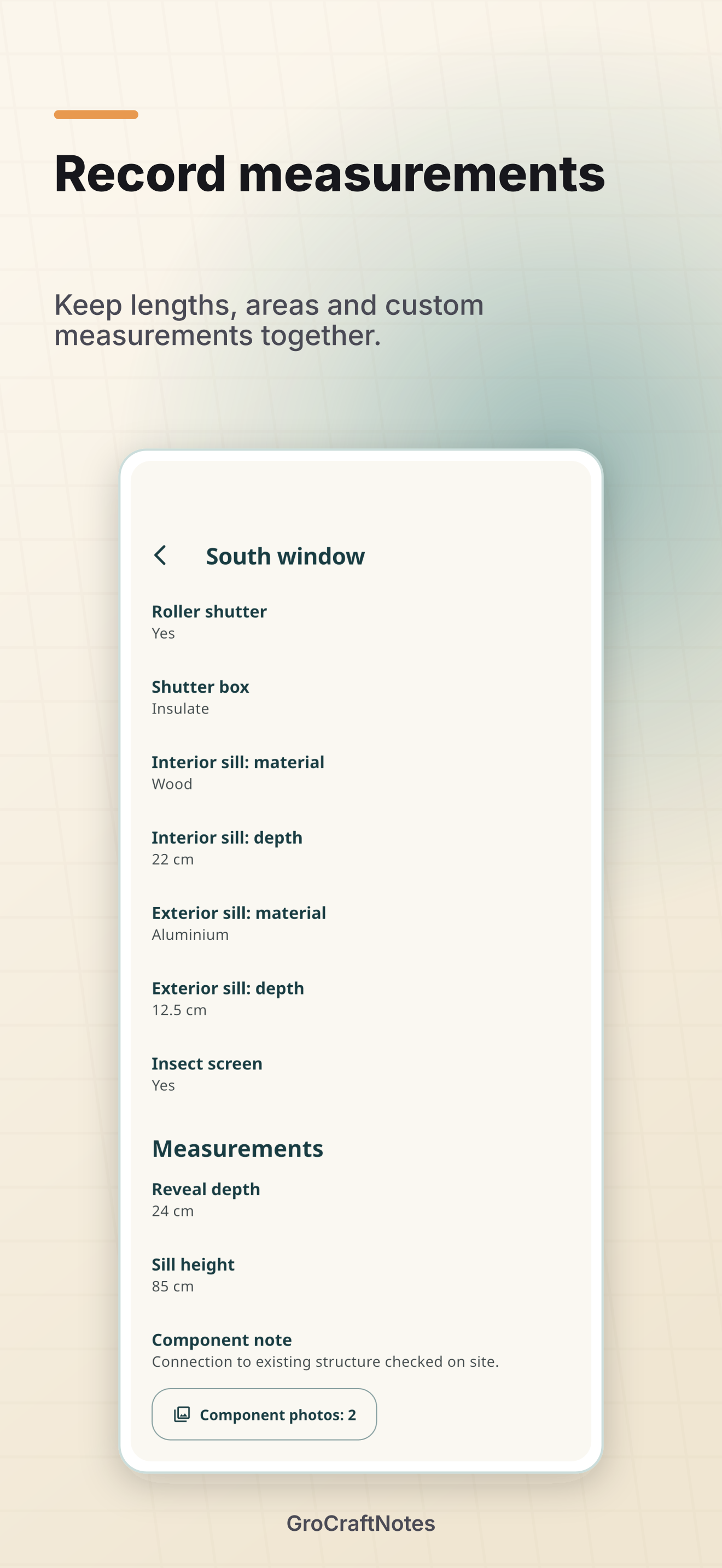
Create customers and jobs, select a trade template and organize your survey by room. Record windows, doors, sockets and other components with relevant attributes, measurements and notes. Room dimensions are optional; available measurements provide areas and deductions from assigned components.
Ask the right questions on site
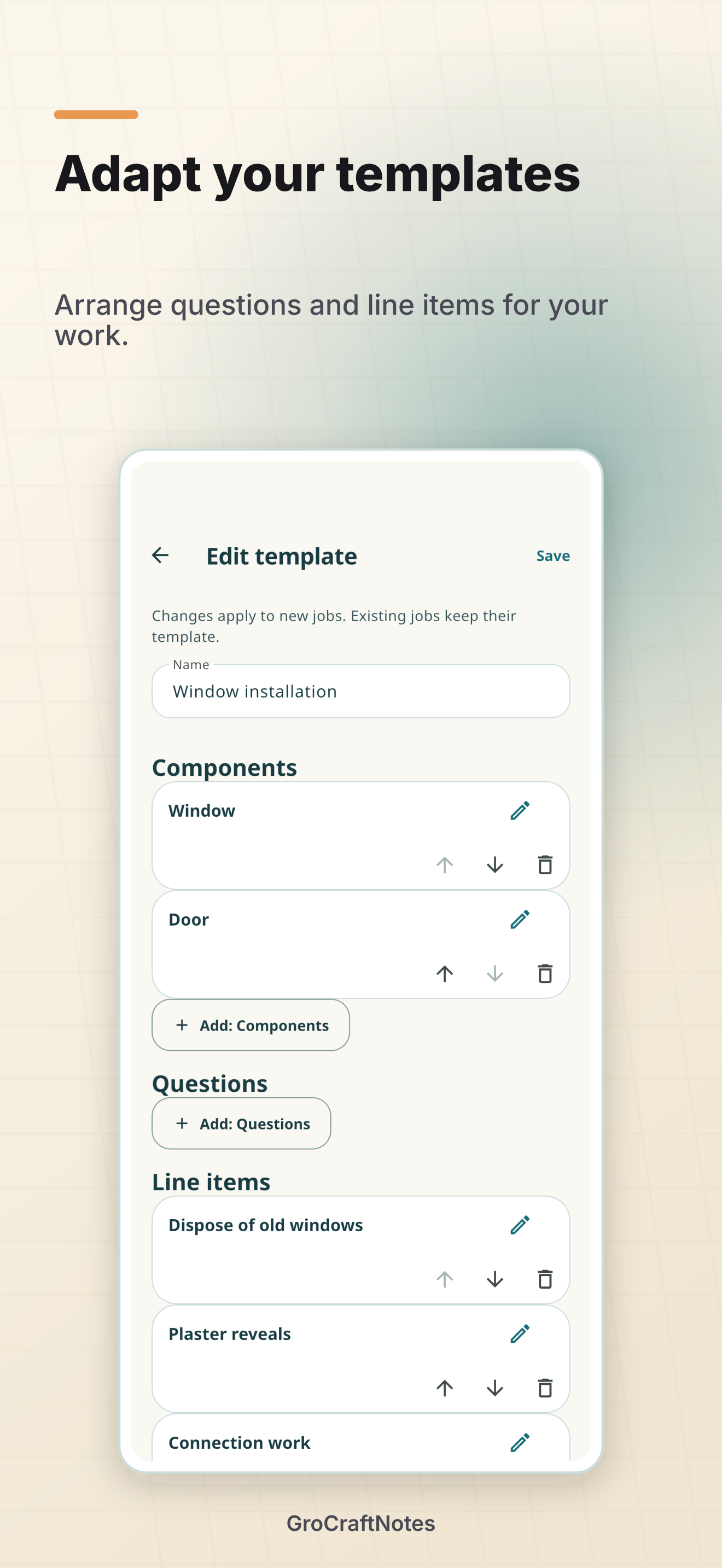
Five templates cover floors and tiles, painting, windows, electrical work, and plumbing and heating. Questions and line items track agreements and open points. With Pro, adapt templates and exchange them as JSON. Each job keeps its own template snapshot.
Photos, original files and a clear PDF report
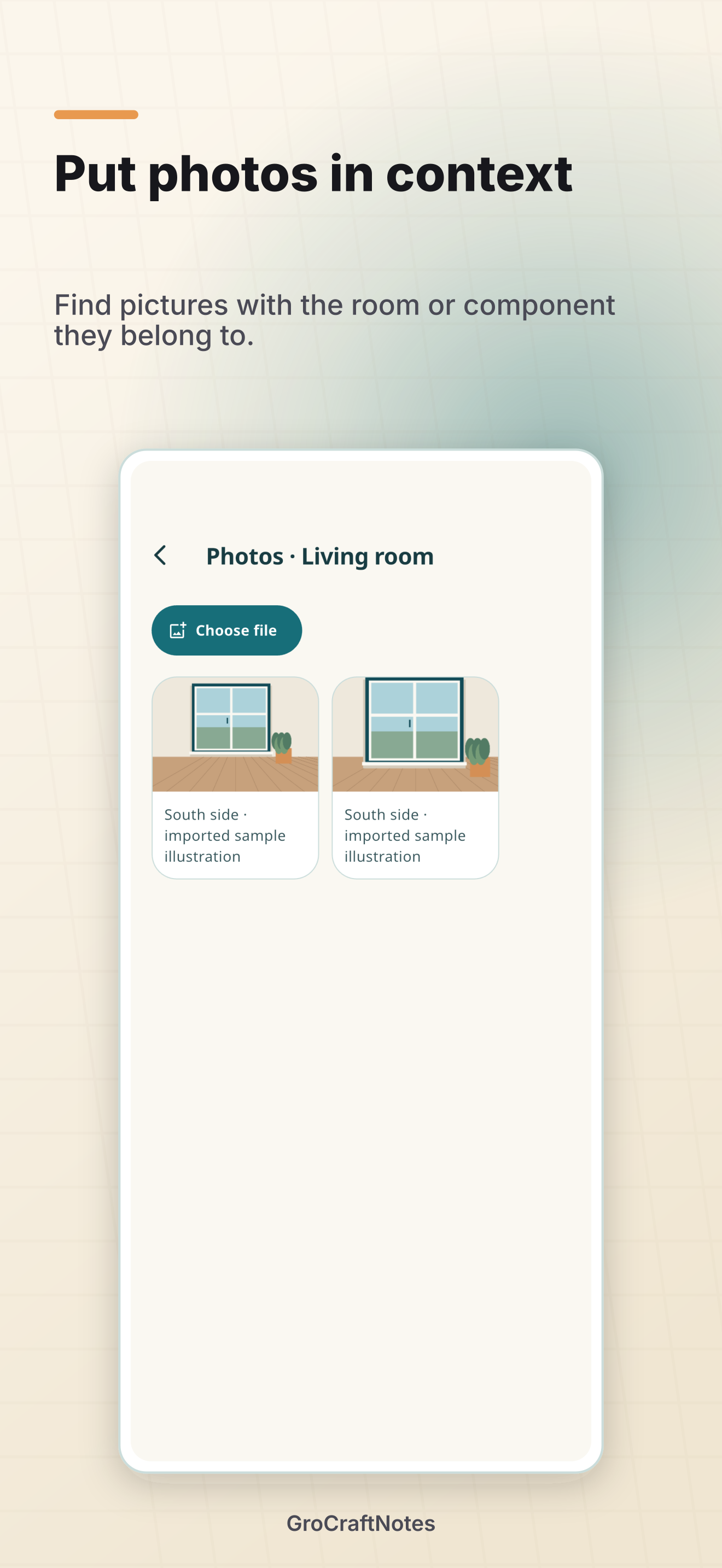
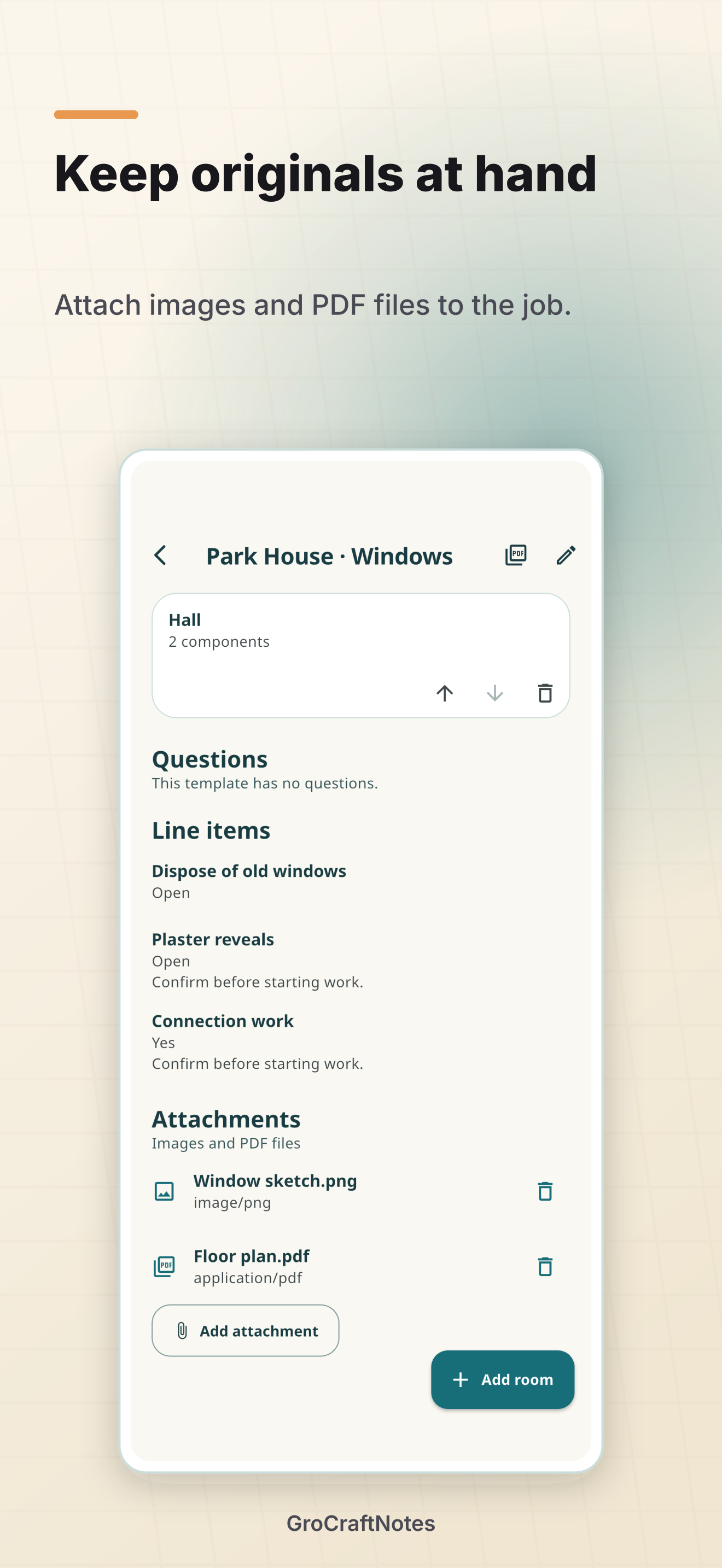
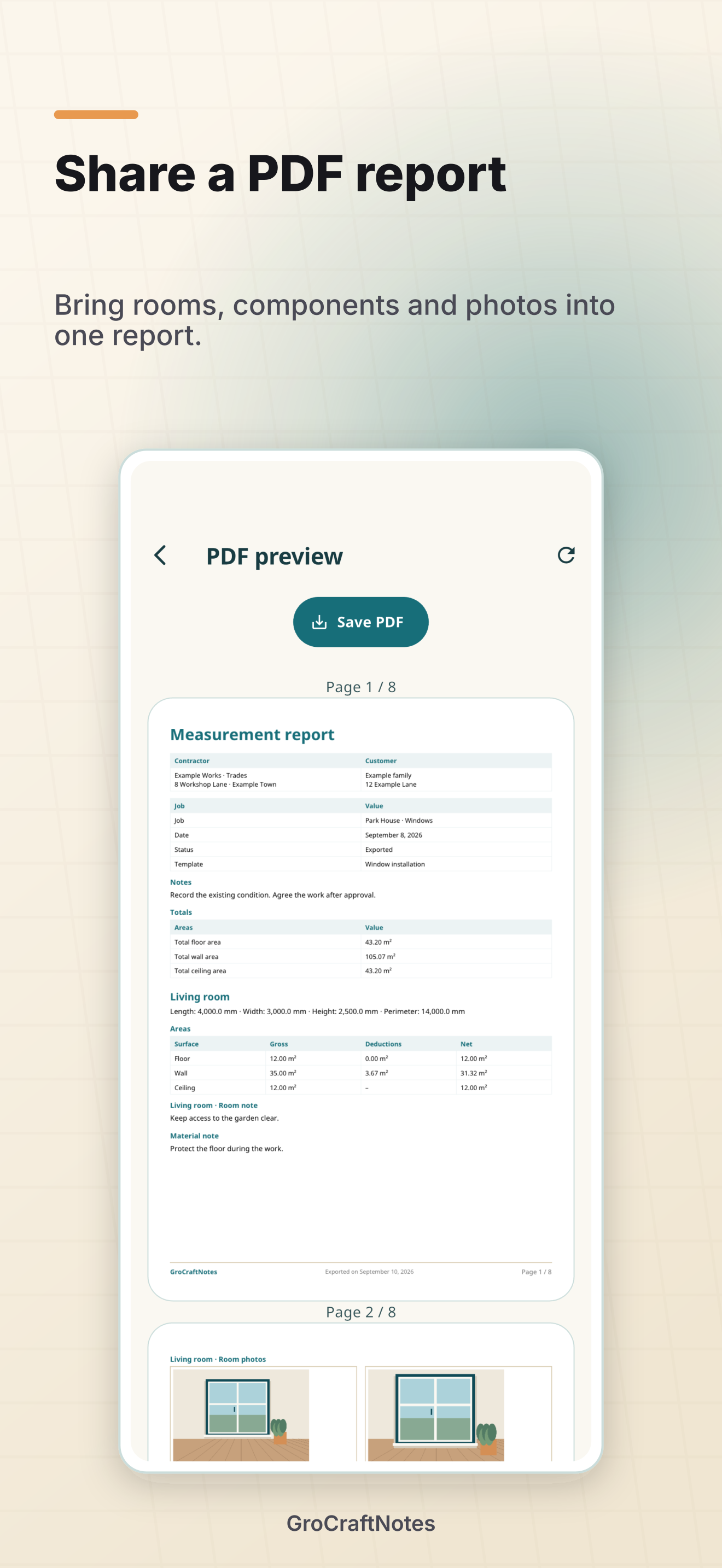
Assign photos to rooms and components. Add images and PDFs as original attachments. The survey report combines details, questions, line items and photos with your business information, logo and PDF color. PDF attachments are listed; image attachments can appear in the report.
Work locally and use shared storage
Your surveys are stored on your device first. Choose a shared folder to exchange data between the site and the office. A file provider or file share you set up handles the transfer. The required folder access must be available on every device; a cloud service is not included.
Wait for file synchronization and check the displayed sync status before continuing on another device. Resolve visible conflicts with the other version preserved. Purchase entitlements do not transfer through the data folder. You can also export your data, including media, as a ZIP.
Start free and unlock Pro once
On iOS and macOS, the download is free. Free includes three jobs, the original built-in templates and watermarked PDFs. A one-time Pro in-app purchase unlocks unlimited jobs, custom templates and watermark-free PDFs. The German store price for Pro is €14.99. The purchase dialog shows the actual price for your storefront; there is no subscription.
On Windows, try the full version for seven days, then buy it once in the Microsoft Store. The German store price is €14.99. A valid full or trial license includes the Pro features; Windows does not require an additional Pro in-app purchase. Apple and Microsoft purchases are managed separately.
Screenshots
Actual app views with fictional example data, composed for the store listings. The views show the Pro features.
Frequently asked questions
Does the app measure automatically?
You enter measurements yourself. Areas are calculated from those values. Camera room scanning and Bluetooth laser integration are not part of version 1.0.
Does grocraftnotes create quotes or invoices?
The PDF report documents the survey and open points. Line items have no prices; use your usual software to prepare quotes and invoices.
How do I restore Pro?
In Settings, open grocraftnotes Pro and Restore purchases. Use the associated store account. For help, contact grocraftnotes support.
Do I need an account?
Local work does not require a grocraftnotes account. Purchases use your store account; an optional file provider may require its own account. See the privacy information.