gronotes · Linux
gronotes for Linux
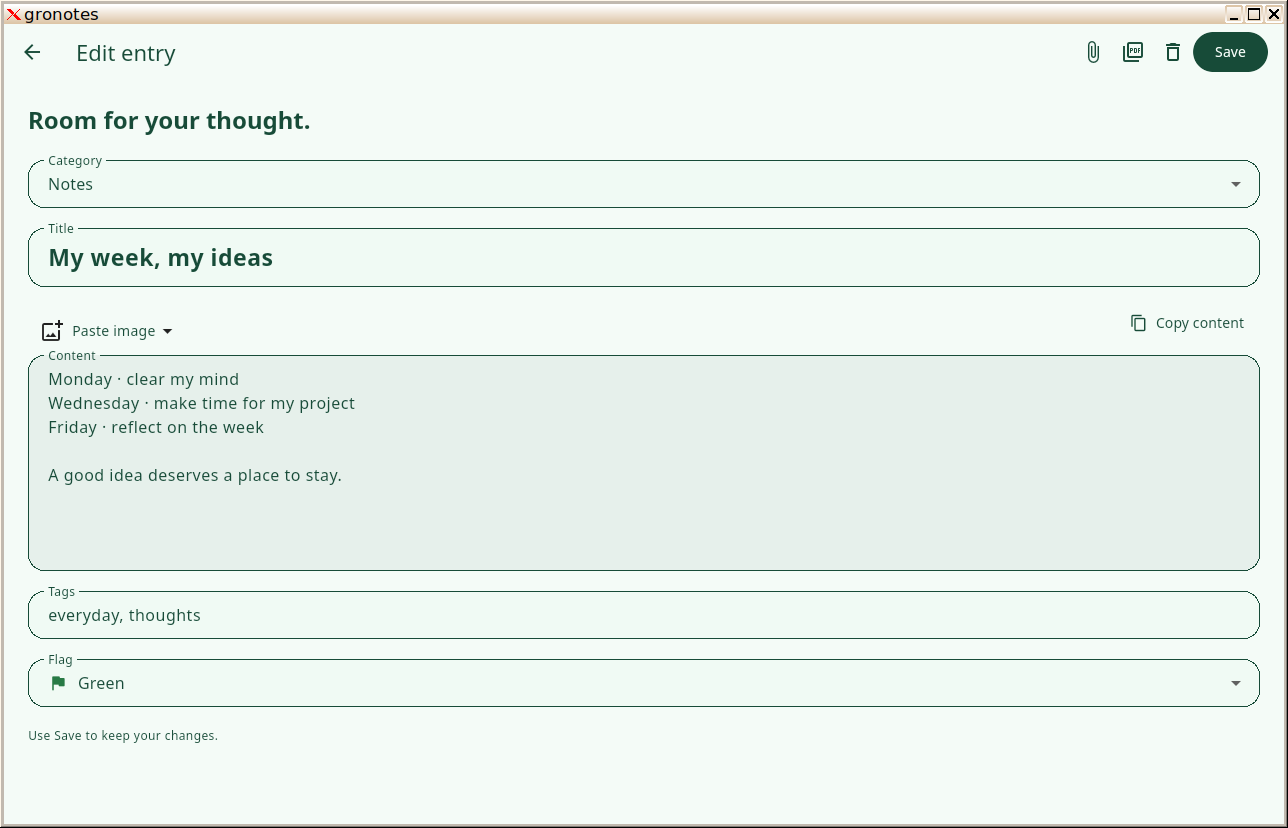
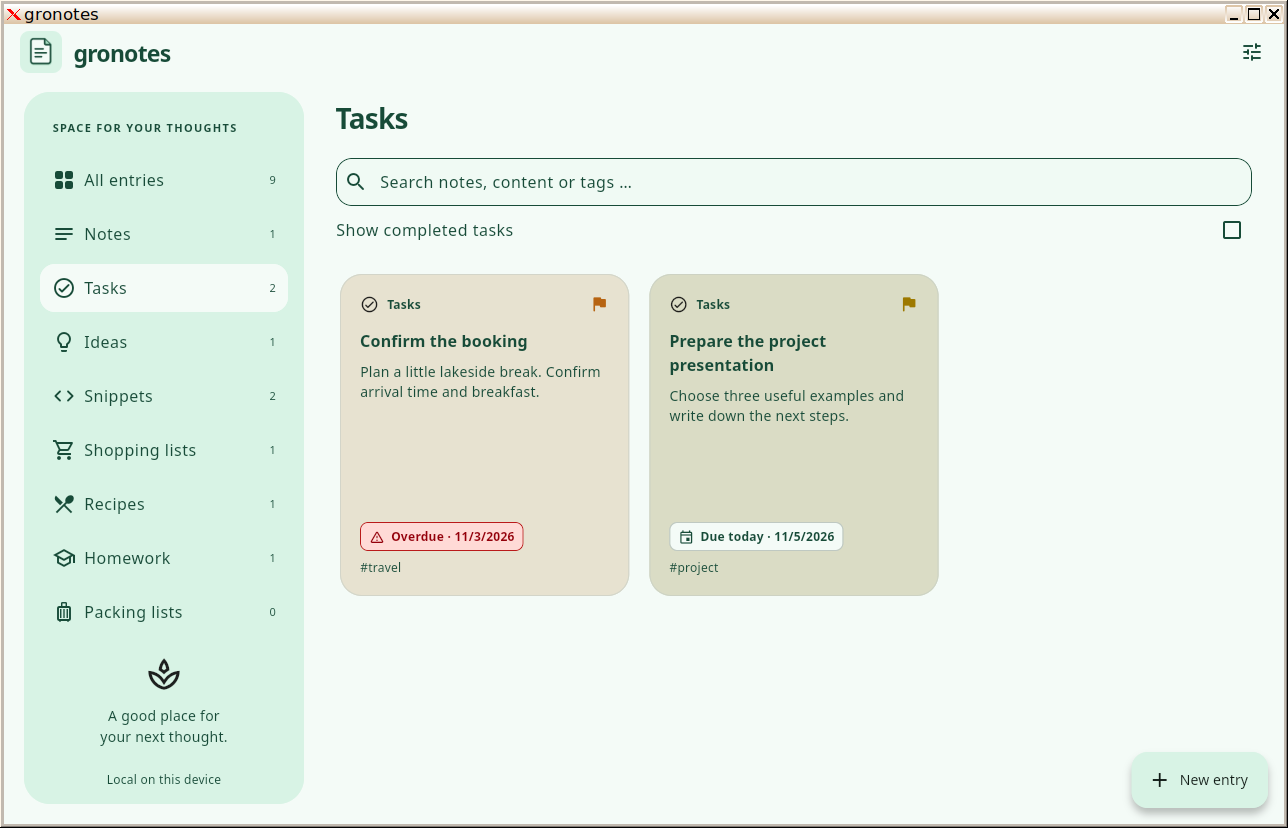
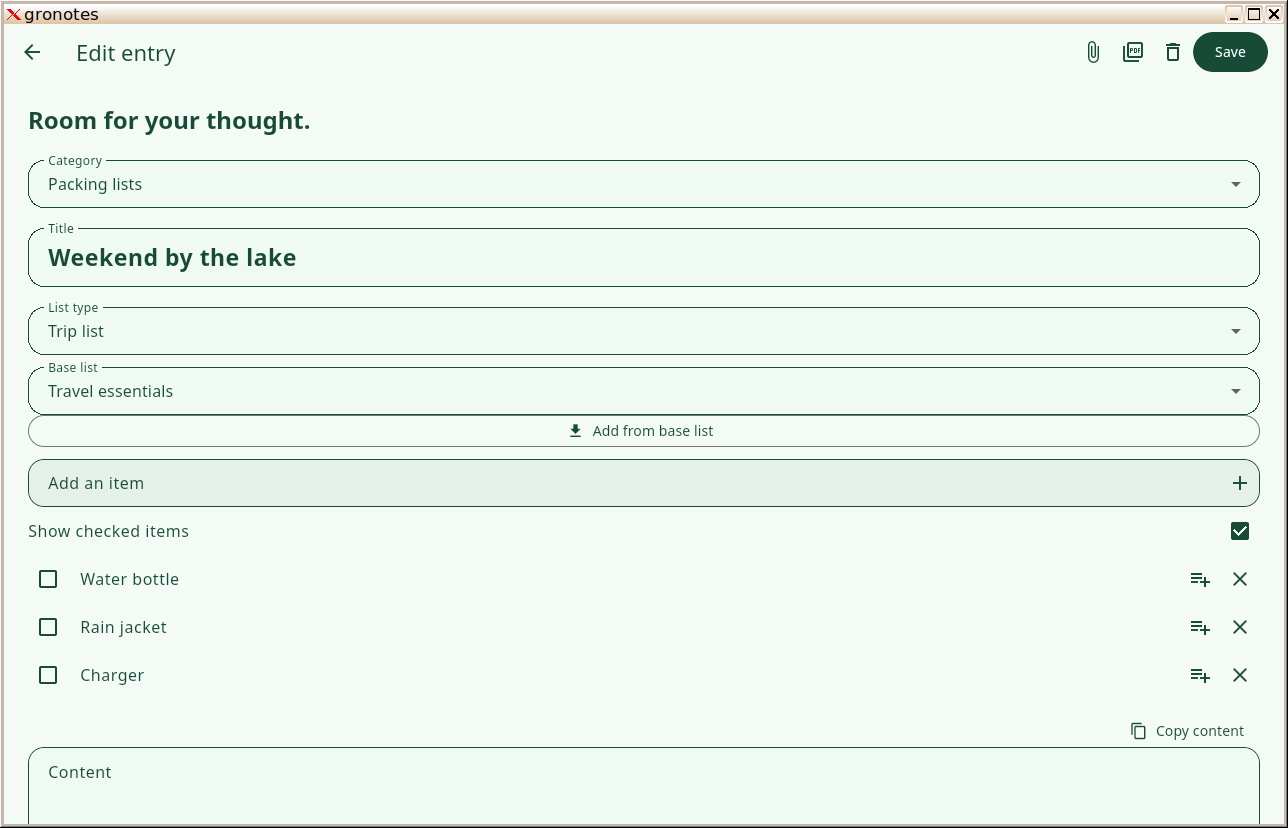
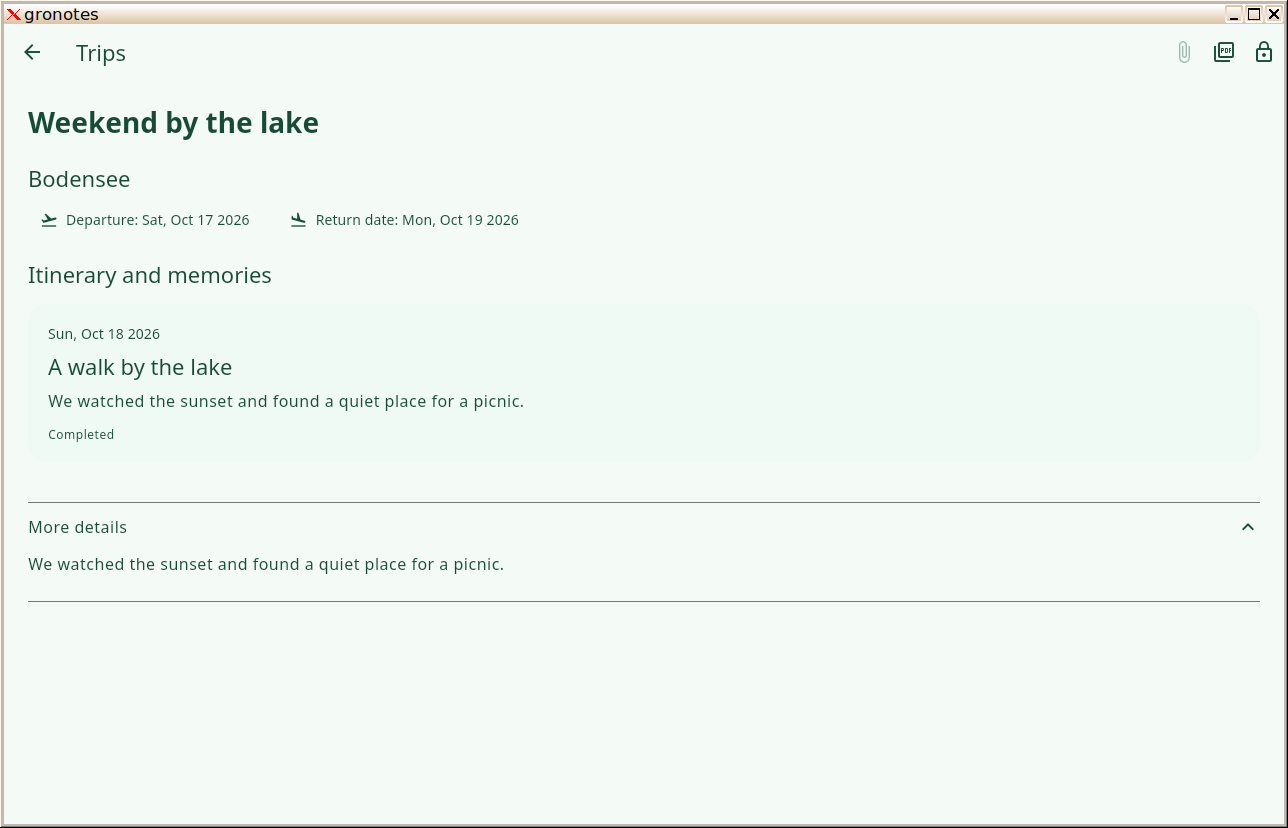
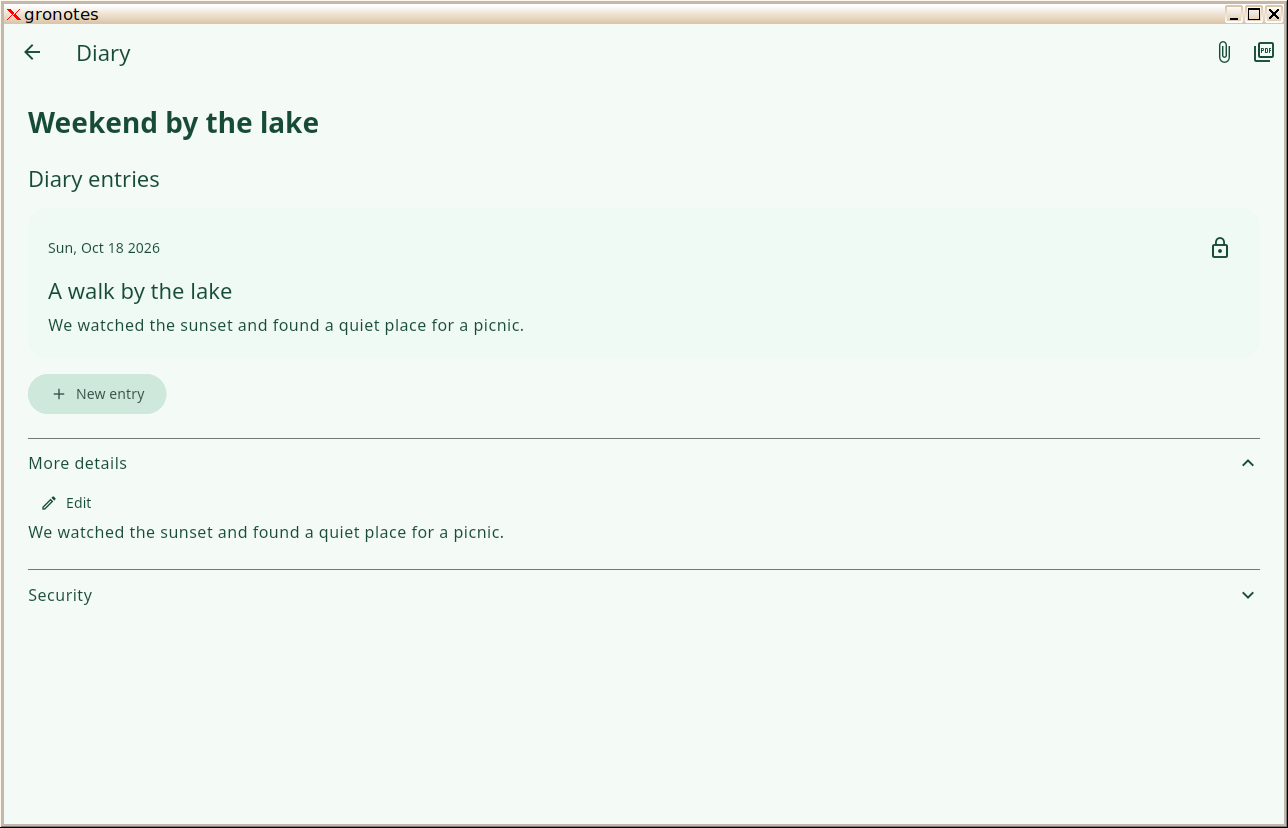
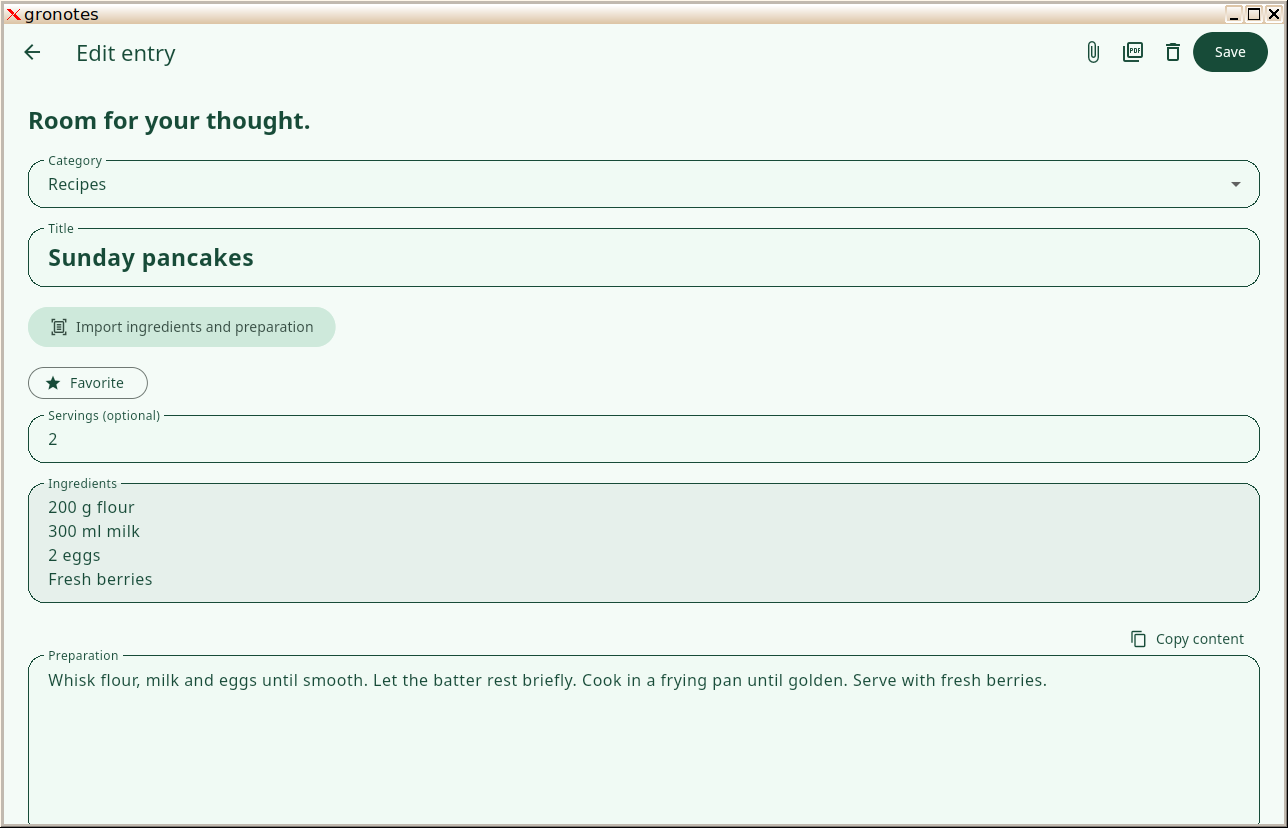
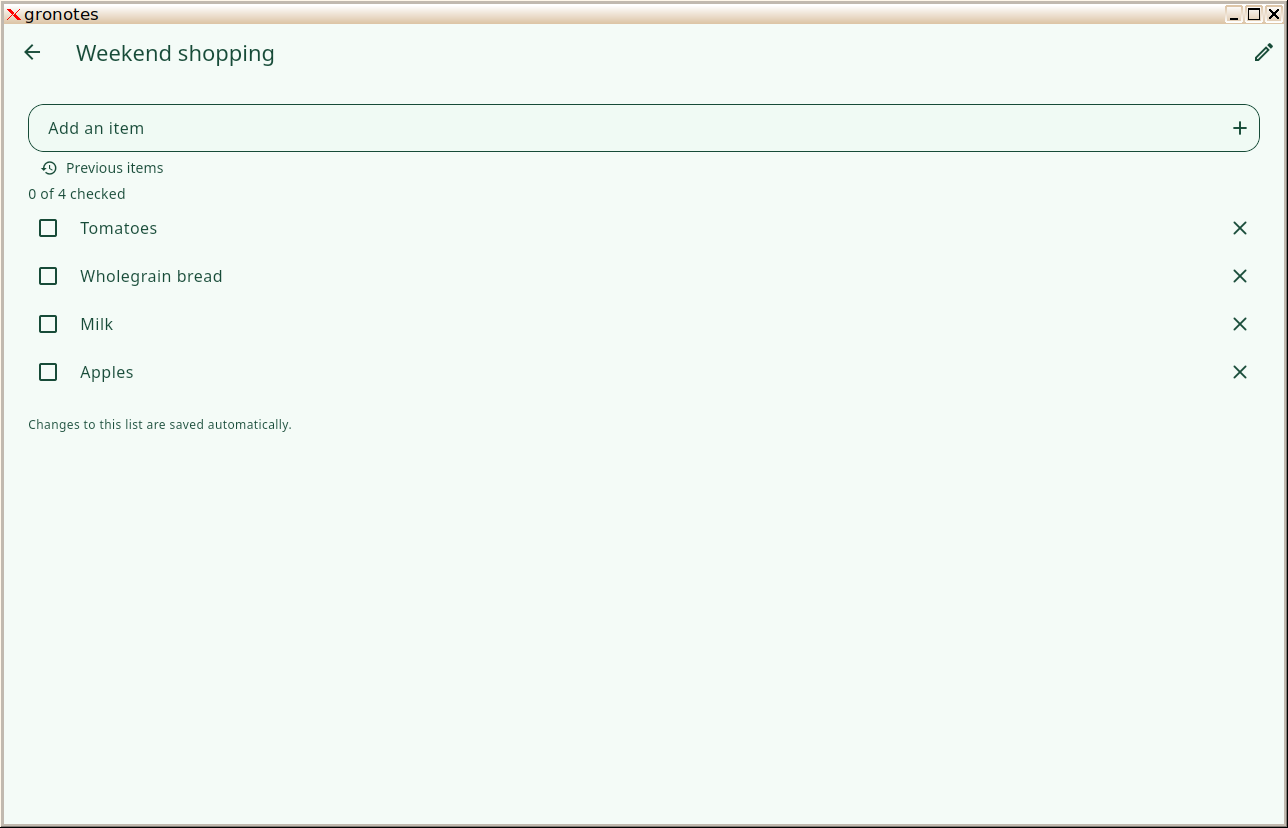
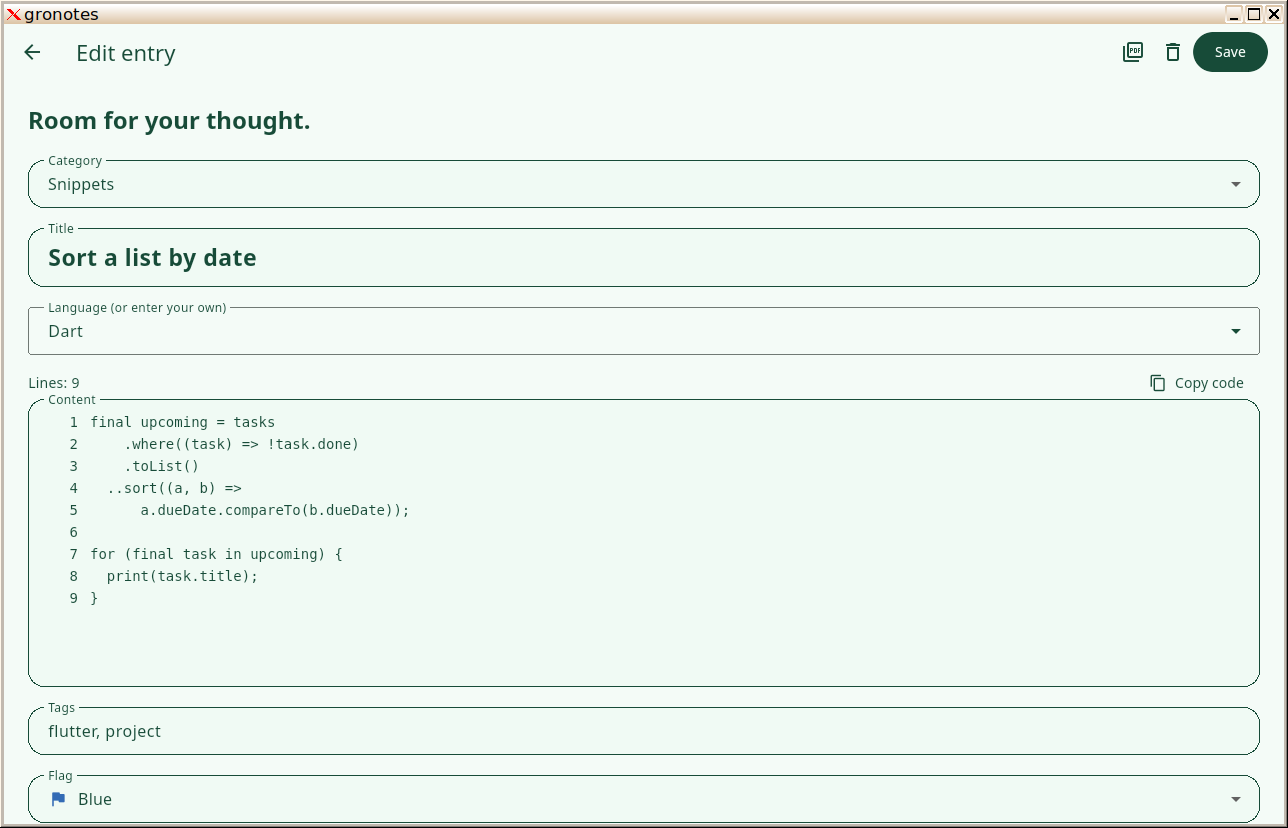
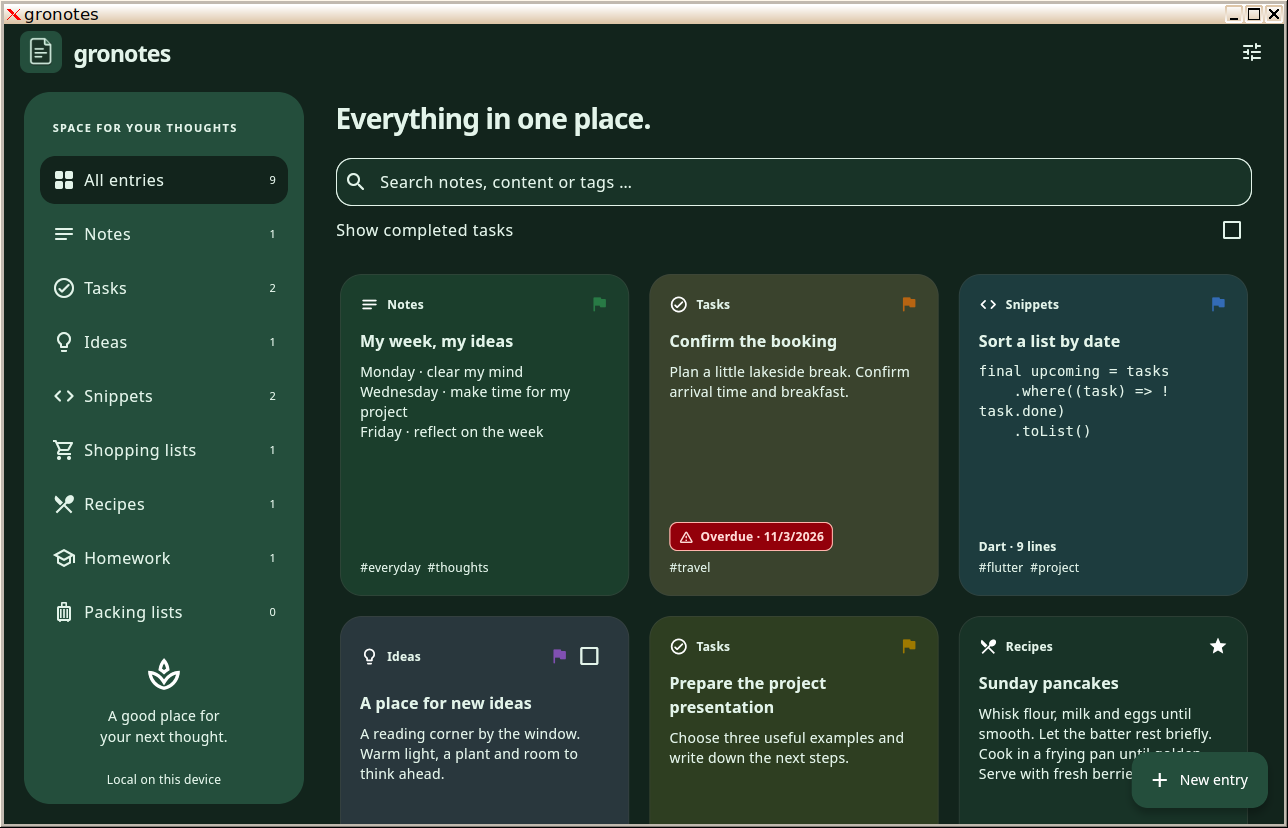
Notes, tasks and recipes on your Linux desktop. Download gronotes directly as a Flatpak.
Linux x86_64 · 1.2.0+38 · 22.1 MB
Purchase and license
Try gronotes Pro for ten days without payment details. Afterwards, ten entries remain free. The one-time purchase lets you create unlimited entries. No subscription.
gronotes Pro · Linux · 9,99 EUR
The Linux license is separate from store purchases and belongs to this Linux installation. Back it up to restore Pro after reinstalling the app. Notes are not sent to the payment service.
After payment confirmation, Pro unlocks automatically. Return to gronotes and use Check again if needed. After activation, Pro works offline.
Reinstalled Linux or changed devices? Support restores Pro free of charge after purchase verification. You do not need to buy again.
Installation and update guide
Linux x86_64 · Flatpak and a desktop portal required. The first installation downloads its runtime from Flathub; no account is needed. gronotes itself comes from groad.app.
Download both files into one folder. Open a terminal there, verify the checksum and install. Stop if verification fails.
sha256sum -c gronotes-1.2.0-build38-linux-x64.flatpak.sha256flatpak install --user ./gronotes-1.2.0-build38-linux-x64.flatpakflatpak run app.groad.gronotesSave your work, finish synchronization and close gronotes. Download and verify the new Flatpak, then install it using the same command with the new filename. Your app data stays. There are no automatic gronotes updates through this download.
Flatpak keeps separate app data. Export a backup from the archive installation, then import it or select your existing sync folder. Do not use both installations on that folder at once. Back up your Pro license before switching; contact support if restoration fails.
Deutsch / English · Installation and update guide
Remove the app without deleting its data
flatpak uninstall --user app.groad.gronotesAlternative: archive and manual installation
Linux x64 · 1.2.0 (38) · 30.4 MB. Tested on openSUSE Tumbleweed with KDE. Other distributions and ARM have not yet been validated. Requires GTK 3 and its runtime libraries; the installer also needs Python 3.11 or newer. Flutter is not required.
gronotes-1.2.0-build38-linux-x64.tar.gz
Download the archive and checksum file into the same folder, such as Downloads. Open a terminal there and verify the checksum. Stop if it does not match.
sha256sum -c gronotes-1.2.0-build38-linux-x64.tar.gz.sha256Extract the archive and enter the package directory. Keep the entire bundle directory together.
tar -xzf gronotes-1.2.0-build38-linux-x64.tar.gz
cd gronotes-1.2.0+38-linux-x64
Preview the installation, then install for your user account. No sudo is needed.
python3 install.py --dry-run
python3 install.py
Start gronotes from the application menu or with this command:
~/.local/bin/gronotes
Try without installing:
./bundle/gronotesBefore updating, save open entries, finish synchronization and quit gronotes. The installer preserves application data and does not configure autostart.
Purchase and license
Try gronotes Pro for ten days without payment details. Afterwards, ten entries remain free. The one-time purchase lets you create unlimited entries. No subscription.
gronotes Pro · Linux · 9,99 EUR
The Linux license is separate from store purchases and belongs to this Linux installation. Back it up to restore Pro after reinstalling the app. Notes are not sent to the payment service.
After payment confirmation, Pro unlocks automatically. Return to gronotes and use Check again if needed. After activation, Pro works offline.
Reinstalled Linux or changed devices? Support restores Pro free of charge after purchase verification. You do not need to buy again.
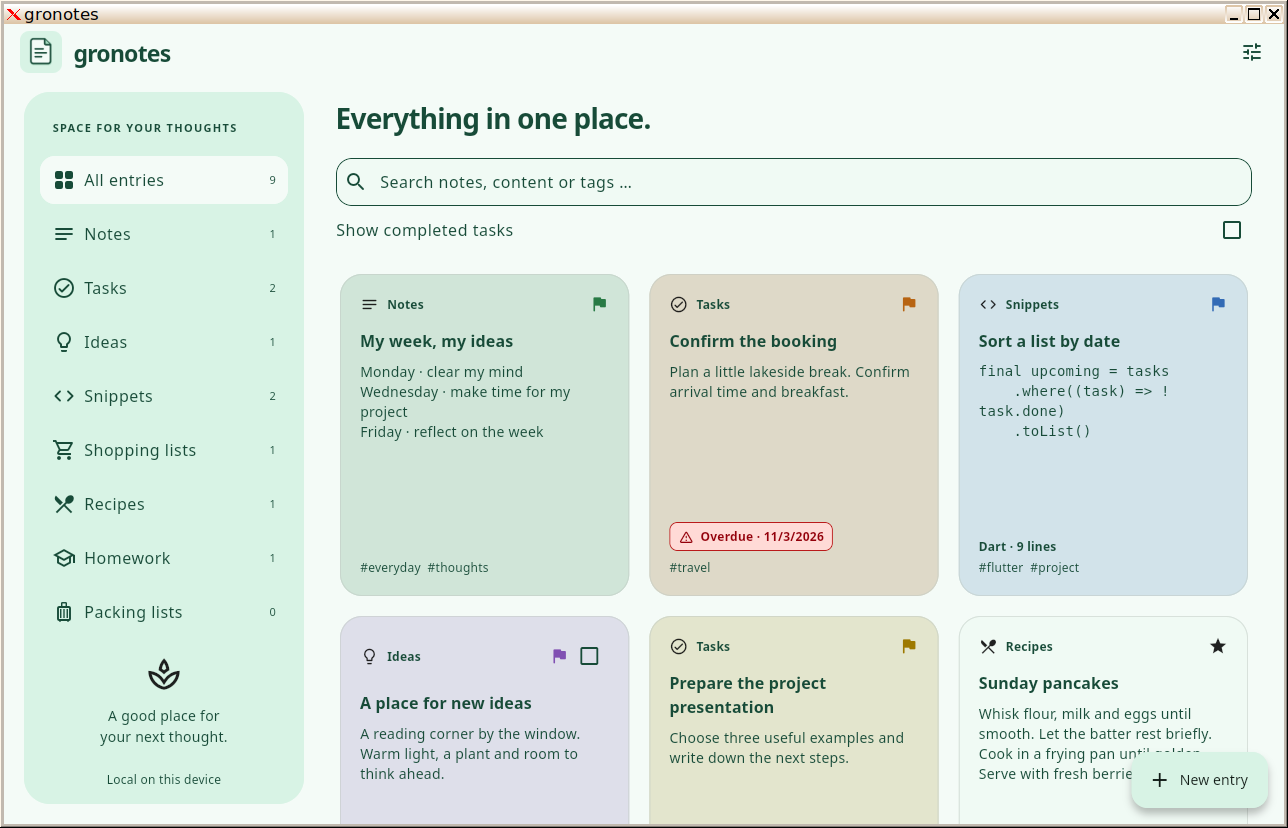
Linux screenshots