Capture and find your thoughts
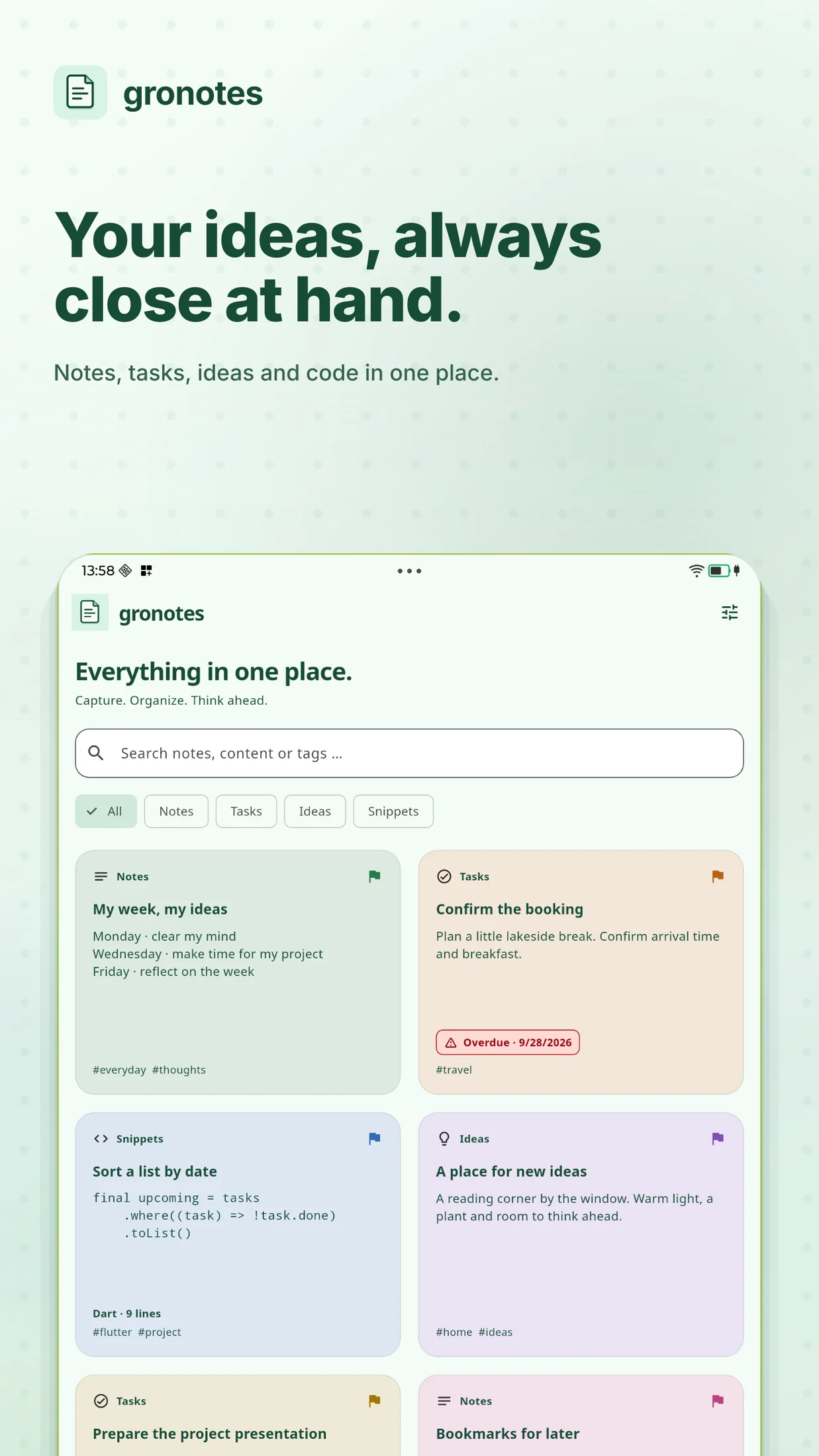
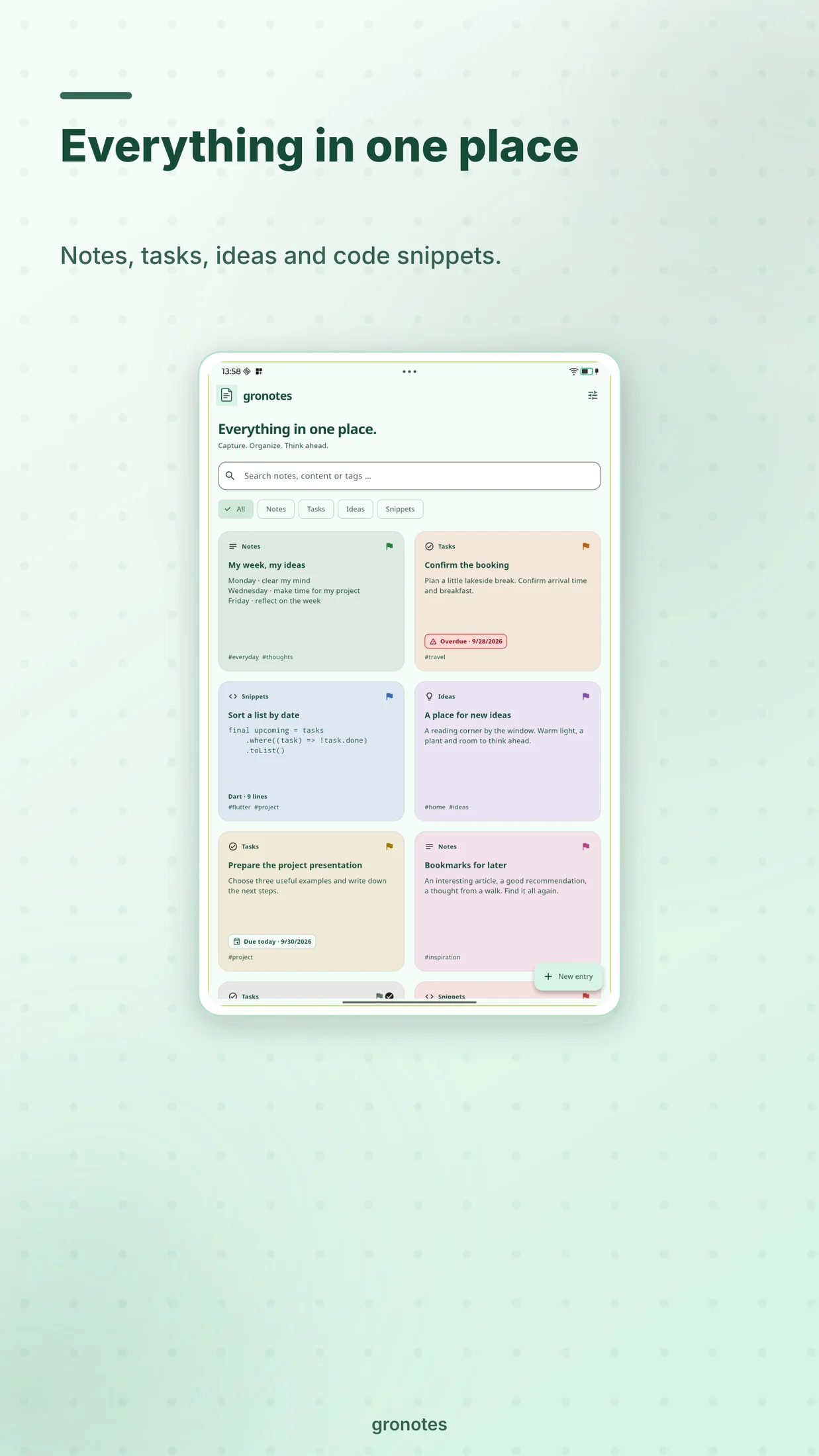
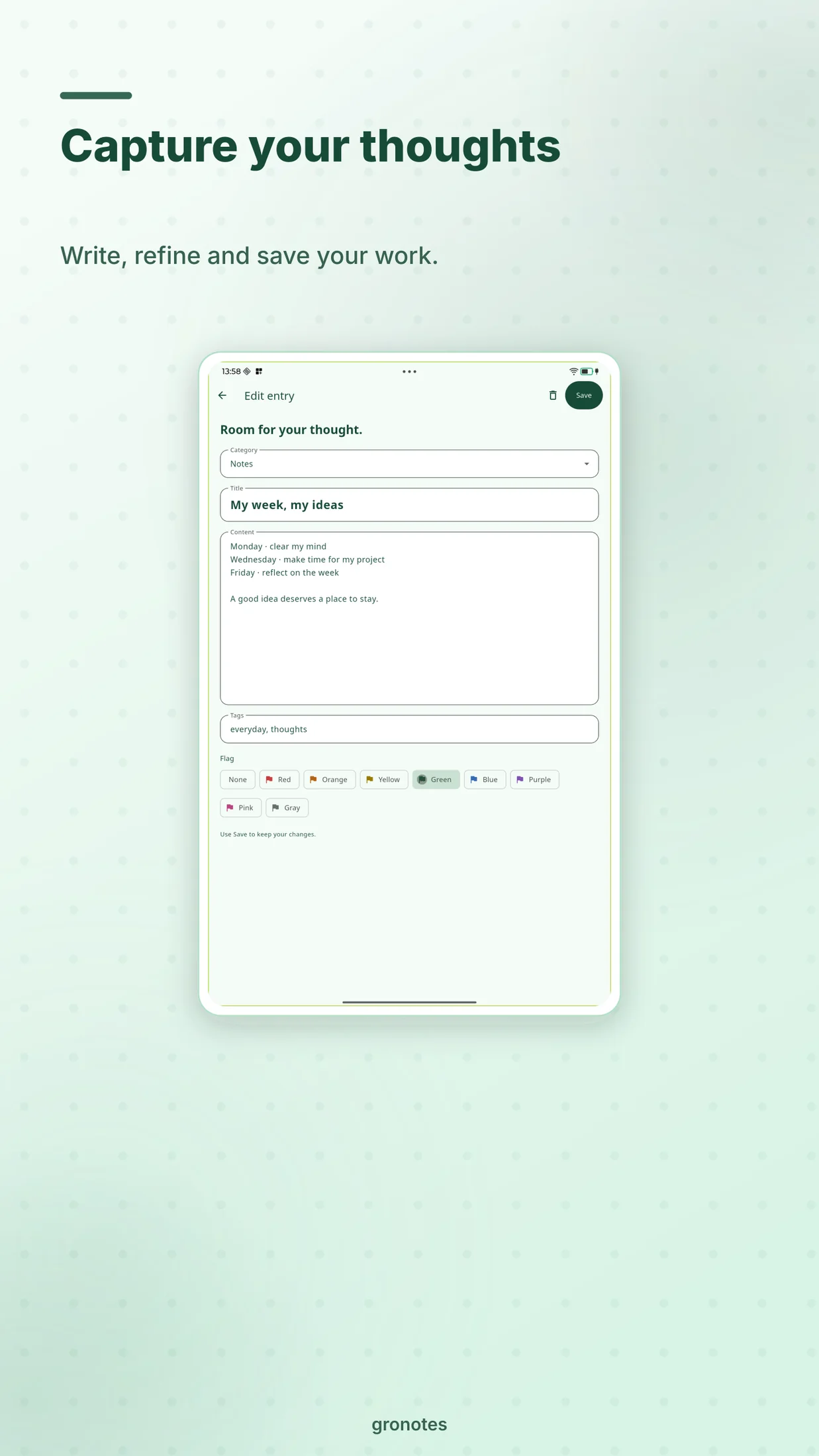
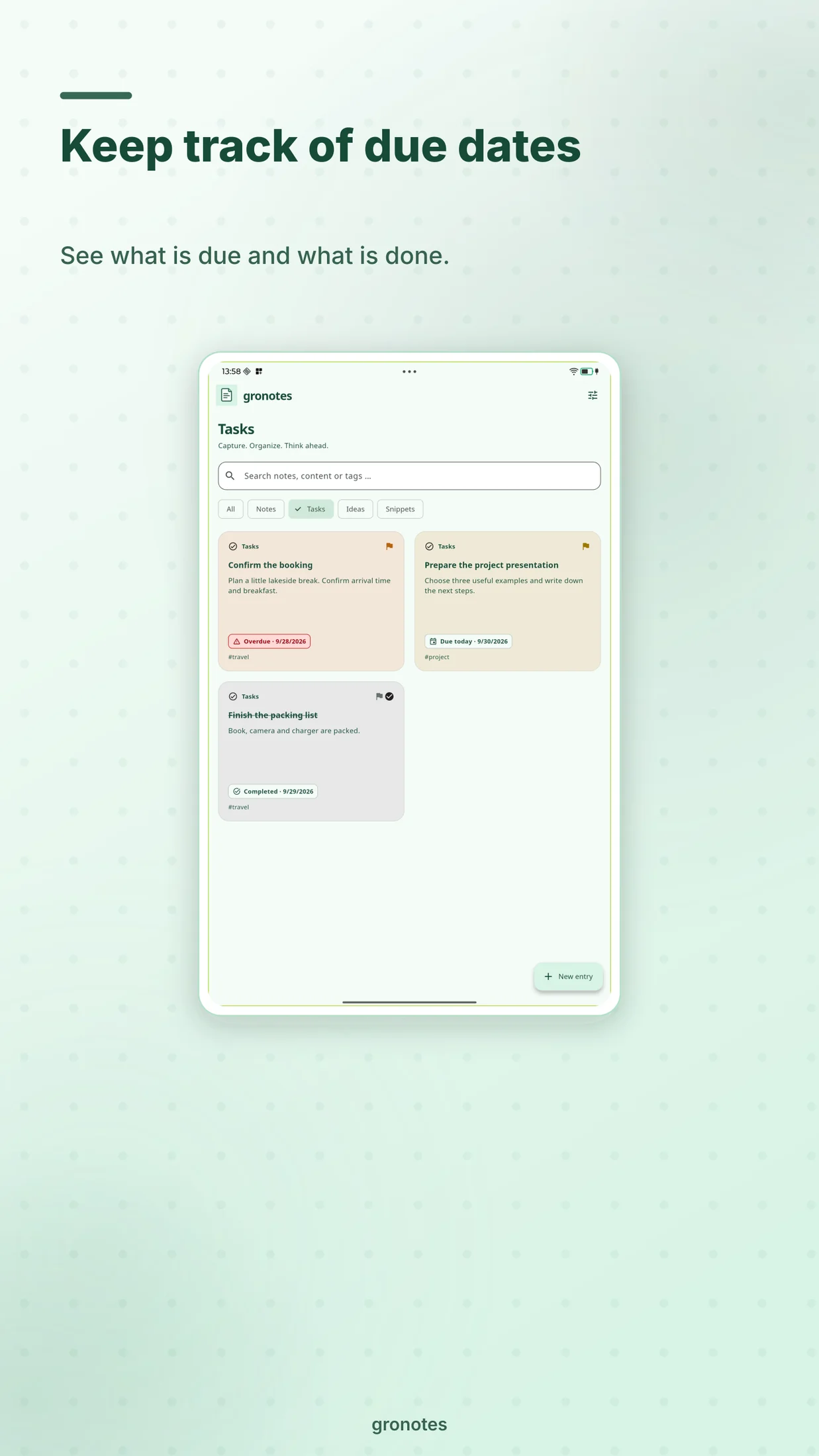
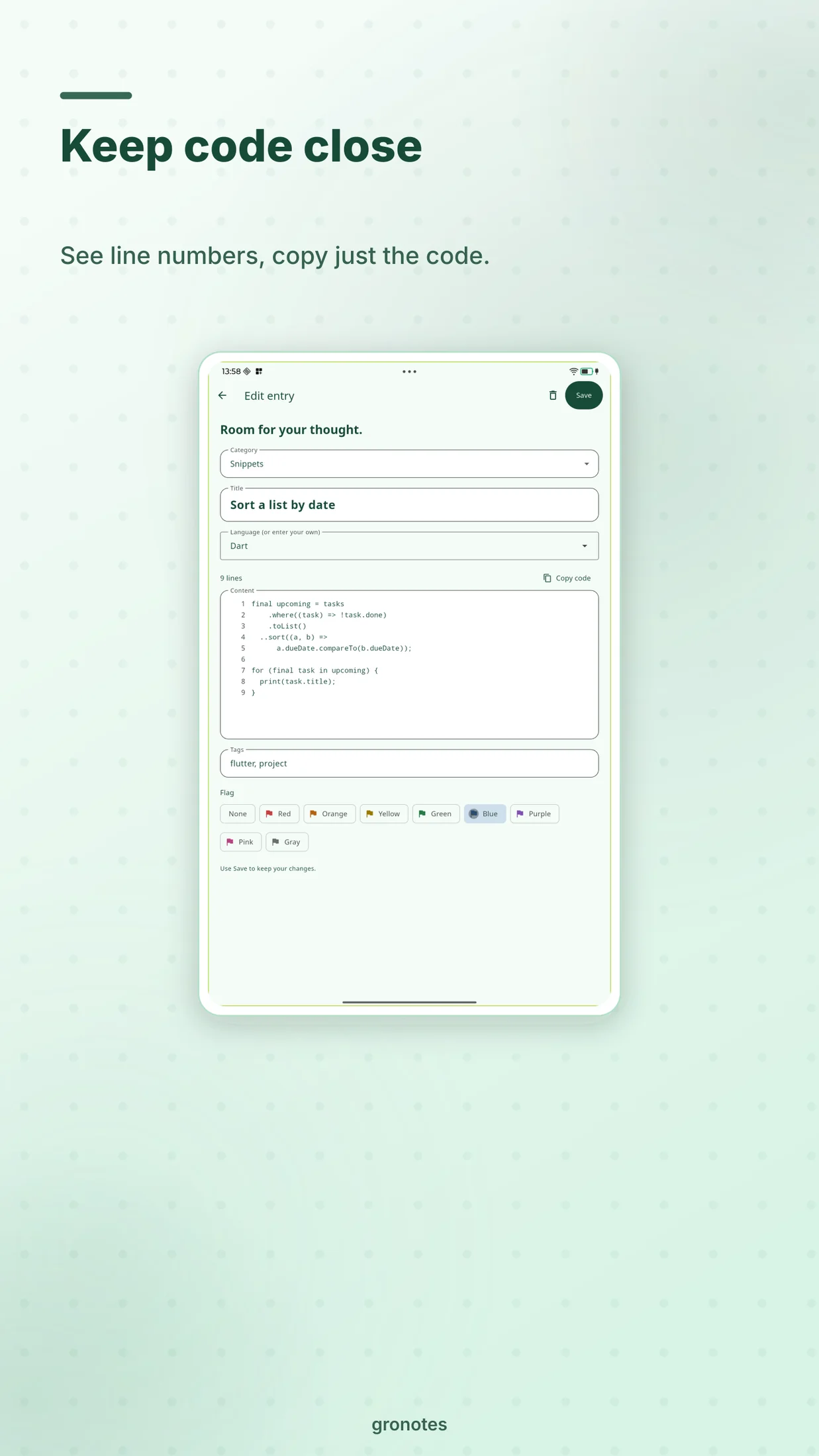
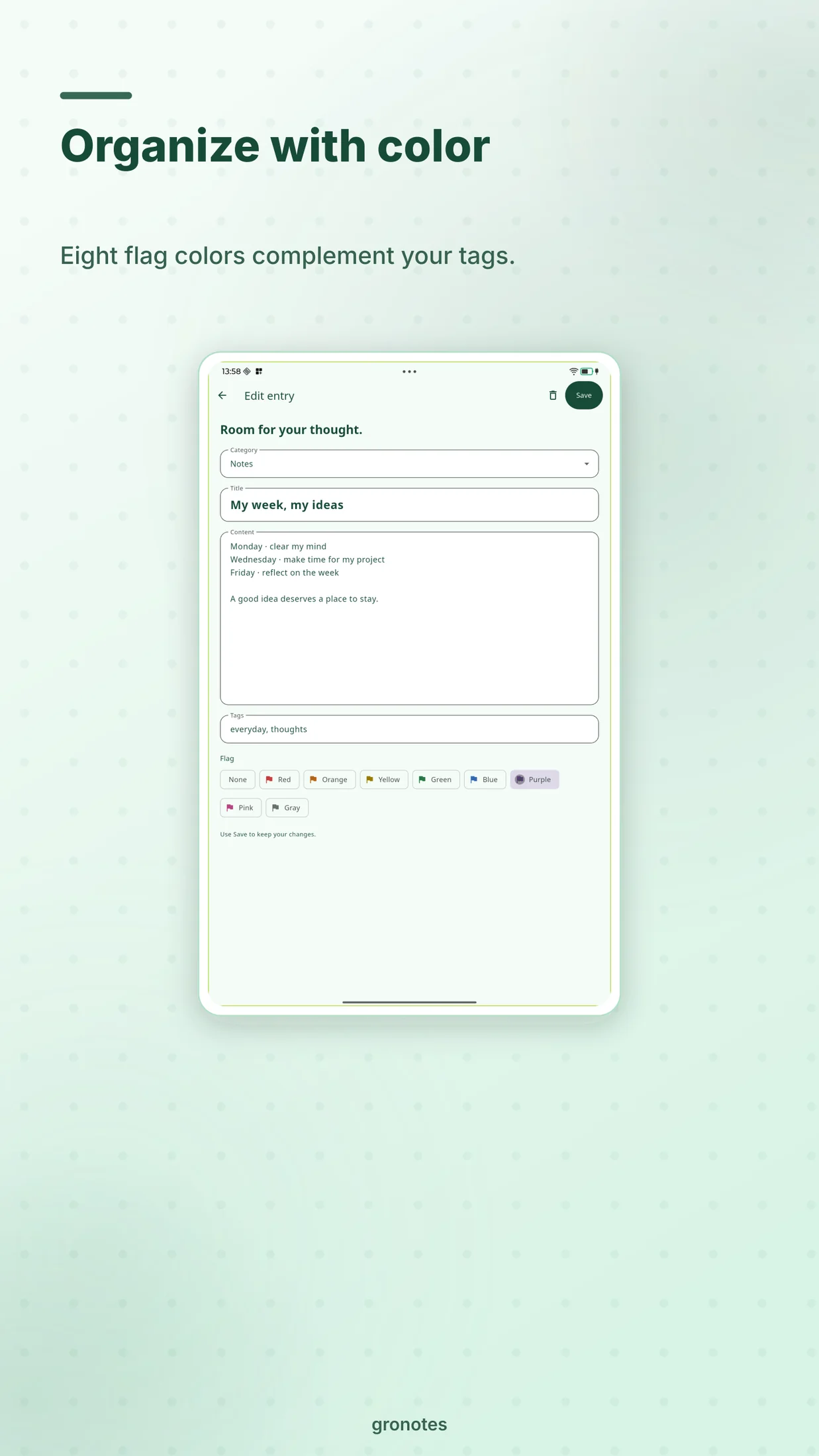
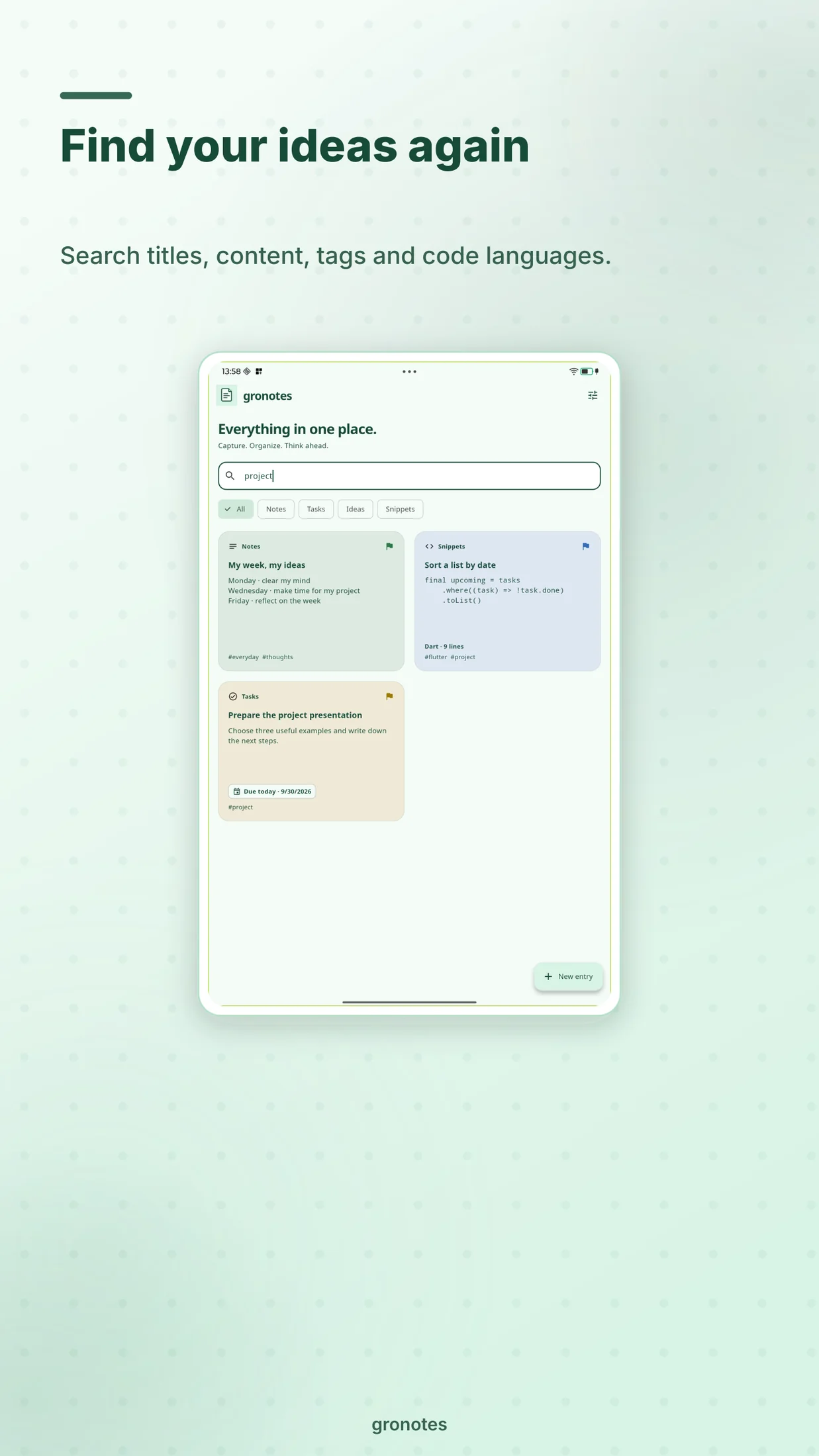
Organize notes, tasks, ideas and code snippets with tags and eight flag colors. Tasks show due dates and completion; snippets provide line numbers, a language label and copying without numbers.
Your own storage
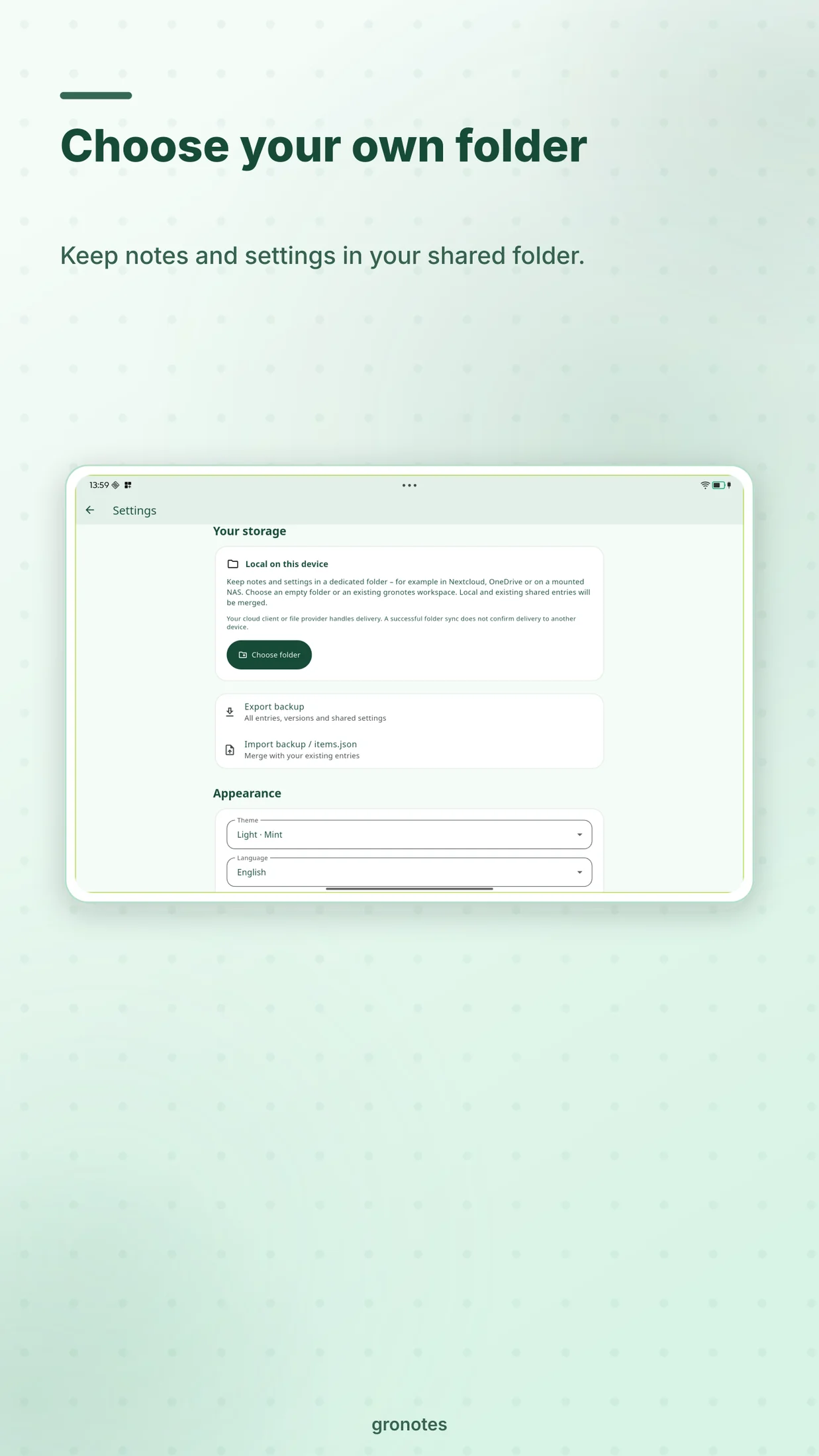
Work locally and optionally exchange content, revisions and shared settings through a folder you select. Whether a cloud, file or NAS provider can be used depends on the platform and folder access. Web uses import and export. A successful local sync does not confirm delivery through the cloud.
gronotes requires no gronotes account and includes no advertising, analytics or tracking. Note content is not sent to groad. Exports and storage packages are plain text without additional gronotes encryption. Privacy for gronotes
Planned: one-time purchases, no subscription
Mac, iPhone and iPad are planned to share one non-consumable Apple in-app purchase, with restoration through the same Apple account. Windows will have its own one-time app purchase; Google Play will have its own one-time in-app purchase. An unlock across these stores is not planned.
The planned final price in Germany is €10 for each purchase. Actual store prices have not been configured or verified; the price displayed in the respective store will apply when available. App Store setup is being prepared; purchase verification across devices is still pending.
On Apple and Google, ten active entries in total are free across notes, tasks, ideas and code snippets. Completed tasks count; deleted entries and revisions do not. Existing, imported and synchronized content remains readable, editable and exportable even above the limit. Windows does not have this ten-entry in-app purchase limit.
A look inside gronotes
Real captures from the TB336FU Android tablet with demonstration notes, composed in GroStoreStudio. Development version 0.4.0; store releases are being prepared.
A standalone app, preparing for release
gronotes is a standalone notes app with the app ID app.groad.gronotes, separate from GroCraftNotes. Version 1.0.0+6 is being prepared for release in this order: Apple → Windows → Google Play. The optional Linux screen-edge panel has been tested on KDE/Wayland; other desktop environments require separate tests.
Explicitly save changes before quitting. For entry limits, purchase restoration and moving to another device, see gronotes support.